Free tool
Emote, Badge & Channel Point Resizer
Drop in one image and get every size Twitch asks for - emotes, sub badges or channel point icons - plus a preview of how it actually reads at small sizes. Everything happens in your browser, so your art is never uploaded.
Drop your artwork here, or
PNG with transparency works best. Square art gives the cleanest result.
The sizes Twitch requires
| Asset | Sizes (px) | Limits |
|---|---|---|
| Emotes | 112, 56, 28 | PNG, under 1 MB each |
| Sub badges | 72, 36, 18 | PNG, under 1 MB each |
| Channel point icons | 112, 56, 28 | PNG, under 1 MB each |
Making art that survives 28 pixels
- Design big, judge small. Draw at 500px+, then check it at 28px before you fall in love with the details.
- One idea per emote. A face, a hand, a single object. Two ideas at 28px equals mush.
- Add a contrasting outline. It stops the art dissolving into both dark and light chat backgrounds.
- Push the expression further than feels natural. Subtlety disappears at thumbnail size.
FAQ
Upload at 112x112 pixels. Twitch also uses 56x56 and 28x28 versions, and this tool generates all three. Files must be PNG and under 1 MB each.
Packs to match your channel
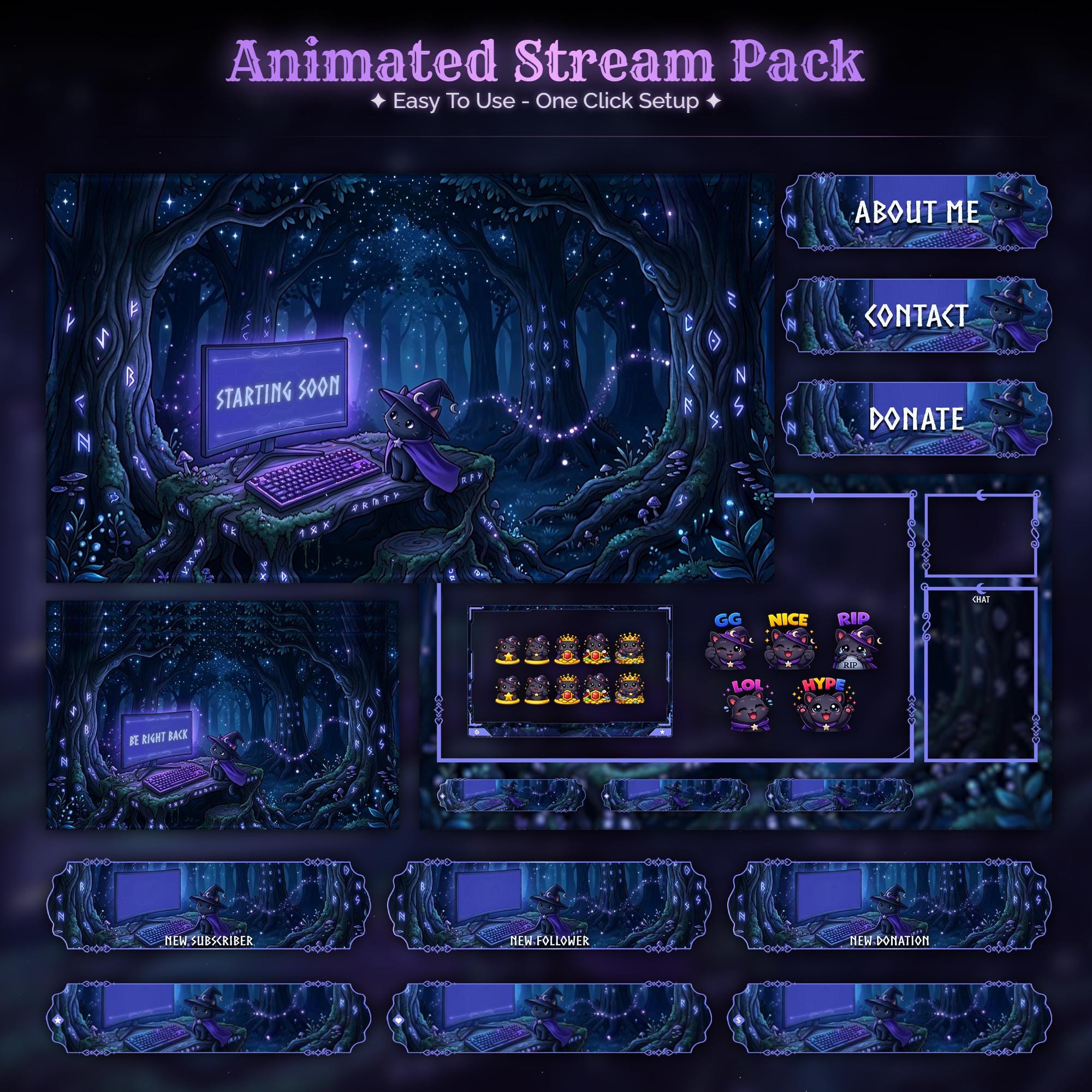
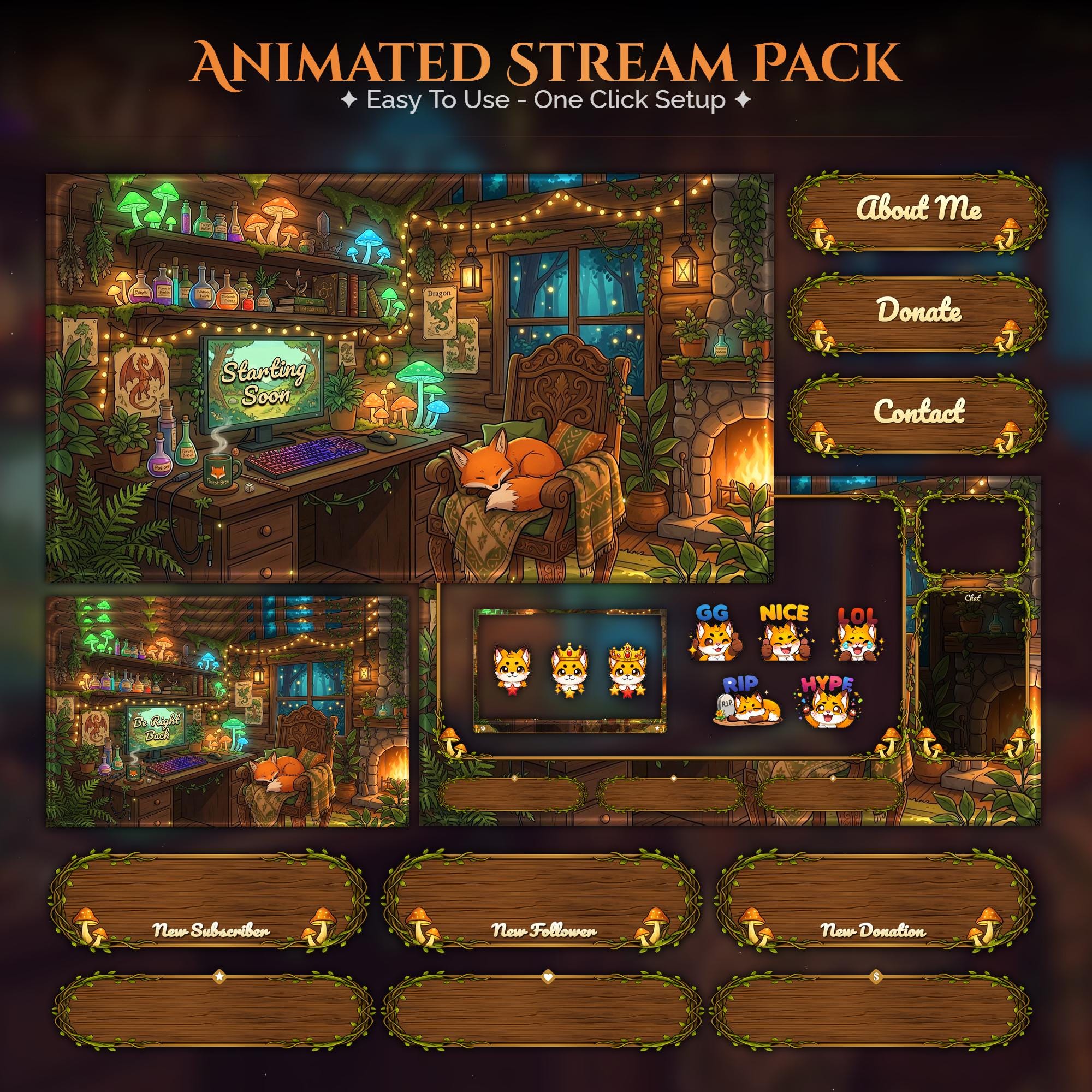
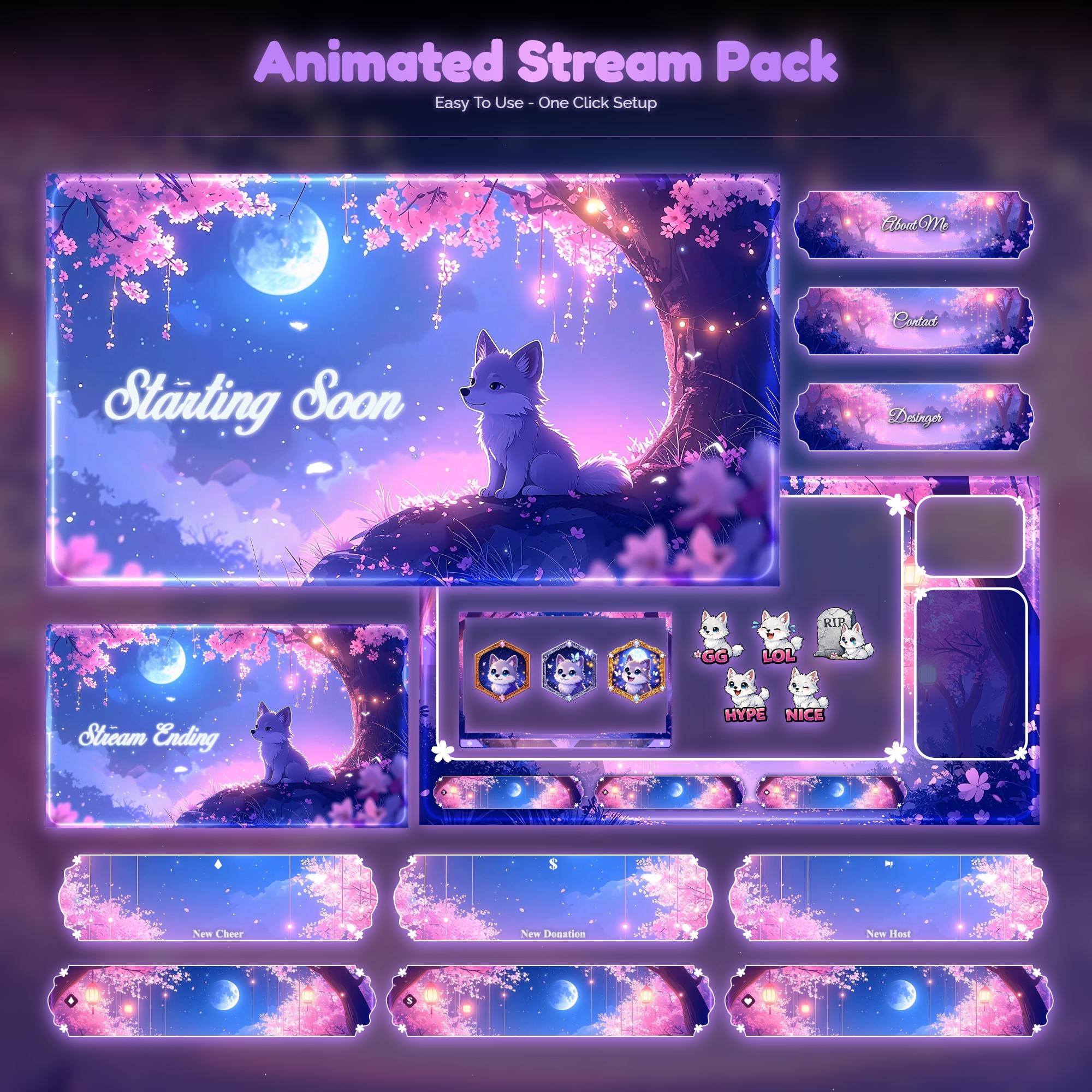
Animated overlay worlds with real video previews, instant download.
Related guides
Want emotes that match your overlay?
Every pack ships bonus emotes in the same art style, and custom commissions include a full emote and sub badge set.