OverlayCraft Atelier
What Is a Twitch Overlay? Everything a New Streamer Needs
Every piece of a stream package explained in plain language - what screens, frames, alerts and panels actually do, and the order a new streamer should get them in.
The plain-language definition
A Twitch overlay is every graphic layered on top of your raw video: the frame around your webcam, the Starting Soon screen before you go live, the animation that plays when someone follows, the panels below your player. Together they're usually sold as a stream package - one matched visual identity for your whole channel.
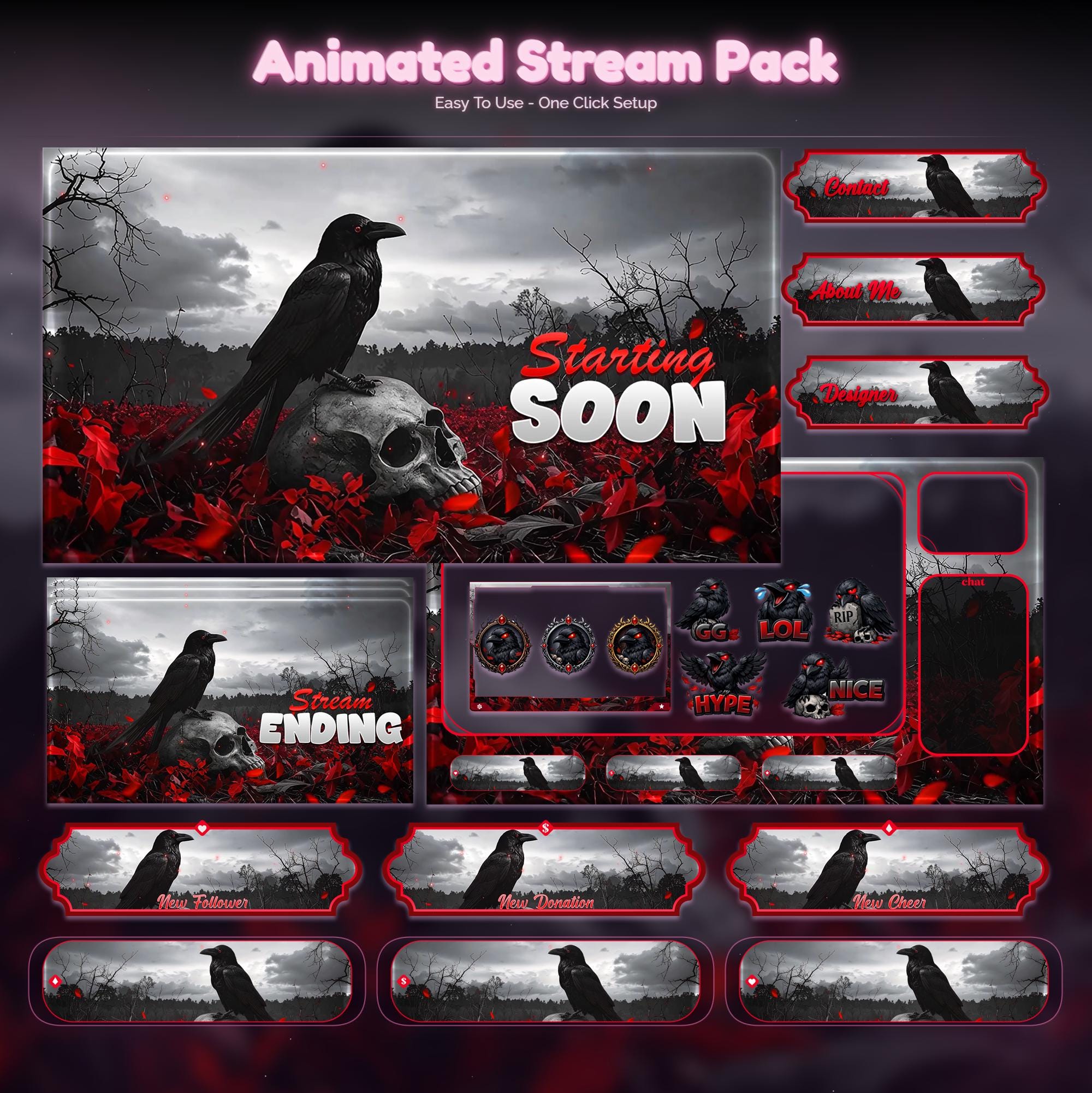
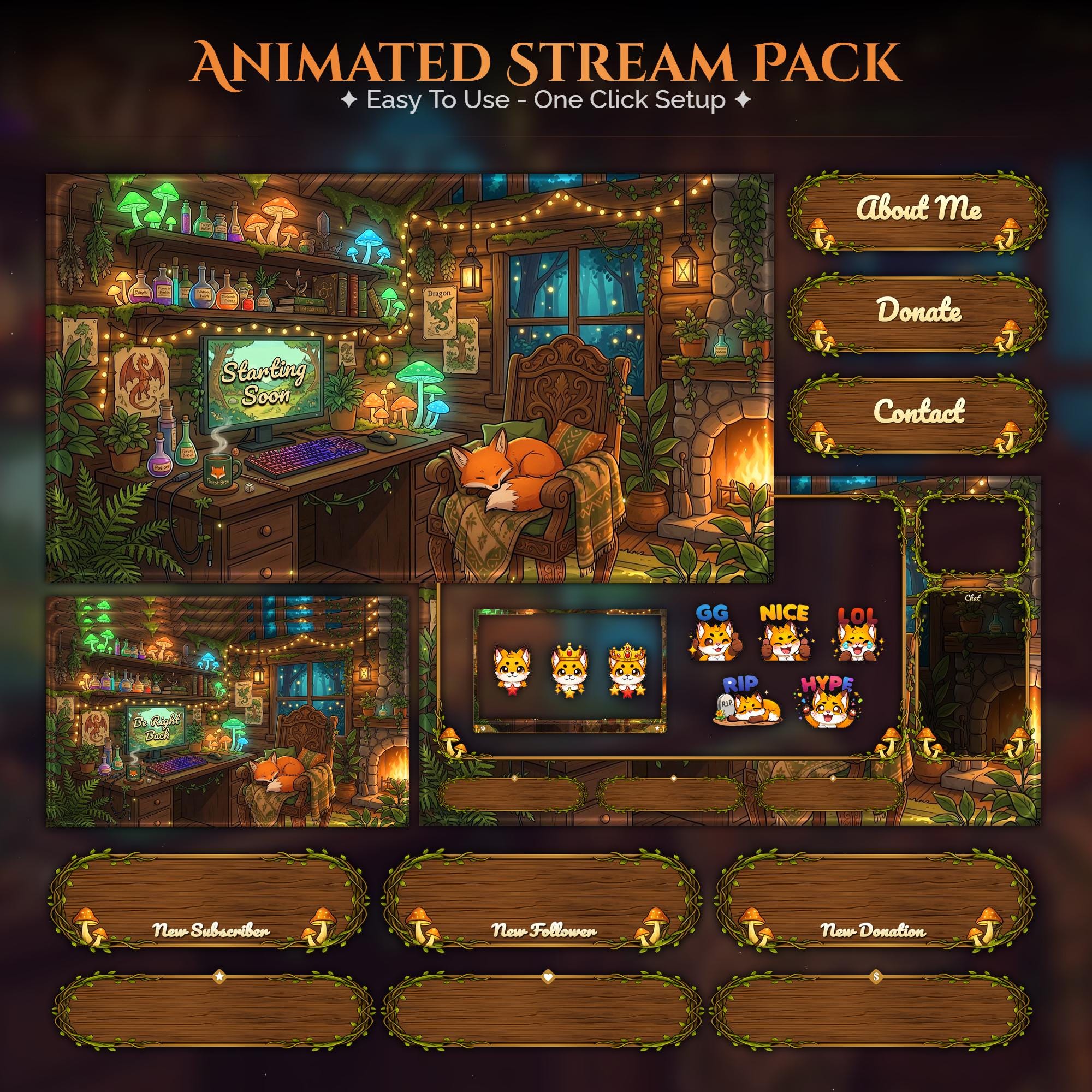
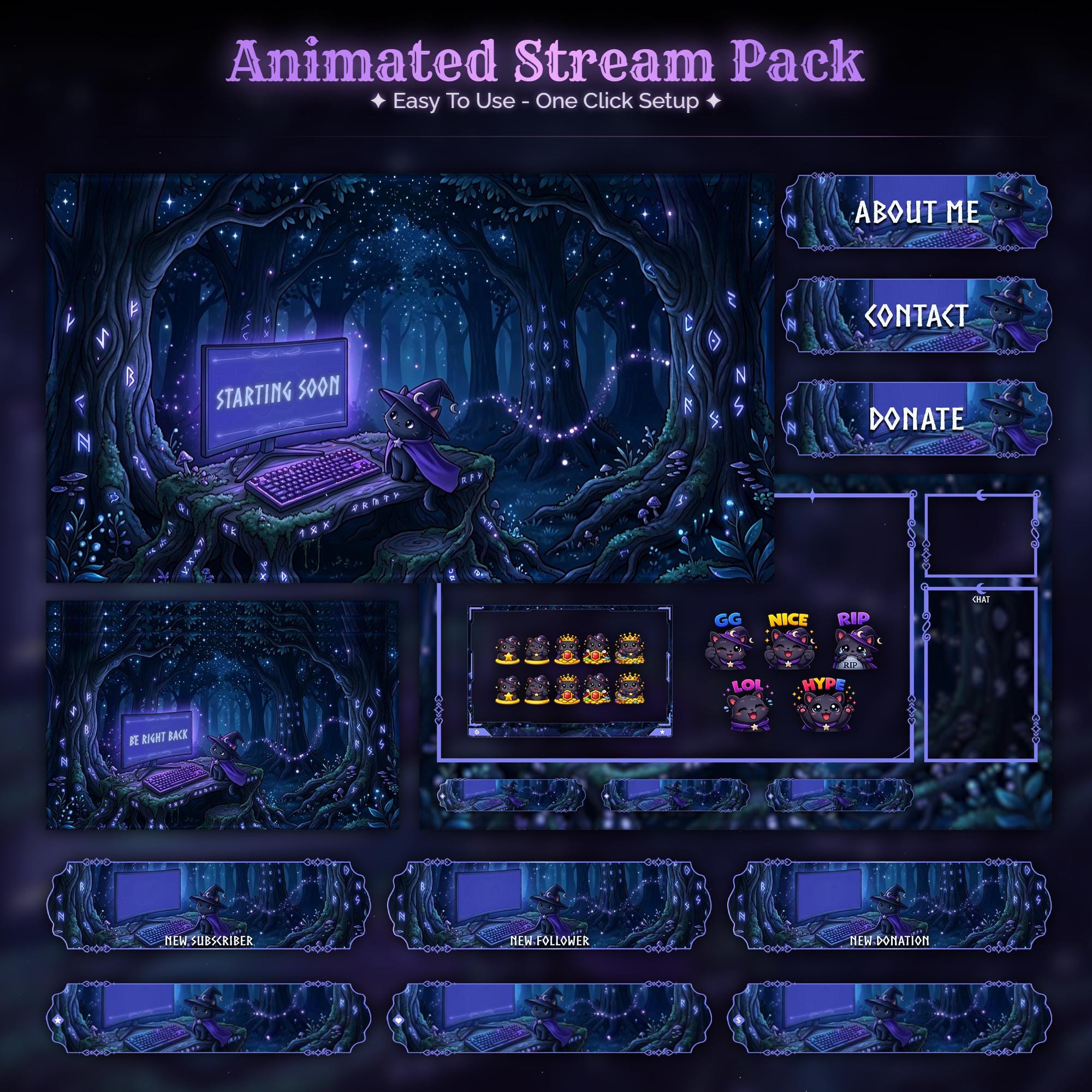
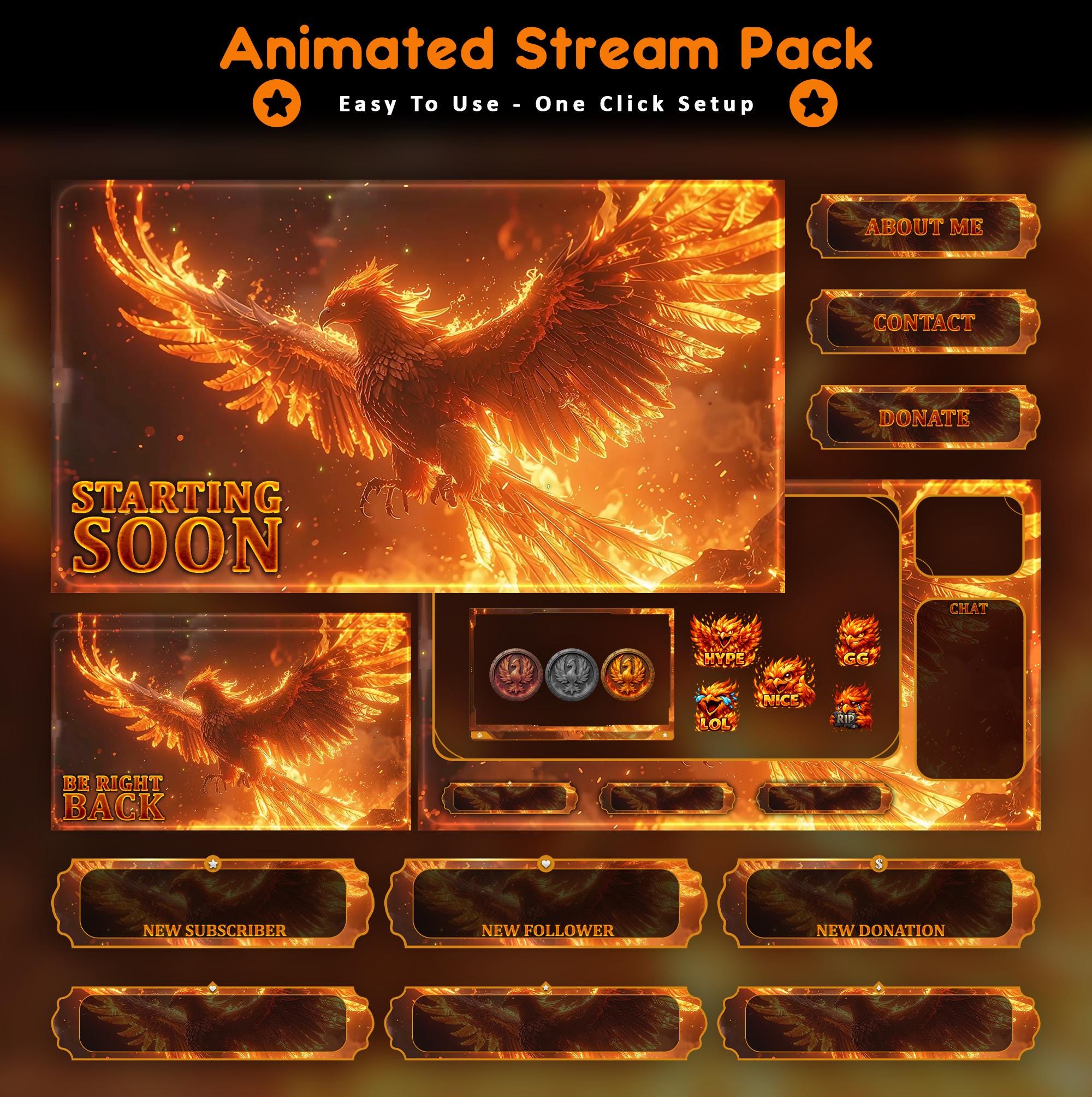
What's inside a full stream package
| Piece | What it does | When viewers see it |
|---|---|---|
| Starting Soon screen | Holds early arrivals while you set up | Before you go live |
| BRB screen | Covers breaks without dead air | Mid-stream breaks |
| Stream Ending screen | Closes the show, points to socials | End of stream |
| Offline banner | Your storefront when you're not live | Channel page, 24/7 |
| Webcam frame | Frames your camera in the scene | Whole stream |
| In-game overlay | HUD elements around gameplay | While playing |
| Alerts | Celebrates follows, subs, raids | Live events |
| Panels | About/Schedule/Rules under the player | Channel page |
Why overlays matter more for small streamers
Big streamers get the benefit of the doubt; small streamers get about eight seconds of it. A new viewer landing on a channel with 4 viewers and a matched, animated identity reads it as "this person takes this seriously" - and stays long enough to find out if that's true. The overlay can't make your content good, but it buys your content the audition.
Free vs premium vs custom: honest trade-offs
- Free overlays: fine for week one. The catch is that thousands of channels run the same file, so you look like a default skin.
- Premium packs ($5–$30): a designed world, animated screens, matched panels - the sweet spot for most streamers. That's what the OverlayCraft catalog is: 127 worlds, real preview videos, instant download.
- Custom commissions ($100–$400+): your own character, palette and full brand - emotes, badges, mascot. Worth it once your channel has an identity worth building around - start a brief on the custom overlays page.
What to get first (if budget is tight)
- A Starting Soon + BRB pair - the screens where viewers wait, and where animation earns the most.
- A webcam frame - the single most-seen graphic on your whole stream.
- Alerts - every follow becomes a small on-screen event.
- Panels - polish for your channel page once the live experience looks right.
Watch It in Action
Real animated packs from the VectorKingStudio channel - see the motion before you decide.
Animated Green Anime & Black Cat Stream Package - full walkthrough
FAQ
Free templates exist; designed animated packs typically run $5–$30; fully custom brands run $100–$400+. Most streamers are best served by a premium pack until their channel outgrows it.
Gear up
Packs From This Guide
Ready to make your stream feel like a place?
127 animated overlay worlds - real preview videos on every pack, instant download, OBS-ready.