OverlayCraft Atelier
Twitch Overlay Size Guide (2026): Every Dimension That Matters
1920×1080 for the overlay, 320px for panels, and a handful of numbers in between. The full dimension table, plus the safe-zone rules that keep your art out from under the chat window.
The quick table
Bookmark this. Every graphic your channel needs, with the size that renders crisp on Twitch in 2026:
| Graphic | Size (px) | Notes |
|---|---|---|
| Full stream overlay | 1920 × 1080 | 16:9 - matches the OBS canvas |
| Webcam frame (16:9) | 1280 × 720 | Scale down in OBS, never up |
| Webcam frame (4:3) | 800 × 600 | For older cams |
| Alerts | 800 × 300 | Keep text inside the middle 80% |
| Panels | 320 × 40–100 | Width fixed at 320, height flexible |
| Profile banner | 1200 × 480 | Compresses hard - avoid fine detail |
| Video player banner | 1920 × 1080 | Shown when you're offline |
| Emotes | 112 × 112 | Upload 112, Twitch scales to 56/28 |
Why 1920×1080 even if you stream at 936p
Design at full HD and let OBS scale down. Downscaling keeps lines sharp; upscaling a smaller overlay makes every edge soft. All OverlayCraft packs are exported at 1920×1080 for exactly this reason - they fit the default canvas edge to edge with zero transform fiddling.
Safe zones: the part size guides skip
A pixel-perfect overlay can still look wrong live, because the Twitch player puts things on top of your stream. Leave breathing room in three places:
- Bottom-left corner: the stream info and pause controls appear here on hover. Keep essential art out of the bottom 120px on the left half.
- Right edge: many viewers keep chat in theatre mode overlapping the right side on mobile. Don't put your follower goal flush against the right border.
- Top edge: extensions and the channel bar can crowd the top ~80px.
Webcam frames: match the frame to the camera, not the canvas
The classic mistake is stretching a 16:9 frame over a 4:3 camera and wondering why the border doesn't line up. Check what your camera actually outputs (OBS shows it in the source properties), pick the matching frame from your pack, and size the camera to sit inside the frame's cutout - frame above camera in the source list.
Panels: small canvas, big first impression
Panels are locked to 320px wide, and they're the first thing a new viewer scrolls through when deciding whether to follow. A matched set - About, Schedule, Rules, Donate - in your overlay's art style reads as "this channel has its act together" before you've said a word. Most packs on OverlayCraft ship panels in the same world as the screens for exactly that reason.
Streaming vertical? Different rules
TikTok Live and vertical streams flip the whole layout - chat and UI sit in different places, and a 16:9 overlay gets cropped. Use a purpose-built TikTok overlay pack composed for 9:16 instead of forcing a desktop overlay sideways.
Watch It in Action
Real animated packs from the VectorKingStudio channel - see the motion before you decide.
Animated Violet Night Dragon Stream Package (1920x1080)
FAQ
1920×1080 pixels, 16:9. It matches the default OBS/Streamlabs canvas and downscales cleanly to any streaming resolution.
Gear up
Packs From This Guide
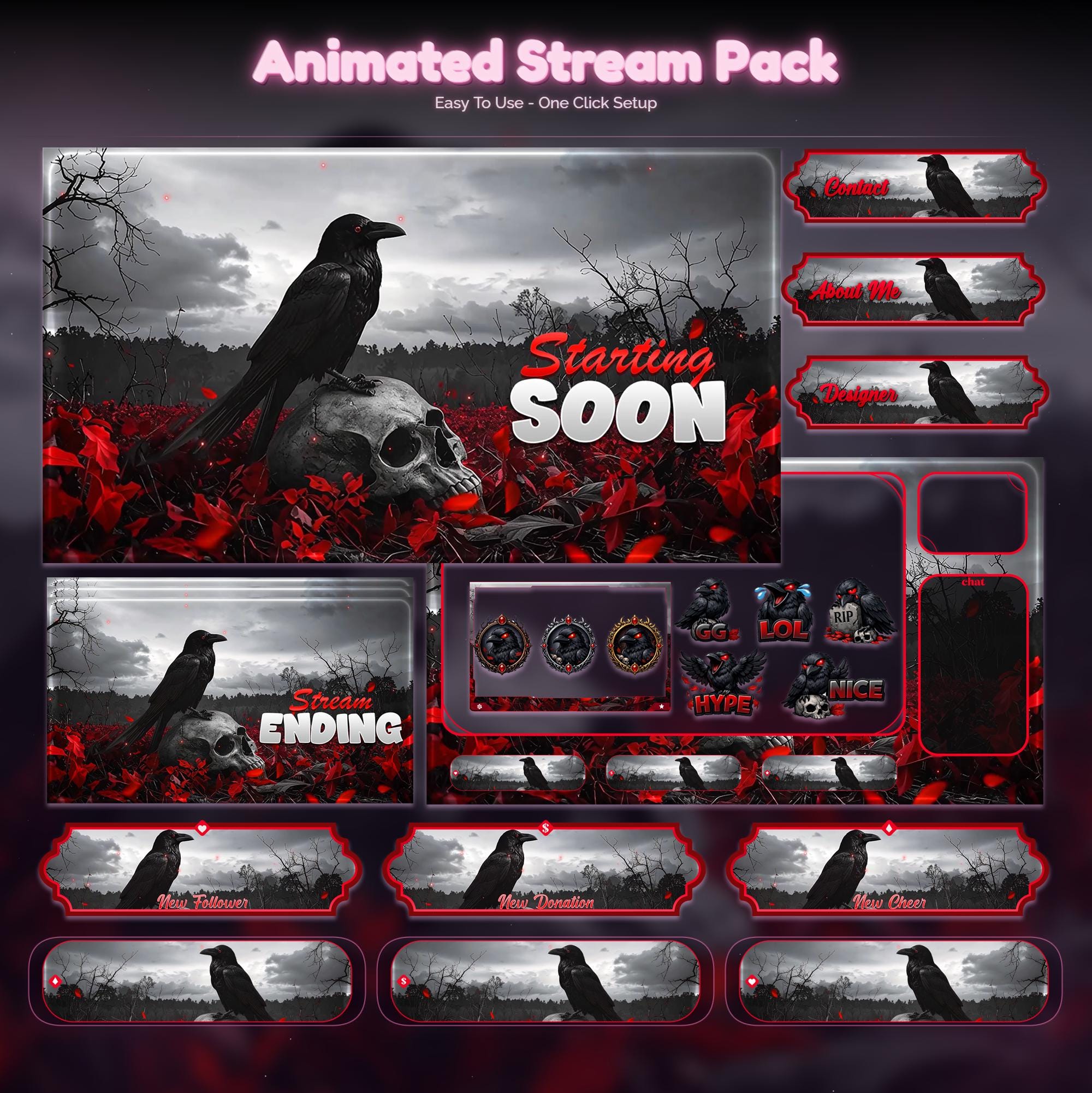
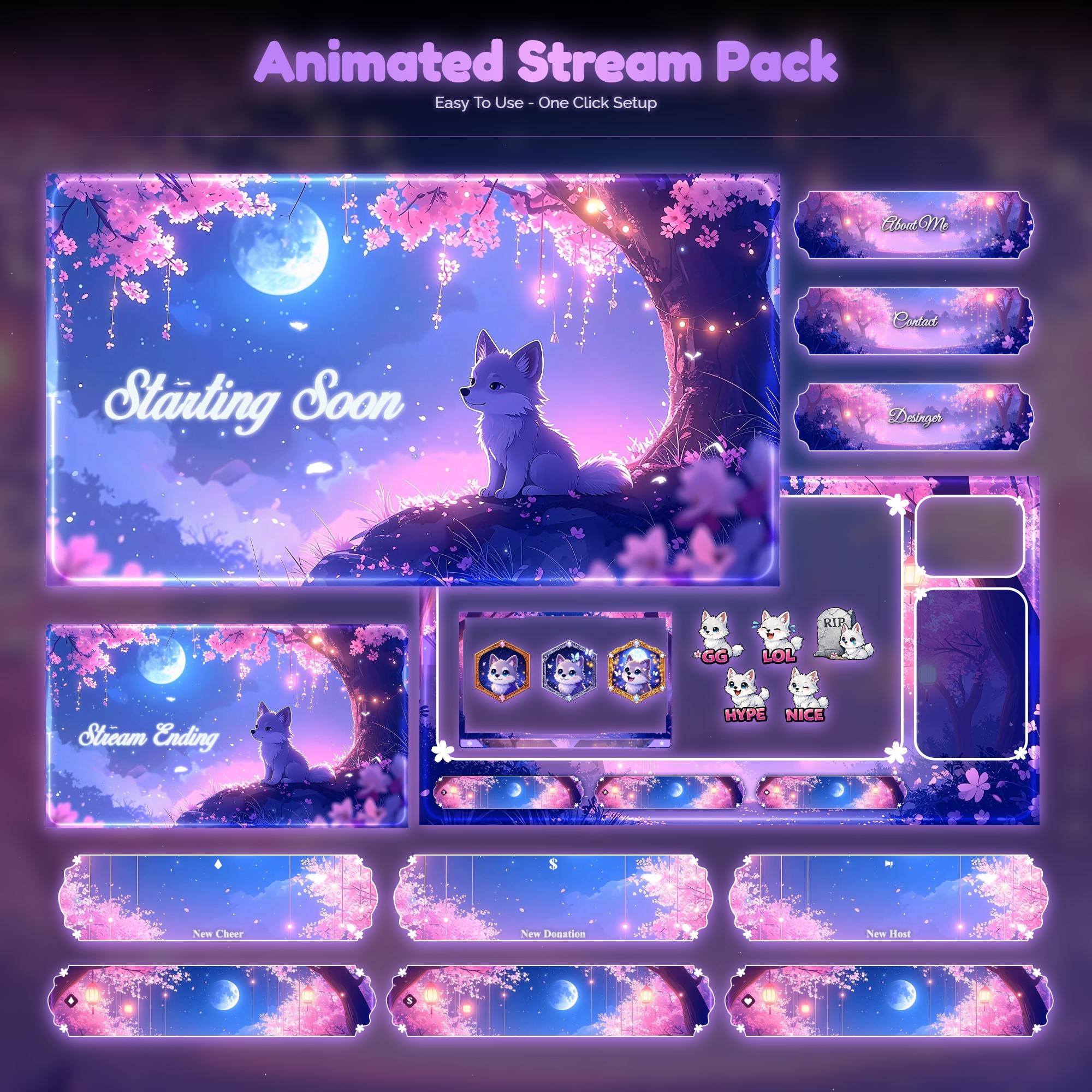
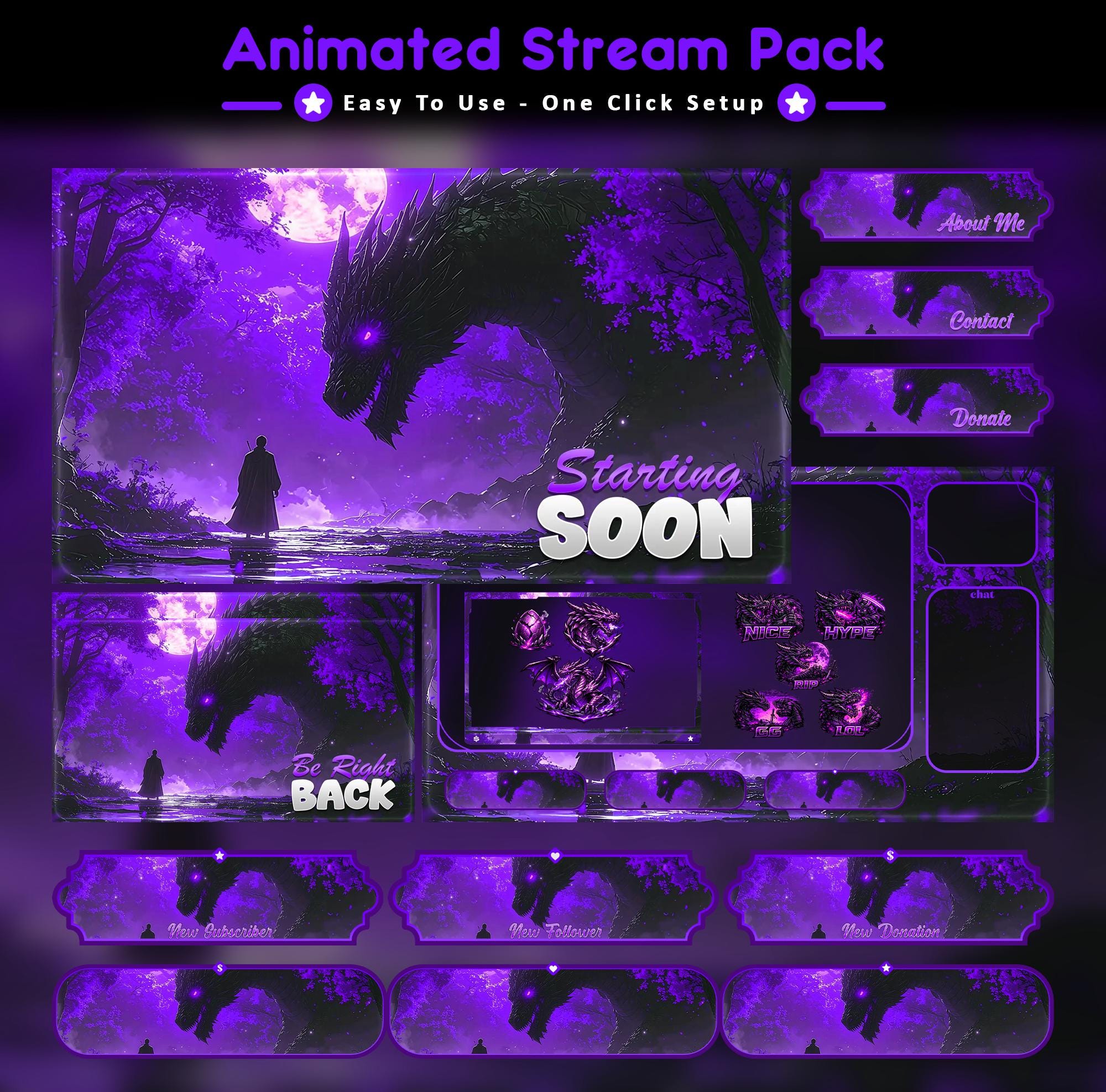
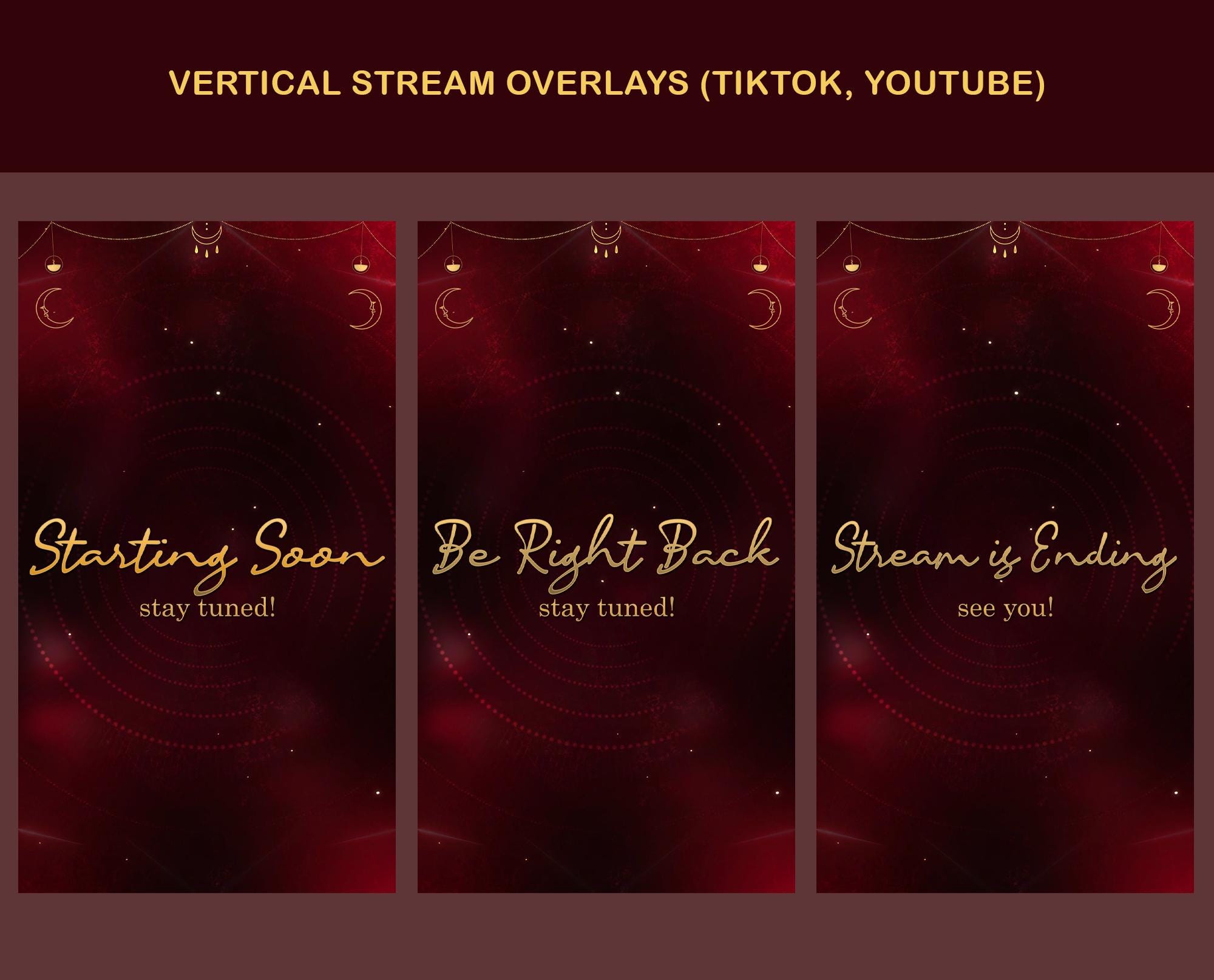
Ready to make your stream feel like a place?
127 animated overlay worlds - real preview videos on every pack, instant download, OBS-ready.