Free tool
Twitch Bitrate Calculator
Enter your upload speed and the quality you want to stream at, and get a Twitch-safe bitrate plus the OBS settings that keep your stream smooth and drop-free.
Run a speed test and use your UPLOAD number.
Recommended OBS settings
7,000 kbps
Your connection comfortably handles 1080p60. This bitrate leaves headroom so frames never drop.
- Rate control
- CBR
- Keyframe interval
- 2 seconds
- Encoder
- Hardware (NVENC / AV1 if available)
- Preset
- Quality / P5
- Profile
- high
- Audio bitrate
- 160 kbps
FAQ
It depends on your upload speed and output. Leave ~30% headroom so a busy scene never saturates your connection and drops frames. This tool does that math and gives Twitch-safe numbers.
Packs to match your channel
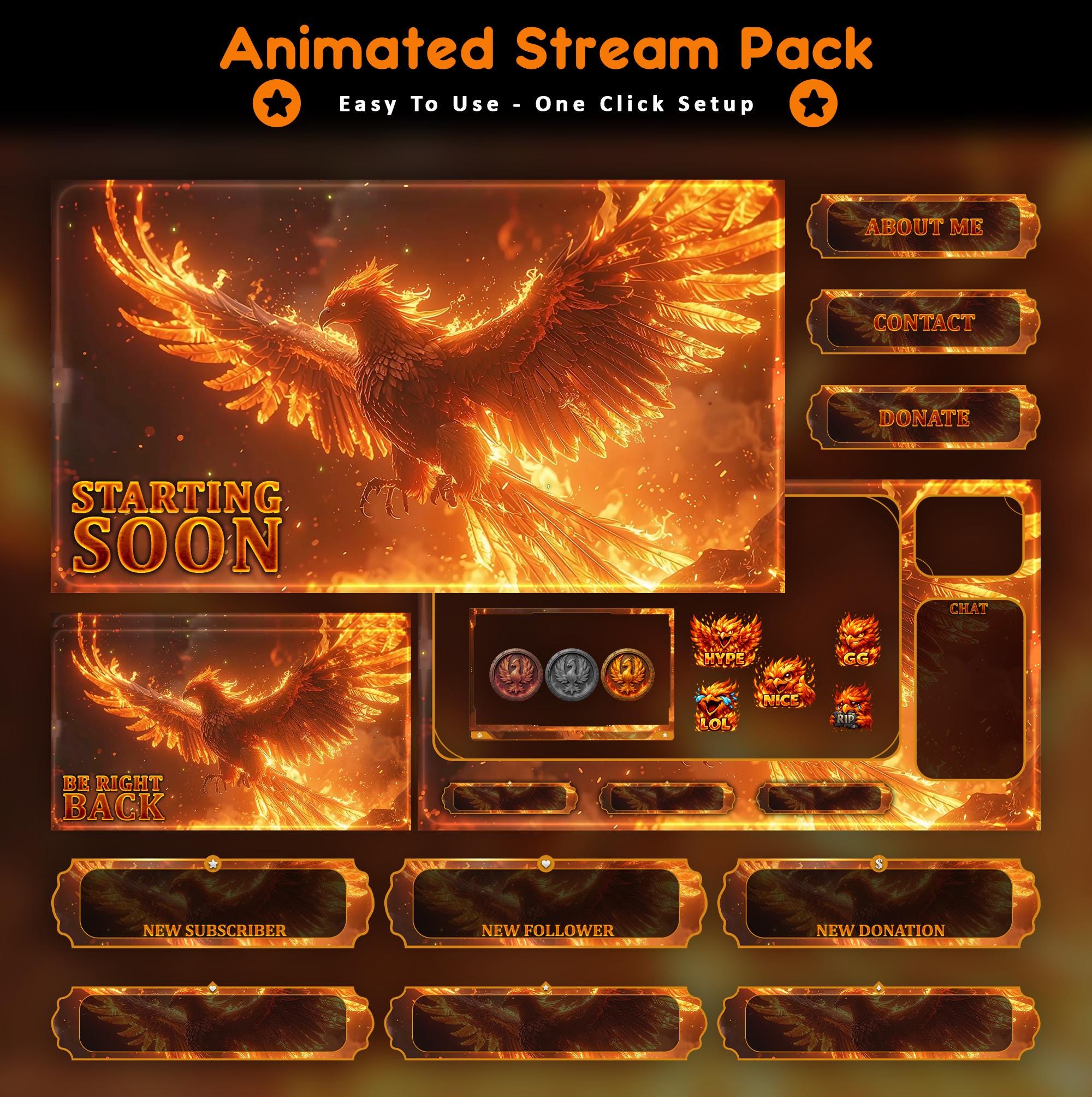
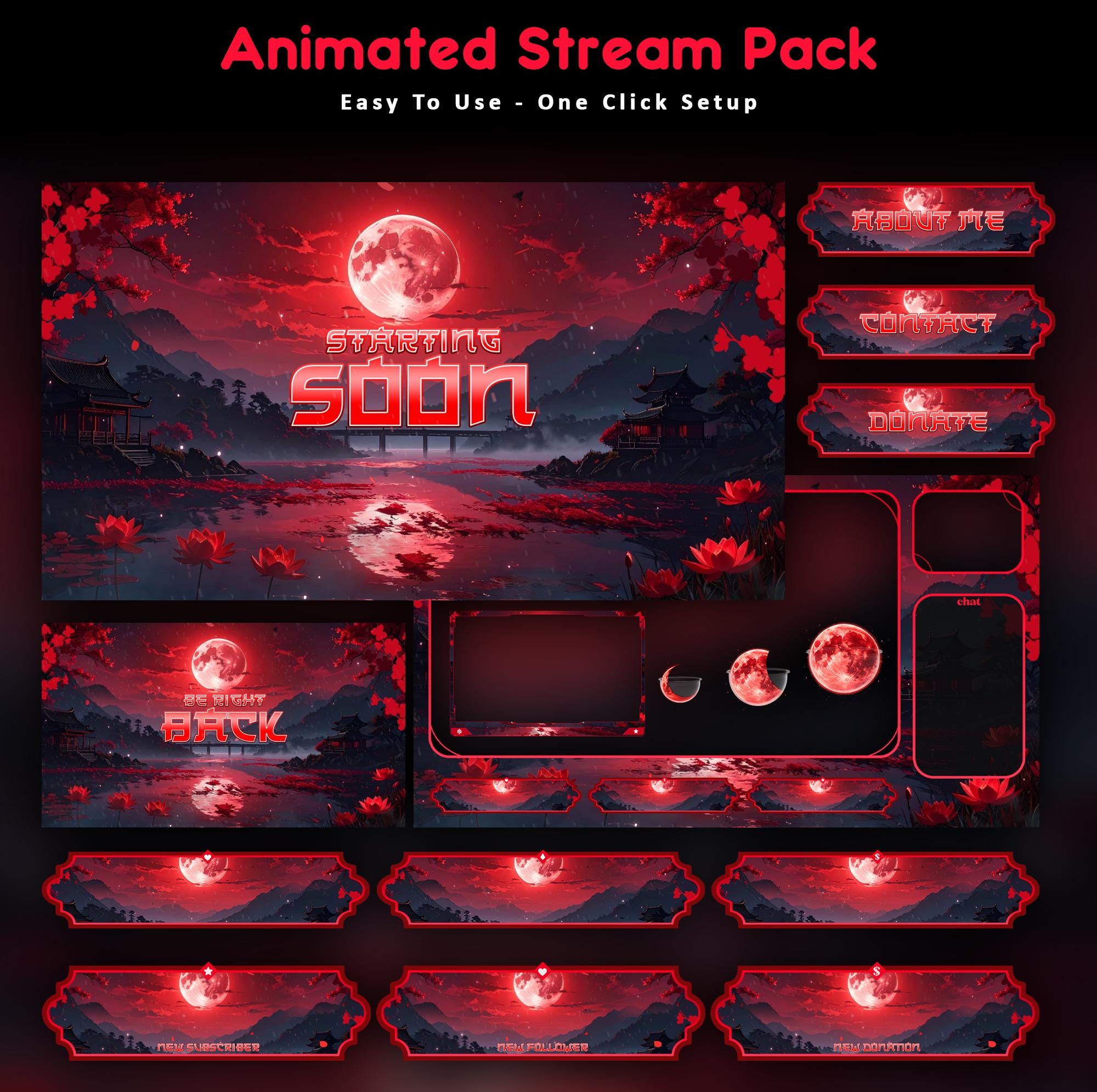
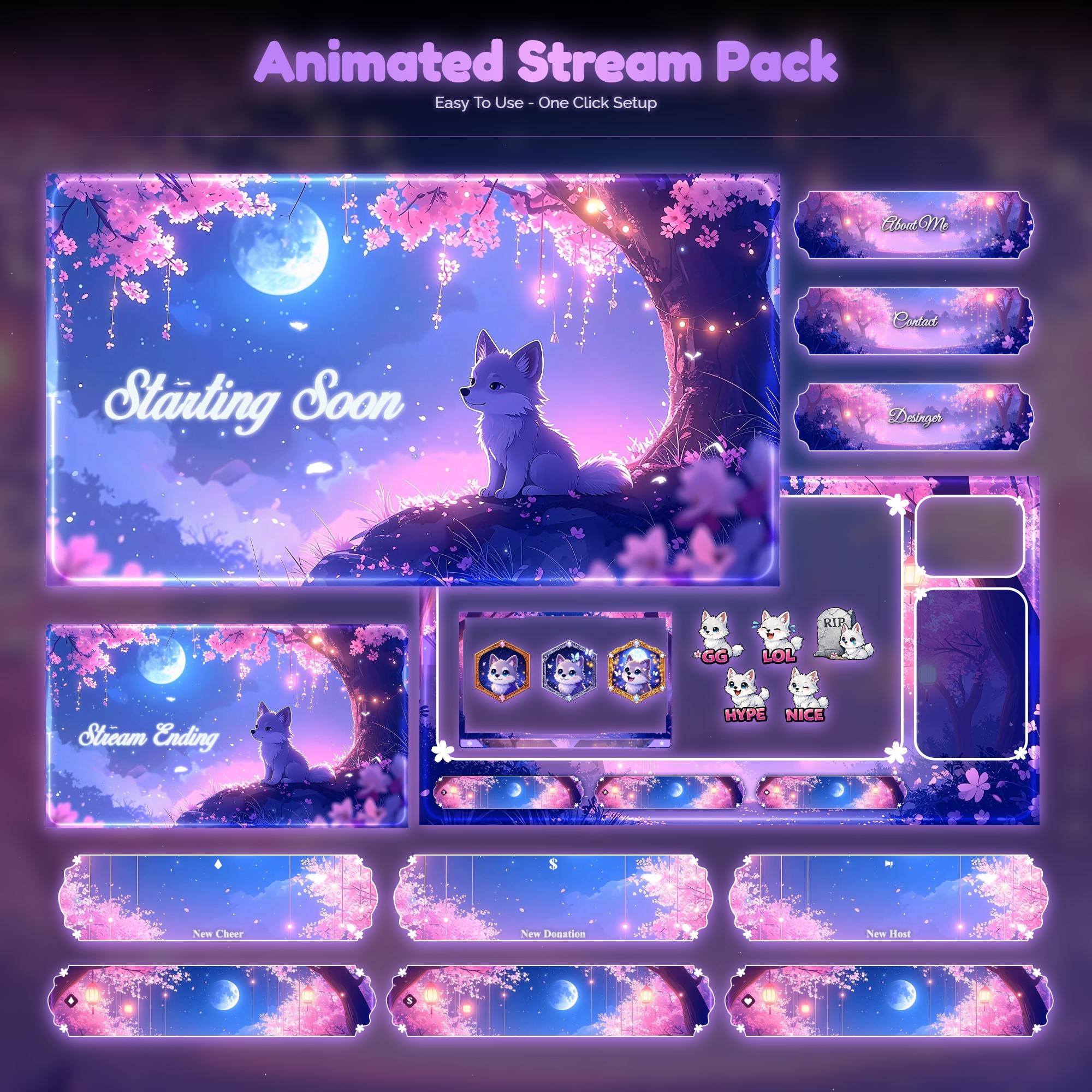
Animated overlay worlds with real video previews, instant download.
Related guides
Ready for the full look?
These tools are free forever. When you want a stream that turns heads, our animated overlay packs drop straight into OBS with real preview videos.