OverlayCraft Atelier
Free vs Paid Stream Overlays
If you’ve spent more than five minutes in the streaming world, you’ve seen the same thing: a Twitch channel with blurry, pixelated borders, mismatched fonts, and a “FREE OVERLAY PACK VOL. 3” watermark
Overview
If you’ve spent more than five minutes in the streaming world, you’ve seen the same thing: a Twitch channel with blurry, pixelated borders, mismatched fonts, and a “FREE OVERLAY PACK VOL. 3” watermark squinting at you from the corner.
That streamer is working hard. They’re consistent. They’re entertaining.
But they’re invisible.
In 2026, the bar for stream presentation has never been higher and the gap between free and paid overlays has never been more obvious. This article breaks down exactly what that difference means for your growth, your brand, and your income.
What Are Stream Overlays (And Why Do They Matter More Than You Think)?
Stream overlays are the graphical elements that sit on top of your gameplay or camera feed: alerts, webcam frames, info panels, chat boxes, scene transitions, and more.
They are, functionally, your channel’s brand identity.
Think of it this way: your overlay is the first thing a new viewer sees before they hear you say a single word. It signals whether you’re a hobbyist or a professional.
Viewers make that judgment in under 3 seconds.
The Case For Free Overlays (And Why It Falls Apart)
Let’s be fair. Free overlays have a place. If you streamed for the first time yesterday, a free pack lets you get something on screen without spending money you don’t yet know is worth spending.
That’s the entire argument for free overlays.
Here’s where it ends:
1. Everyone Has the Same One
The most popular free overlay packs on sites like Nerd or Die, Streamlabs, and OBS forums have been downloaded hundreds of thousands of times. Your “unique” look is being used by at least 50,000 other streamers many of them in your exact niche.
Brand recognition becomes impossible. There is no “your look.” There’s just the look everyone uses.
2. The Quality Gap Is Immediately Visible
Free overlays are typically:
Paid overlays especially from professional studios are built at 4K resolution, rigorously tested across multiple scenes, and often include animated variations for alerts, transitions, and intermission screens.
The difference on stream is not subtle. It’s immediately obvious to any viewer who has spent time watching high-quality content.
- Low resolution (blurry on 1080p+ streams)
- Designed in bulk with no specific game or niche in mind
- Static, with no animation or motion design
- Incompatible with modern alert systems without heavy customization
3. Free Overlays Don’t Convert
Here’s the part no one talks about: overlays aren’t just decoration. They’re conversion tools.
A well-designed paid overlay directs viewer attention toward your:
Free overlays are generic by design. They don’t know your brand. They can’t guide a viewer toward action. They just… exist.
- Subscriber/follower goals
- Donation alerts
- Social handles and CTAs
- Channel panels
What Paid Overlays Actually Give You
Let’s get specific. When you invest in a quality paid overlay pack from studios like VectorKing, CozyStudioJs, Own3d, or Visuals by Impulse here’s what you’re actually buying:
✦ A Cohesive Visual Identity
Professional overlay packs include matching assets across every scene: starting soon, BRB, ending screen, webcam frame, alert animations, and panels. Everything matches. Everything is intentional.
This is what makes a channel look like a brand rather than a bedroom setup.
✦ Animated Alerts That Retain Viewers
Static “new follower” boxes are invisible. Animated alerts ones with motion, sound sync, and visual impact actually pull viewer attention at the moment that matters most (when someone just joined your community).
Paid packs include alert animations built specifically to be eye-catching without being obnoxious. That balance is genuinely hard to design. You’re paying for that expertise.
✦ Resolution and Scalability
Quality paid overlays are designed at 4K and scale cleanly to any output. Whether you’re streaming at 720p today or 1440p next year after your PC upgrade, your overlay doesn’t blur, clip, or break.
✦ Customization Without the Headache
The better paid overlay studios provide editable source files (PSD, AI, or direct StreamElements/Streamlabs integration). You can swap your name, change accent colors, and adjust text without touching a single line of code.
Free overlays rarely include source files. What you download is what you’re stuck with.
✦ Professional Perception Instantly
This is the compounding benefit that’s hardest to quantify but easiest to observe: streamers with professional overlays are taken more seriously, faster.
Potential sponsors look at your channel before reaching out. Collaborators look at your channel before DMing. Viewers make decisions about staying based on first impressions.
A professional overlay signals that you take this seriously. That signal spreads.
The Real Cost Comparison (2026 Pricing)
Here’s what the math actually looks like:
Free Overlays Paid Overlays Upfront Cost $0 $15 - $60 (one-time) Uniqueness Shared by thousands Exclusive or limited Resolution Often 720p/1080p 4K standard Animation Rarely included Standard in most packs Customization Limited/no source files PSD/AI files typically included Support None Email/community support Brand alignment Generic Designed for your niche Conversion design None CTAs and goal bars included
A quality overlay pack costs roughly the same as one month of a streaming subscription service. For an asset you’ll use every stream for the next 1 - 3 years, the ROI calculation is not complicated.
“But I Can’t Afford It Right Now”
This is the most honest objection and it deserves a direct answer.
If your budget is genuinely $0, then yes: use a free overlay temporarily. But treat it as a placeholder, not a foundation.
The moment your channel generates its first $20 whether from bits, a donation, or a small affiliate payout invest it in a paid overlay. You will immediately look like a different streamer.
Many top-tier overlay packs from professional studios fall in the $25 - $45 range. That’s one or two good stream sessions away for any monetized channel. VectorKing’s packs on Etsy sit right in that range full scene suites, no subscriptions, yours forever.
What Professional Streamers Actually Use
Full-time and partnered streamers at the 500 - 5,000 concurrent viewer range share a few common traits in their setup:
The streamers you’re trying to grow into treat their visual brand like a business asset because it is one.
- Custom or semi-custom overlay packs from professional design studios
- Niche-specific design horror game streamers don’t use the same overlay as FPS streamers
- Animated everything transitions, alerts, intermissions are all motion-designed
- Brand-consistent color palette across stream, thumbnails, social media, and merch
How to Choose the Right Paid Overlay
Not all paid overlays are equal. Here’s what to evaluate:
Resolution: Minimum 1080p; prefer 4K source files.
Included assets: Does the pack include starting soon, BRB, ending, alerts, webcam frame, and panels? Incomplete packs mean piecemeal design.
Customization: Are editable source files included? Can you change colors and text without design software expertise?
Style fit: Does the aesthetic match your game, your personality, and your target audience? A neon cyberpunk overlay doesn’t serve a cozy variety streamer like CozyStudioJs .
Studio reputation: Look for studios with genuine portfolios, customer reviews, and responsive support. Avoid marketplaces where anyone uploads anything. VectorKing Studio is a good place to start verified reviews, niche-specific packs, and a full asset suite in every download.
The Bottom Line
Free overlays cost you nothing upfront and everything in the long run.
They cost you brand recognition, viewer retention, sponsor credibility, and the compounding first-impression advantage that professional streamers build every single stream.
In 2026, streaming is more competitive than it has ever been. The streamers growing fastest are not the ones with the best gameplay. They’re the ones who look the most professional, create the most cohesive brand, and give viewers a reason to remember them.
Your overlay is one of the highest-leverage, lowest-cost investments you can make in your channel.
Stop using the same one as 50,000 other streamers.
Ready to upgrade your stream’s visual brand? Browse the full collection at VectorKing Studio on Etsy professional overlay packs built for Twitch, YouTube, and Kick. For the complete setup guide, tools, and more: linktr.ee/vectorkingstudio.
Already know what you need? Check out the Complete Stream Overlay Setup Guide for Twitch, YouTube & Kick in 2026 for a full breakdown of how to set up a professional stream from scratch.
Gear up
Packs From This Guide
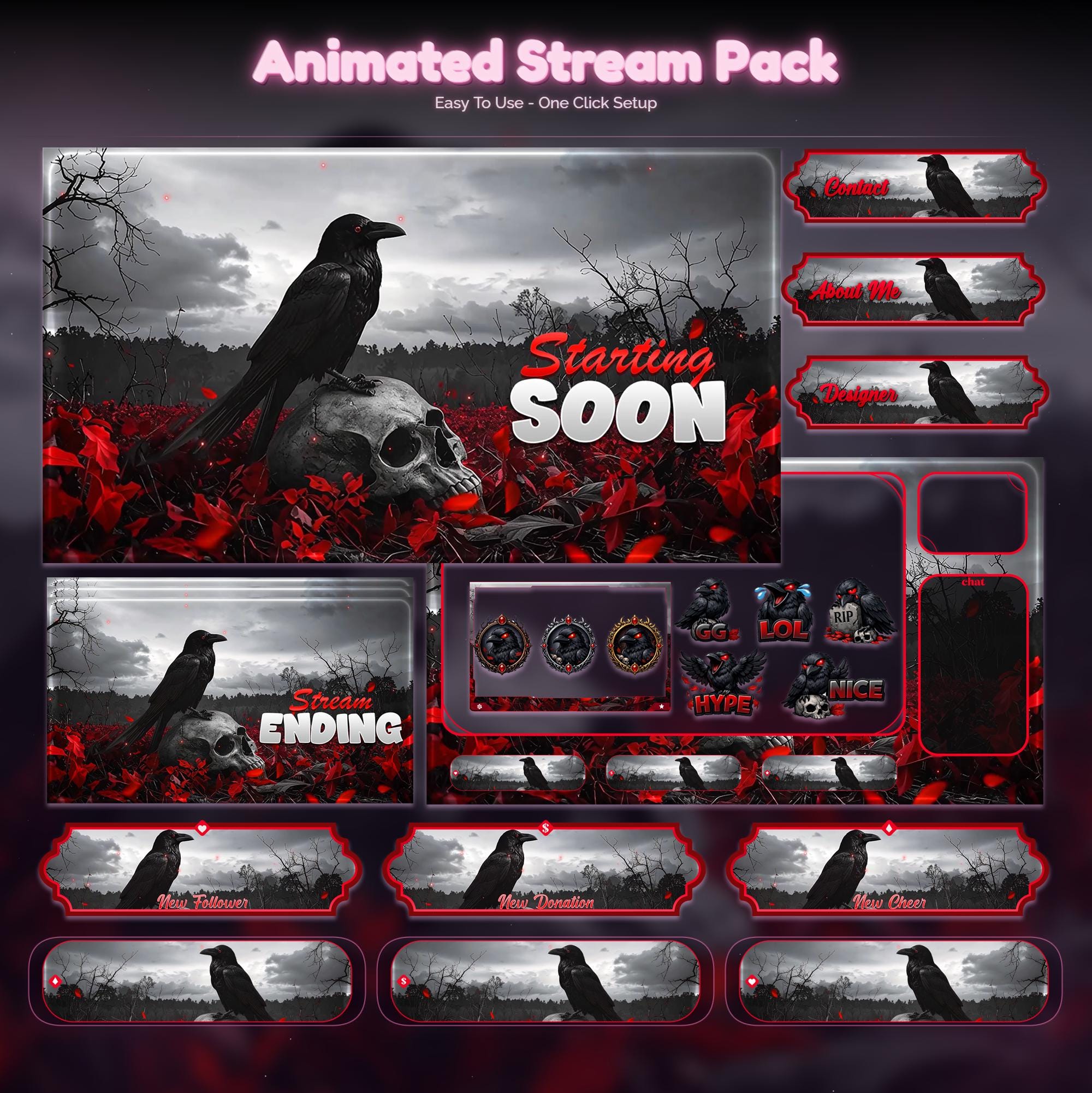
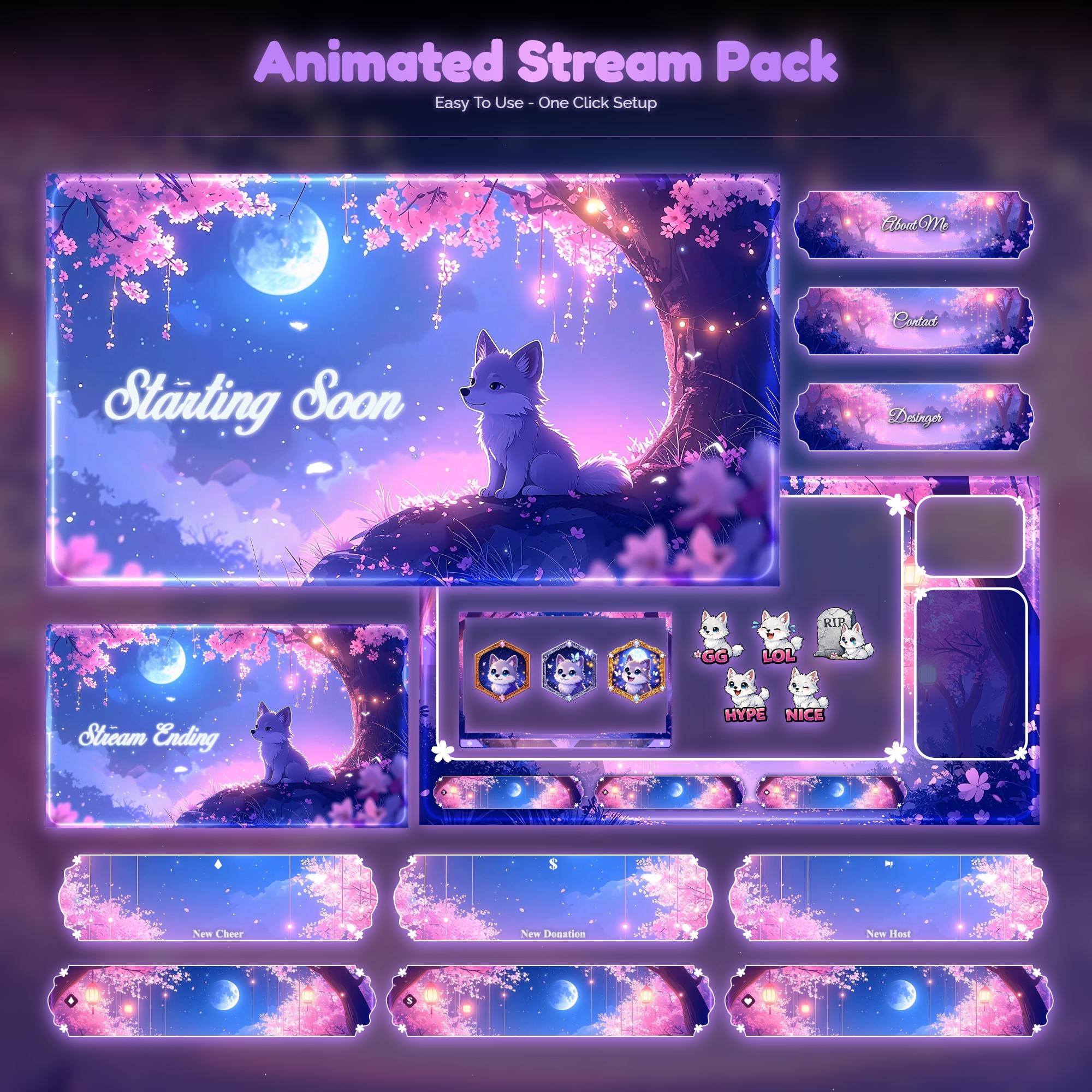
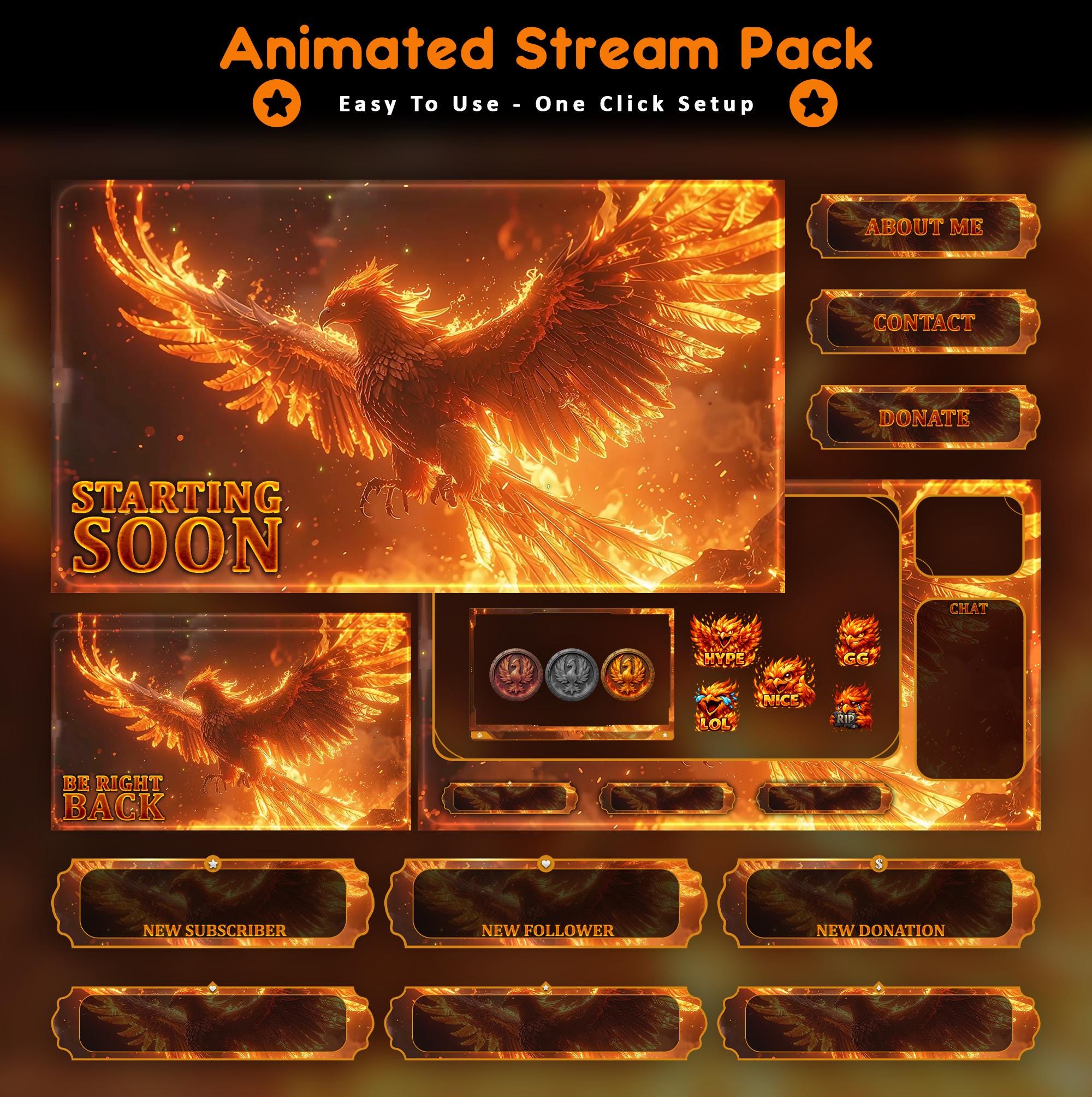
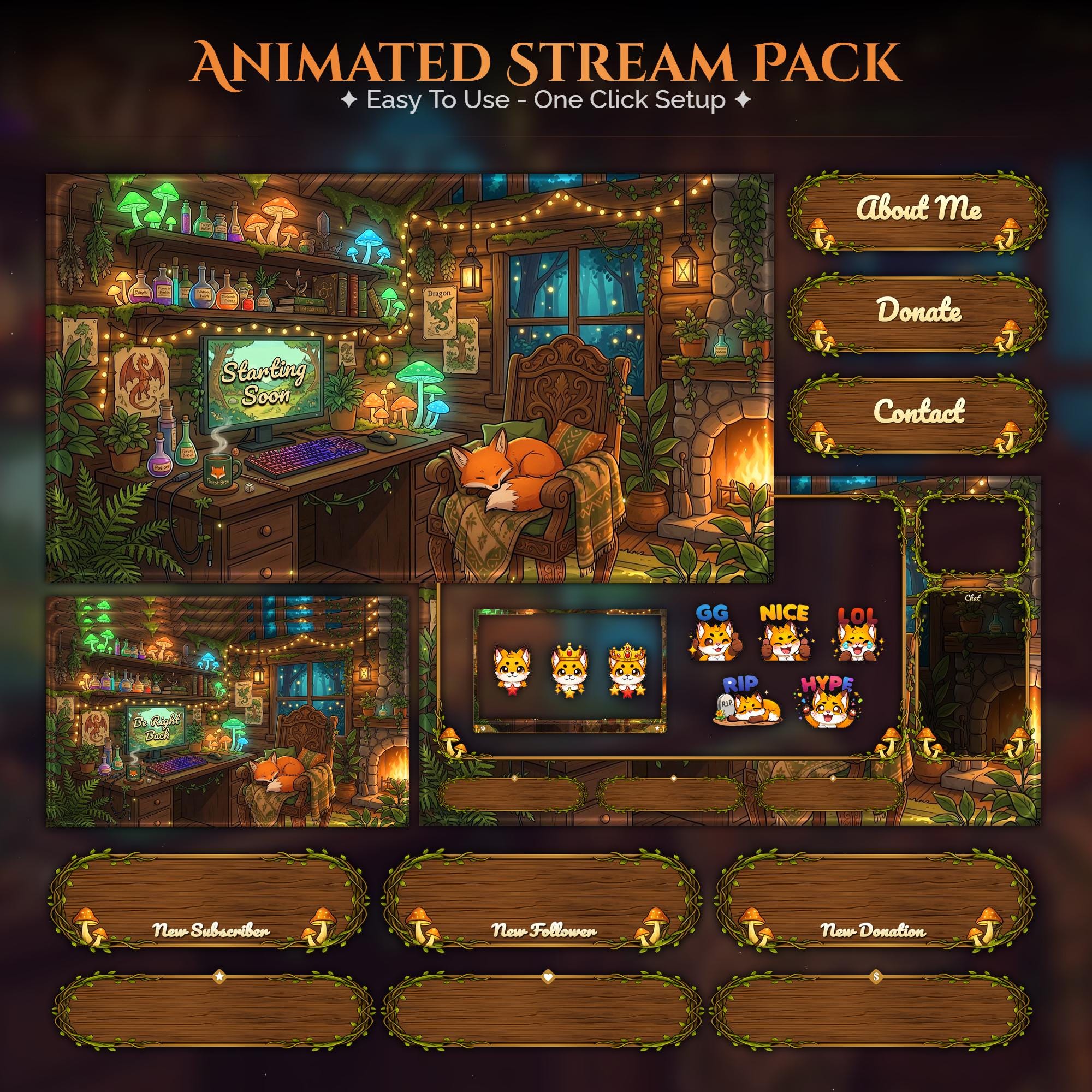
Ready to make your stream feel like a place?
127 animated overlay worlds - real preview videos on every pack, instant download, OBS-ready.