OverlayCraft Atelier
What Size Should a Twitch Offline Banner Be? (2026)
The correct twitch offline banner size is 1920x1080 for the video player banner. Here's the full spec, the file rules, and how to make it look sharp.
The exact size
A twitch offline banner should be 1920x1080 for the video player banner. The offline (video player) banner is 1920x1080 - it's your storefront when you're not live.
Getting it sharp
Point viewers to your schedule and socials on it. Design at the largest size and let the platform scale down - upscaling a small file makes every edge soft. If you're making emotes, badges or channel-point icons, our free resizer exports every required size from one image, with a preview of how it reads small.
Every Twitch graphic size
| Graphic | Size (px) |
|---|---|
| Stream overlay | 1920 x 1080 |
| Webcam frame (16:9) | 1280 x 720 |
| Alerts | 800 x 300 |
| Panels | 320 x 40-100 |
| Emotes | 112 / 56 / 28 |
| Sub badges | 72 / 36 / 18 |
| Profile banner | 1200 x 480 |
| Offline banner | 1920 x 1080 |
FAQ
1920x1080 for the video player banner. The offline (video player) banner is 1920x1080 - it's your storefront when you're not live.
Gear up
Packs From This Guide
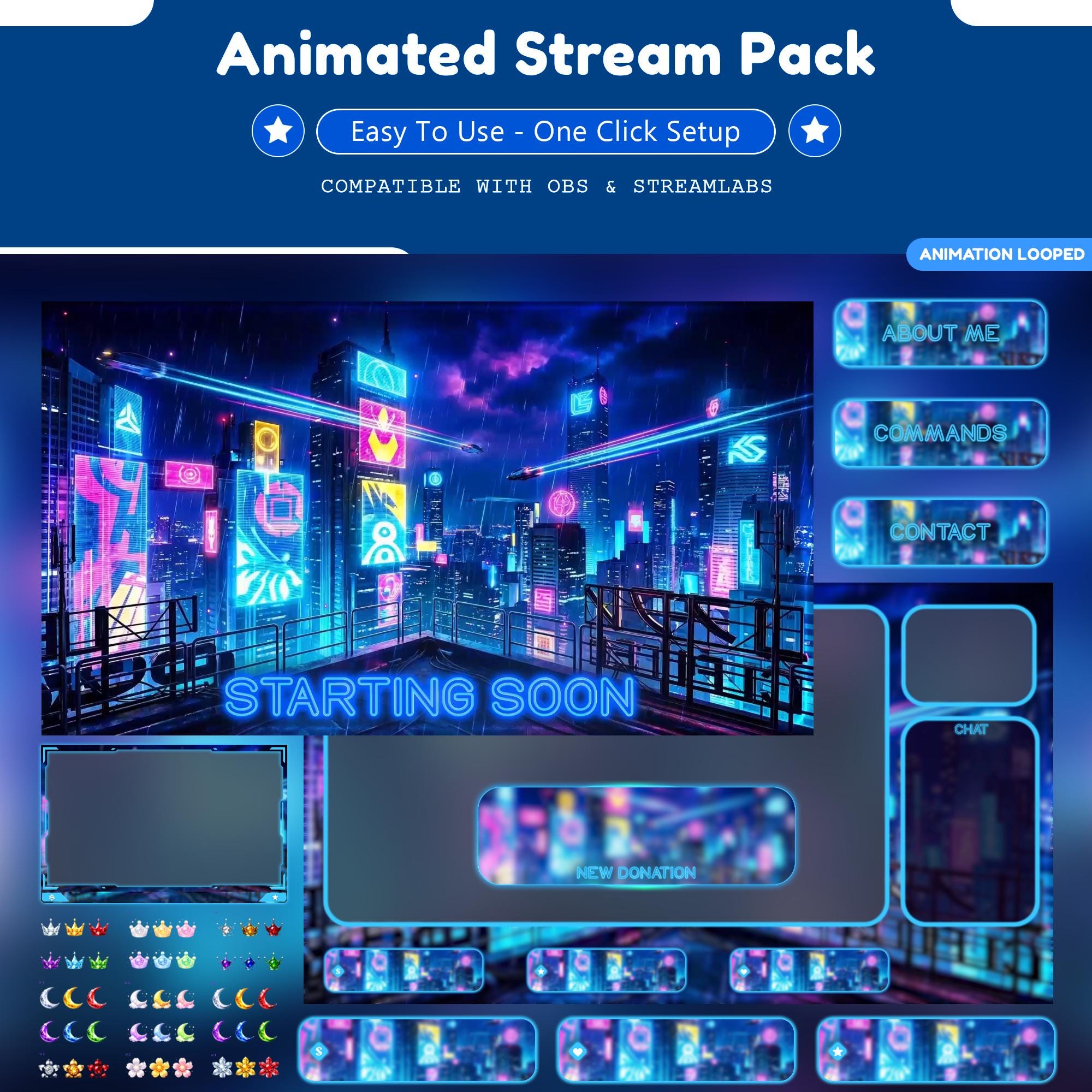
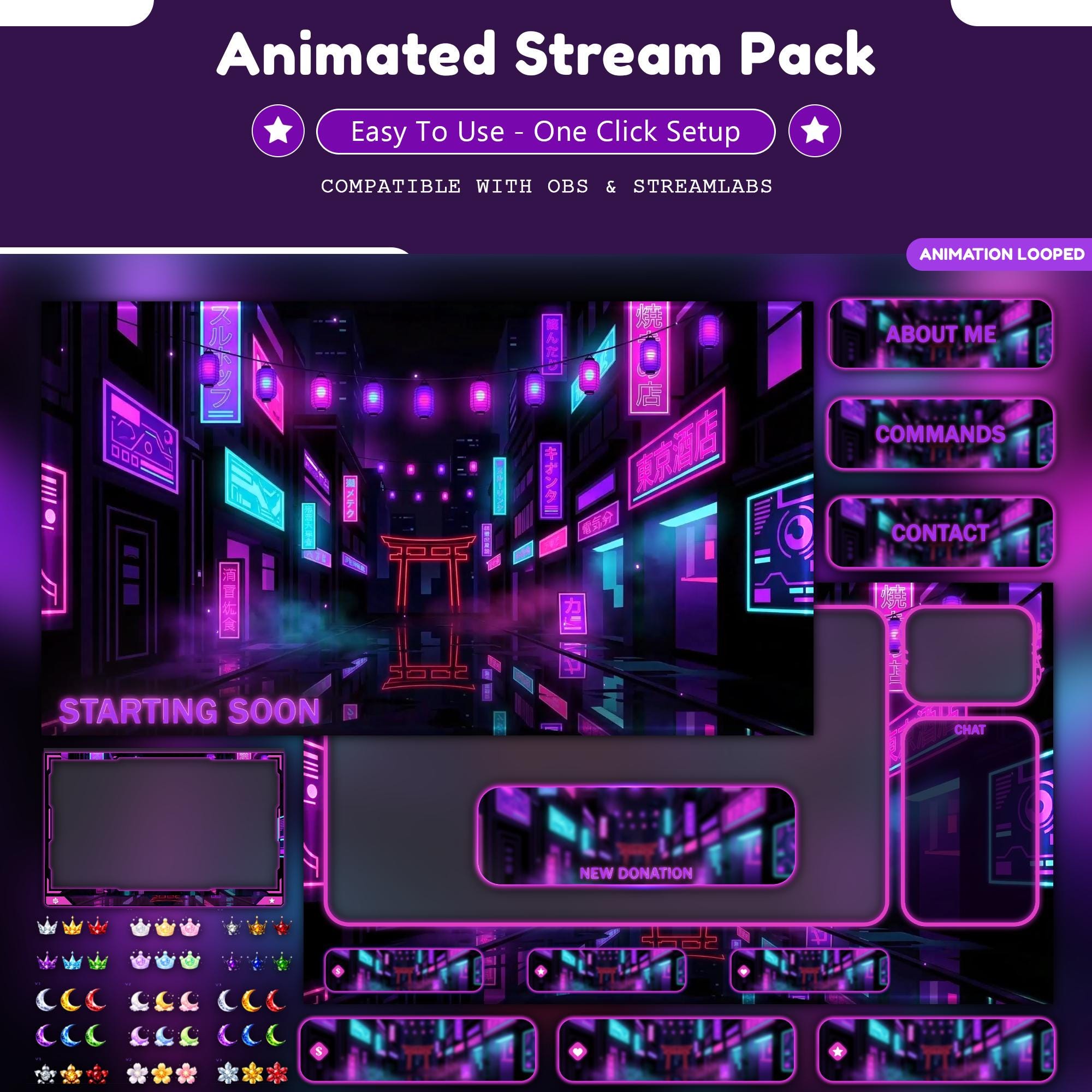
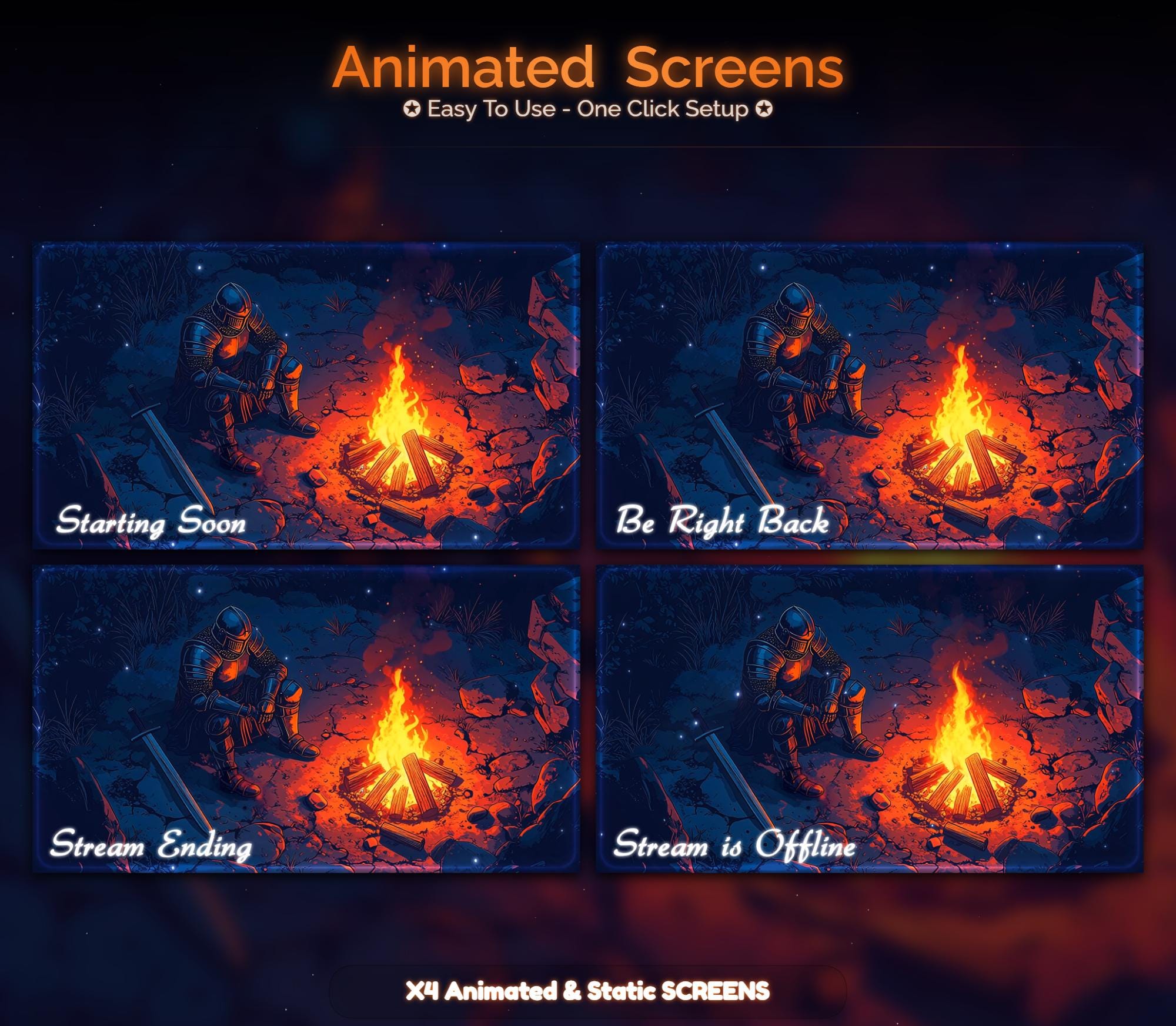
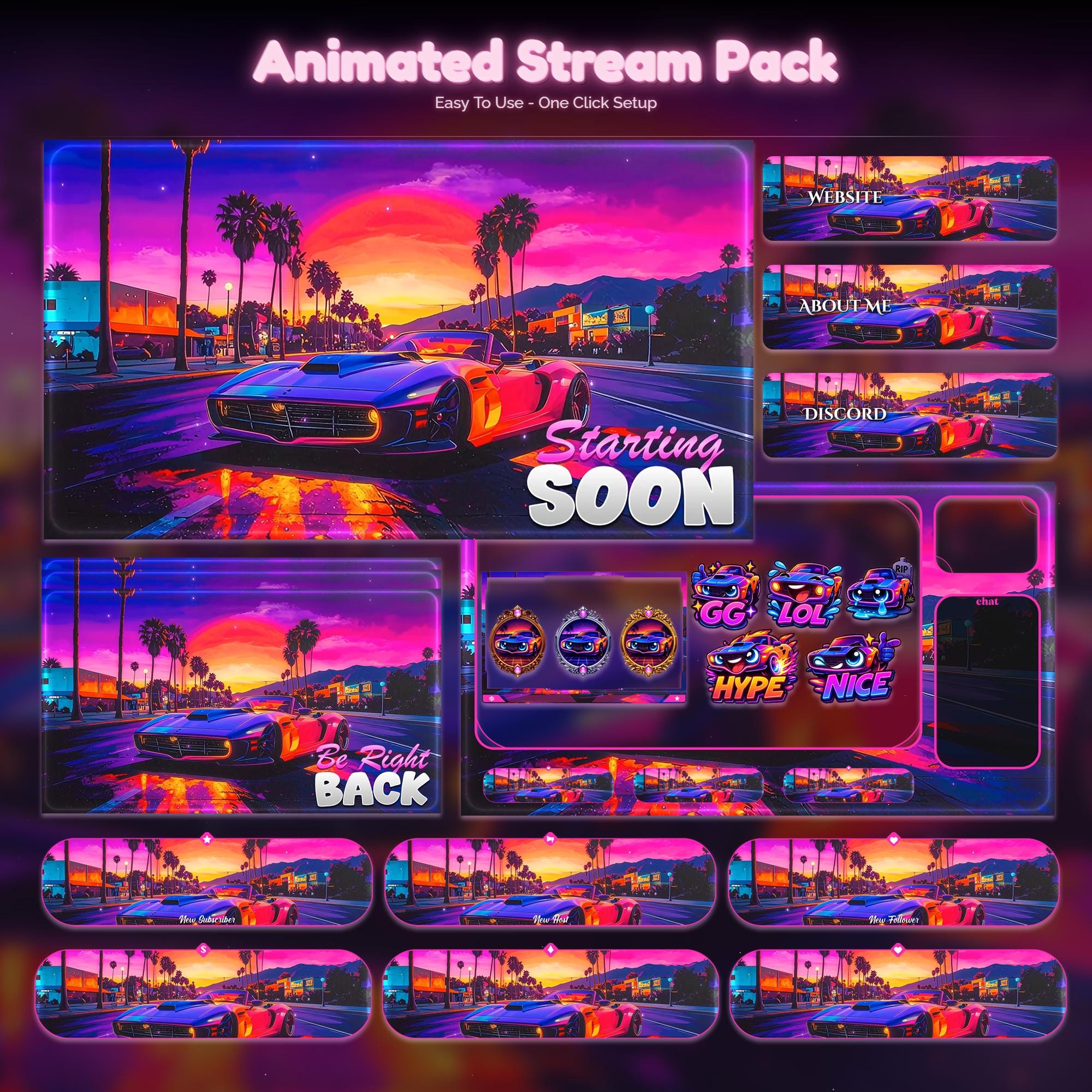
Ready to make your stream feel like a place?
127 animated overlay worlds - real preview videos on every pack, instant download, OBS-ready.