OverlayCraft Atelier
What Size Should a Twitch Alert Be? (2026)
The correct twitch alert size is commonly 800x300 pixels. Here's the full spec, the file rules, and how to make it look sharp.
The exact size
A twitch alert should be commonly 800x300 pixels. Alerts are usually built around 800x300; keep text inside the middle 80% so nothing gets clipped.
Getting it sharp
Match the alert art to your overlay so every follow feels on-brand. Design at the largest size and let the platform scale down - upscaling a small file makes every edge soft. If you're making emotes, badges or channel-point icons, our free resizer exports every required size from one image, with a preview of how it reads small.
Every Twitch graphic size
| Graphic | Size (px) |
|---|---|
| Stream overlay | 1920 x 1080 |
| Webcam frame (16:9) | 1280 x 720 |
| Alerts | 800 x 300 |
| Panels | 320 x 40-100 |
| Emotes | 112 / 56 / 28 |
| Sub badges | 72 / 36 / 18 |
| Profile banner | 1200 x 480 |
| Offline banner | 1920 x 1080 |
FAQ
commonly 800x300 pixels. Alerts are usually built around 800x300; keep text inside the middle 80% so nothing gets clipped.
Gear up
Packs From This Guide
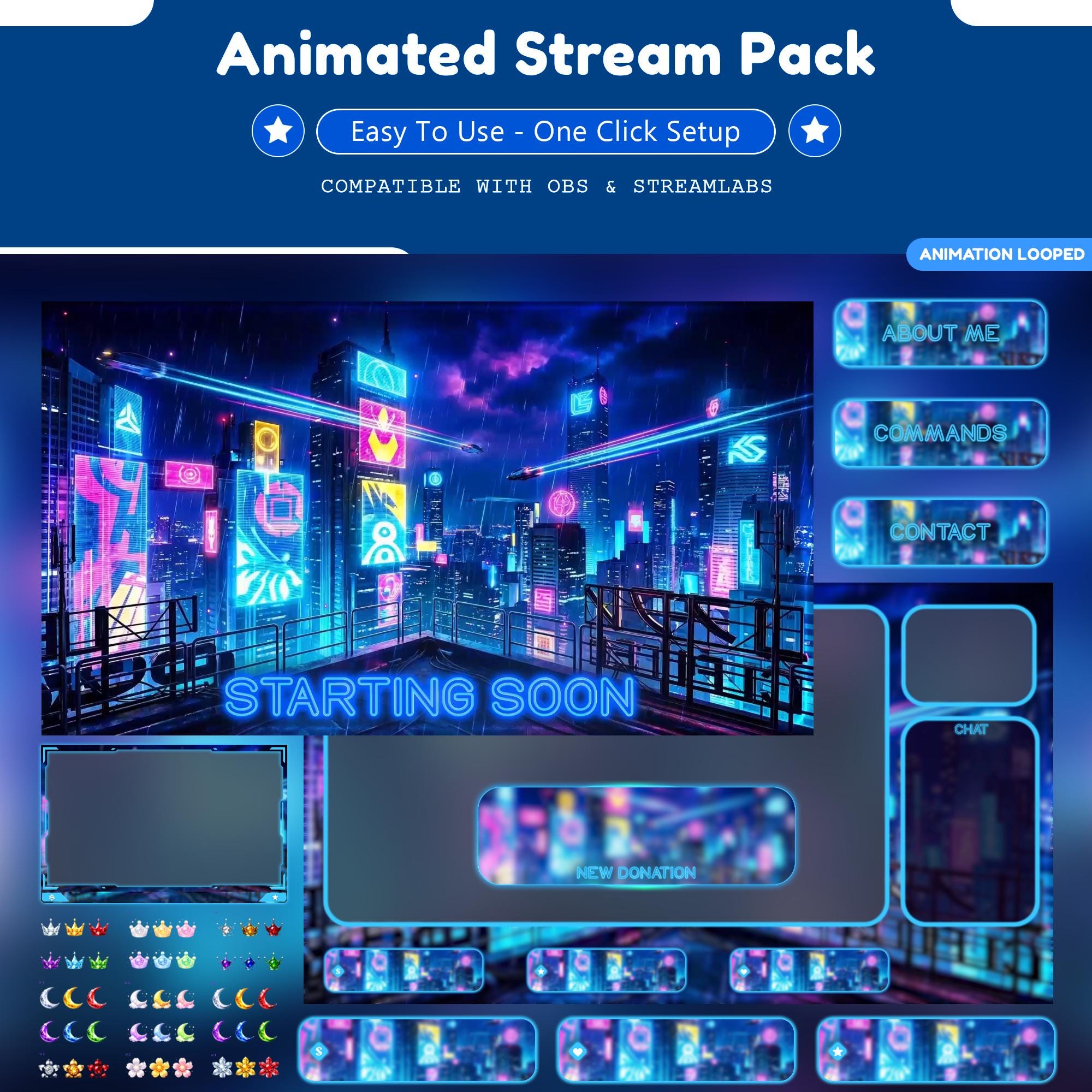
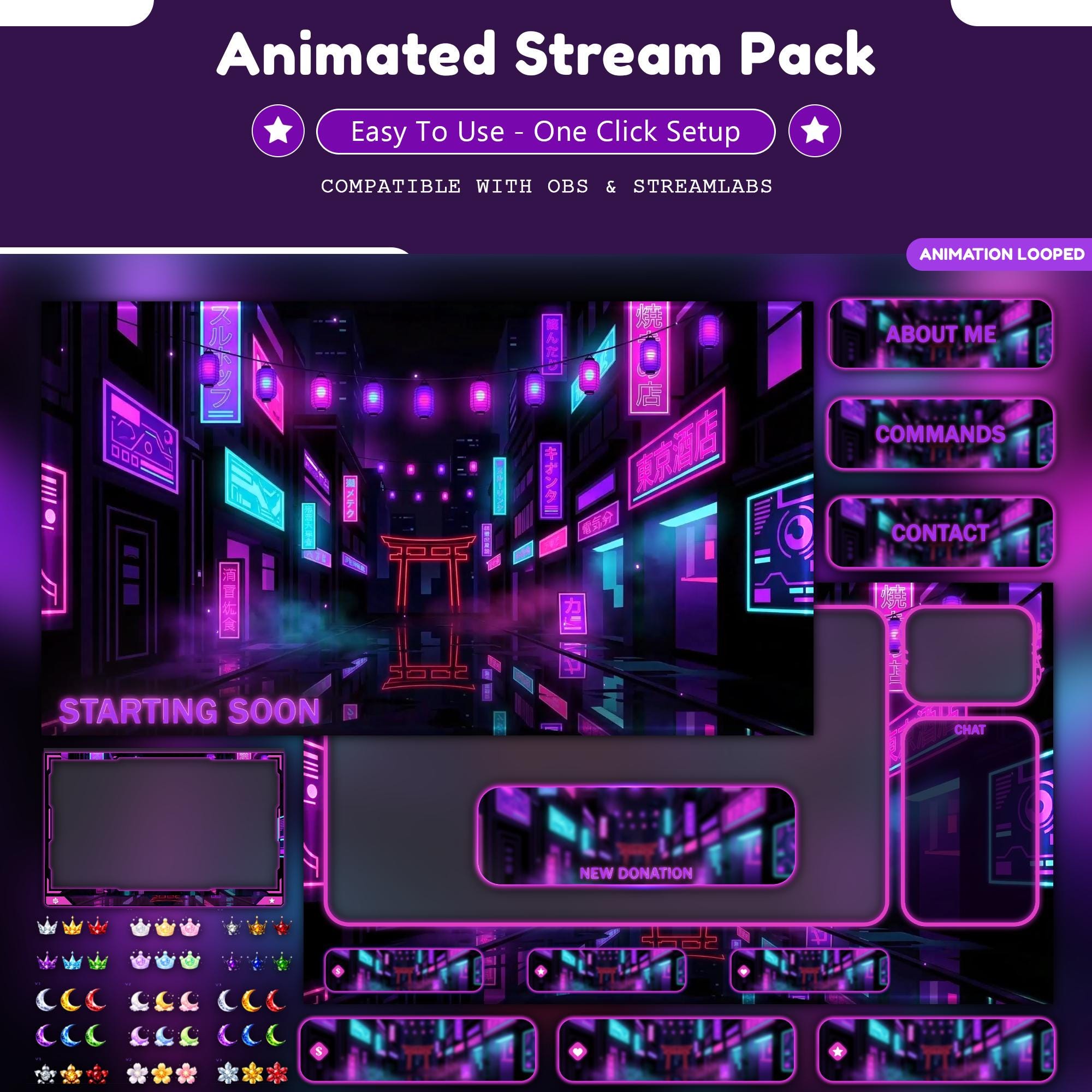
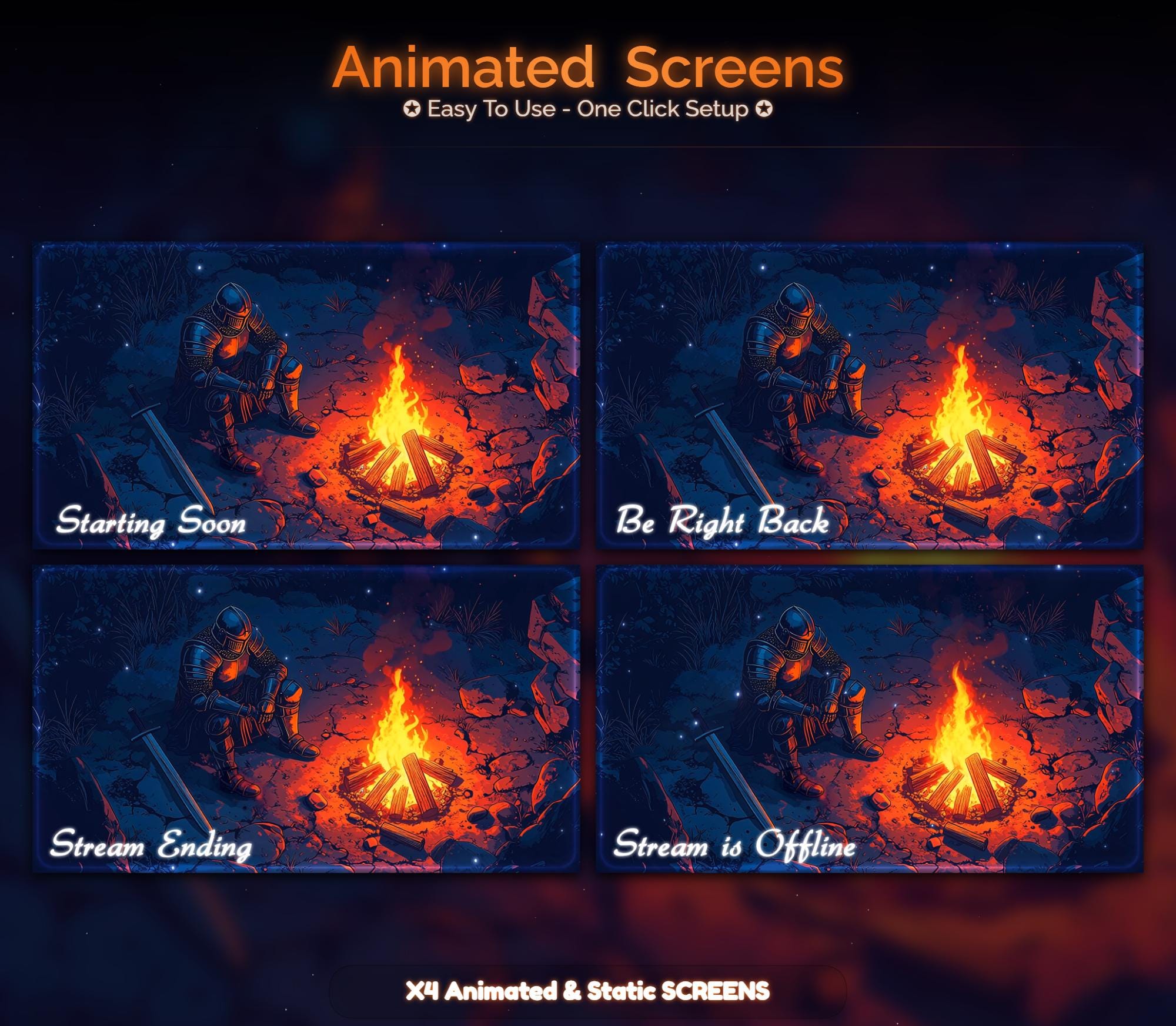
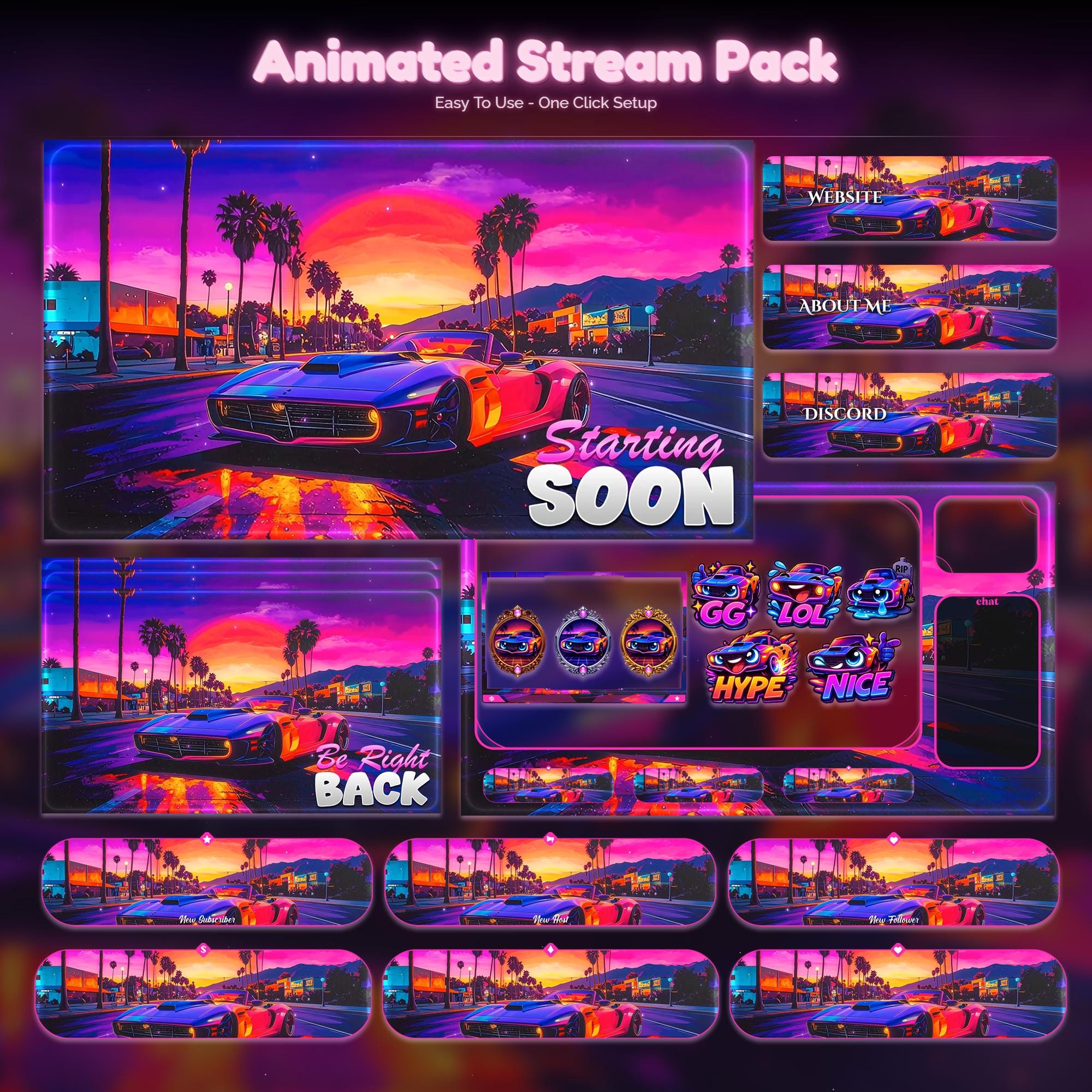
Ready to make your stream feel like a place?
127 animated overlay worlds - real preview videos on every pack, instant download, OBS-ready.