OverlayCraft Atelier
TikTok Live overlay: Full Setup Guide
Everything you need to get your overlay live on TikTok Live - setup, quirks, and how the platform differs from Twitch.
Getting your overlay onto TikTok Live
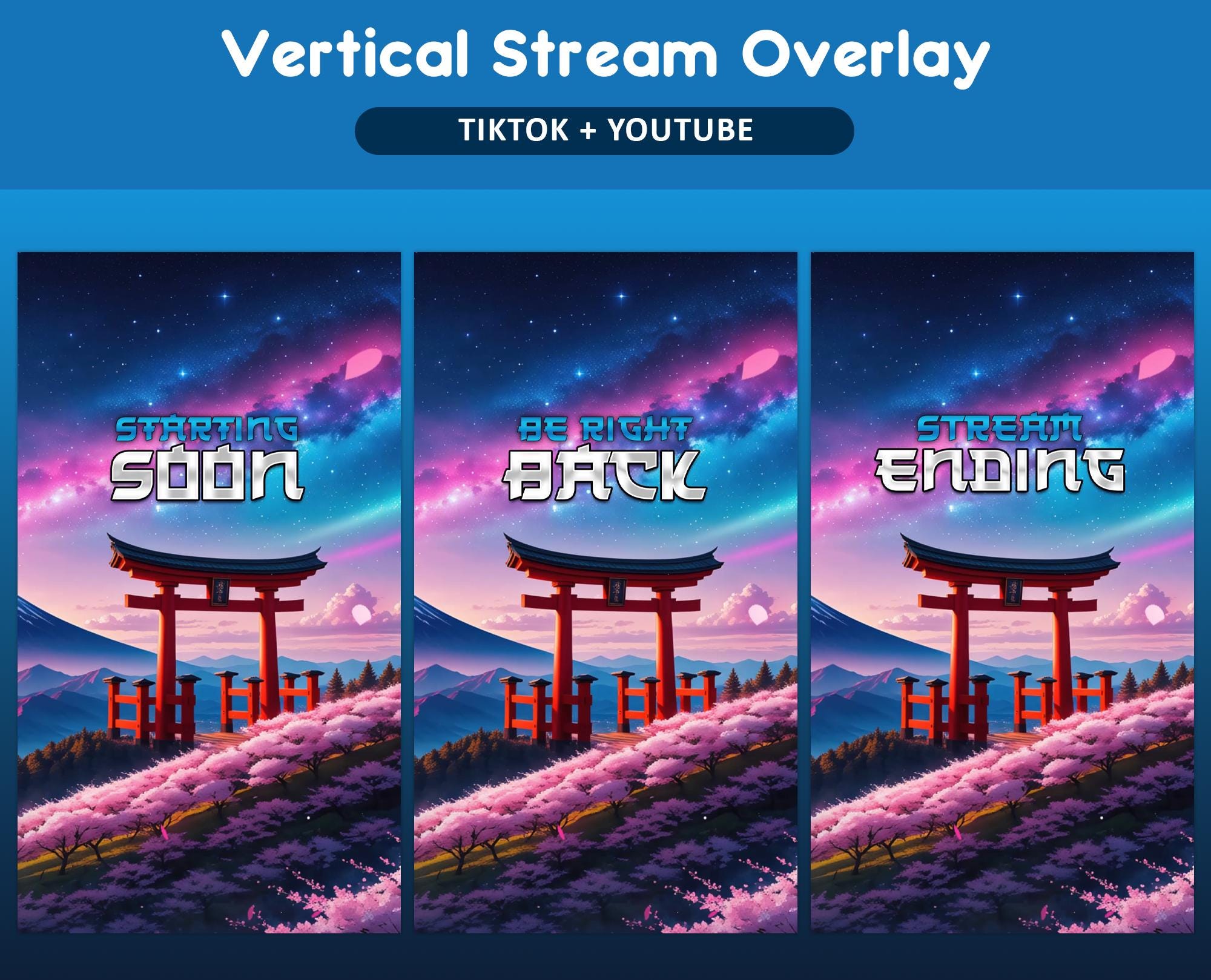
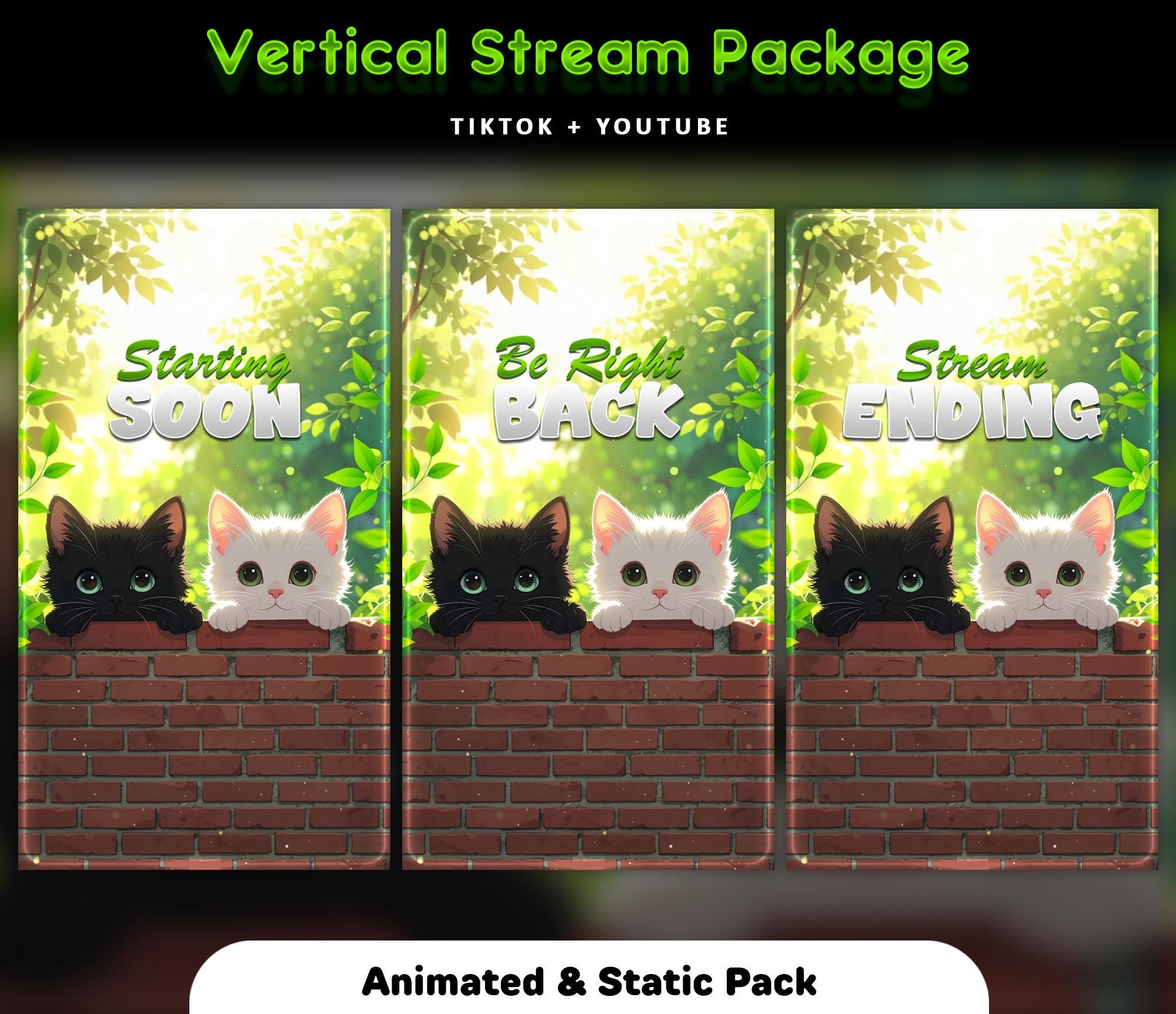
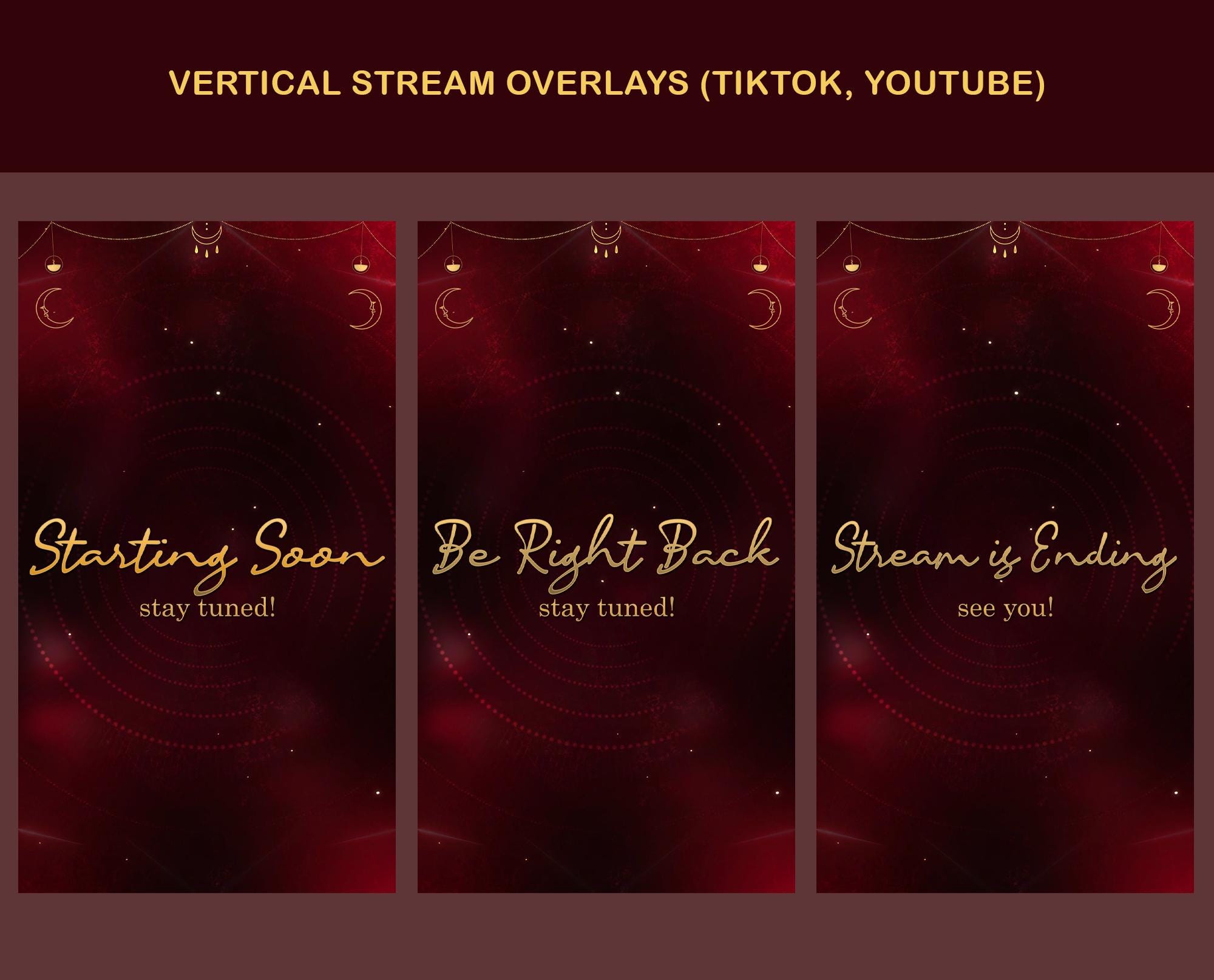
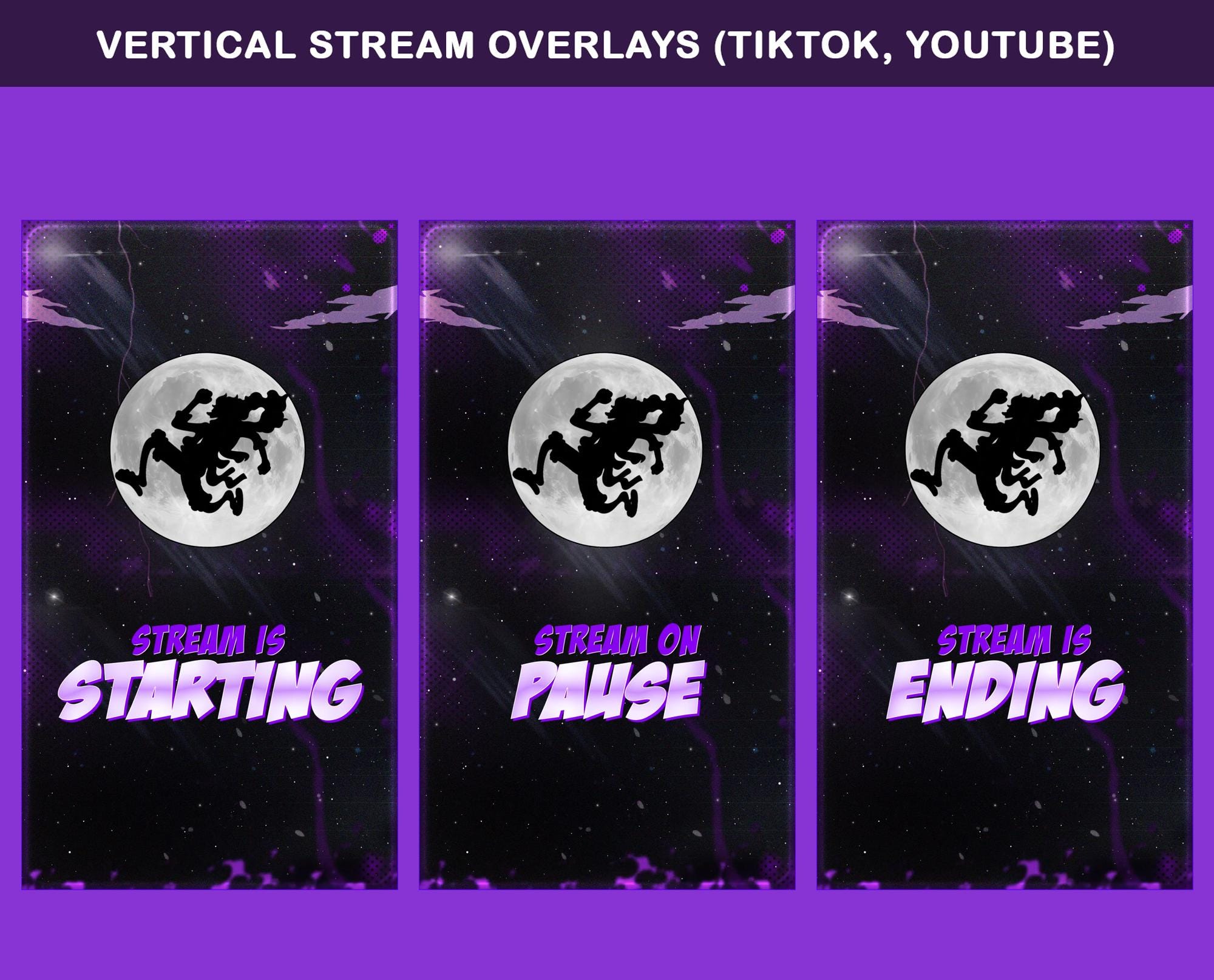
TikTok Live is vertical (9:16), so a desktop 16:9 overlay gets cropped. Use a purpose-built vertical pack and position elements clear of the chat column and interface.
Whatever platform you stream to, the overlay itself lives in OBS. Browse animated packs and pick a world that fits your channel - the file works the same everywhere.
What's different on TikTok Live
- Vertical 9:16 framing - use a vertical pack, not a cropped desktop one
- Alerts plug in the same way via your alert tool
- Chat overlaps different parts of the screen on mobile - preview before you commit
Do you need a TikTok Live-specific overlay?
Yes - vertical is a genuinely different canvas, so grab a TikTok overlay pack built for 9:16.
FAQ
Not directly - TikTok Live is vertical, so use a 9:16 pack. Desktop 16:9 overlays get cropped.
Gear up
Packs From This Guide
Ready to make your stream feel like a place?
127 animated overlay worlds - real preview videos on every pack, instant download, OBS-ready.