OverlayCraft Atelier
Kick Stream Overlays: Setup Guide + What's Different From Twitch
Good news: your overlay files don't care which platform you stream to. What changes on Kick is alerts, panels, and a couple of UI quirks worth designing around.
The core truth: overlays are platform-agnostic
An overlay lives in OBS, not on the platform. Kick receives whatever OBS outputs, exactly like Twitch does - so a 1920×1080 animated pack works identically on both. Every pack in the catalog is tested against Twitch, YouTube and Kick for this reason. If you're simulcasting or migrating, your visual identity moves with you untouched.
Setting up your overlay for Kick in OBS
- Add your animated screens as Media Sources (Loop on) and static graphics as Image sources - identical to a Twitch setup. Our OBS overlay guide walks through every click.
- In OBS Settings → Stream, select Kick (or Custom RTMP with your Kick stream key from the Creator Dashboard).
- Keep the canvas at 1920×1080. Kick's player is 16:9, same as Twitch.
- Preview your scene with Kick's chat overlay in mind - on mobile, chat overlaps the lower right of the video more aggressively than Twitch's theatre mode.
What's actually different on Kick
- Alerts: Kick doesn't have Twitch's native alert ecosystem - most streamers run alerts through third-party tools that provide a browser-source URL. Your pack's alert animations plug into those tools the same way.
- Panels: Kick's about section uses wider image support than Twitch's rigid 320px, but 320px panel sets still look clean and consistent there.
- Discoverability: Kick pushes previews of live streams harder - which means your Starting Soon screen is seen by more cold traffic. An animated, branded screen earns its keep even more there.
Do you need a separate Kick overlay?
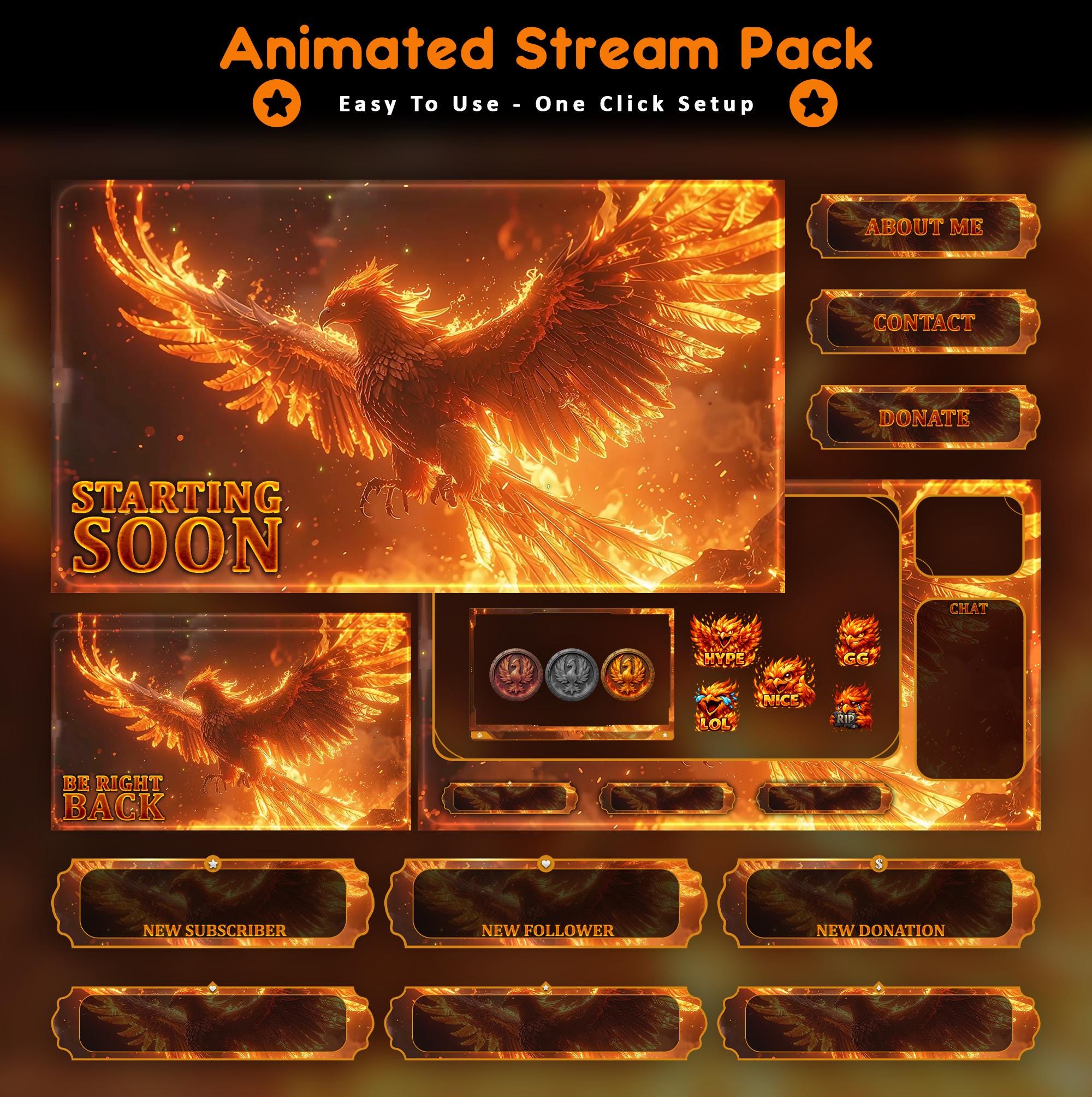
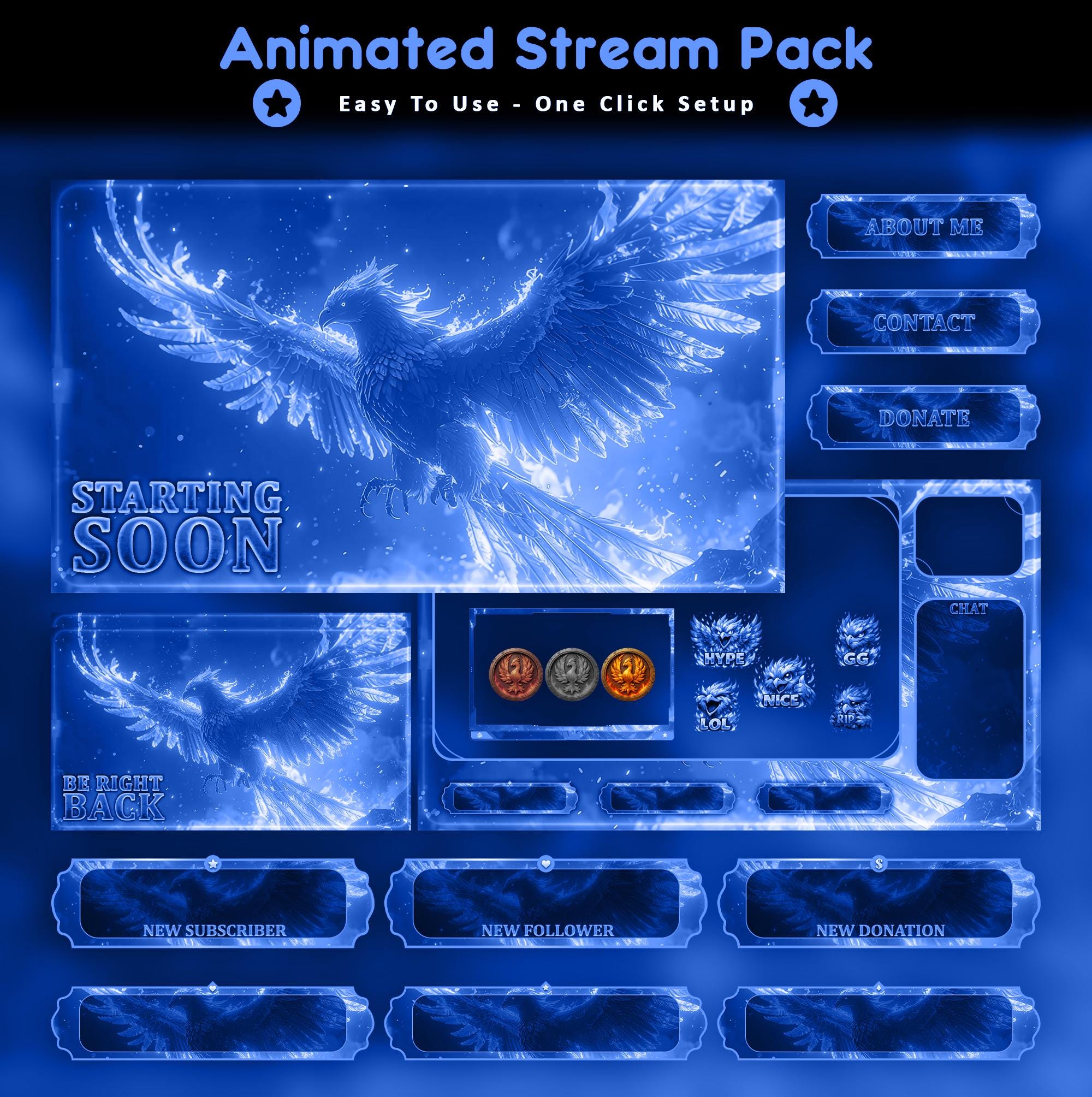
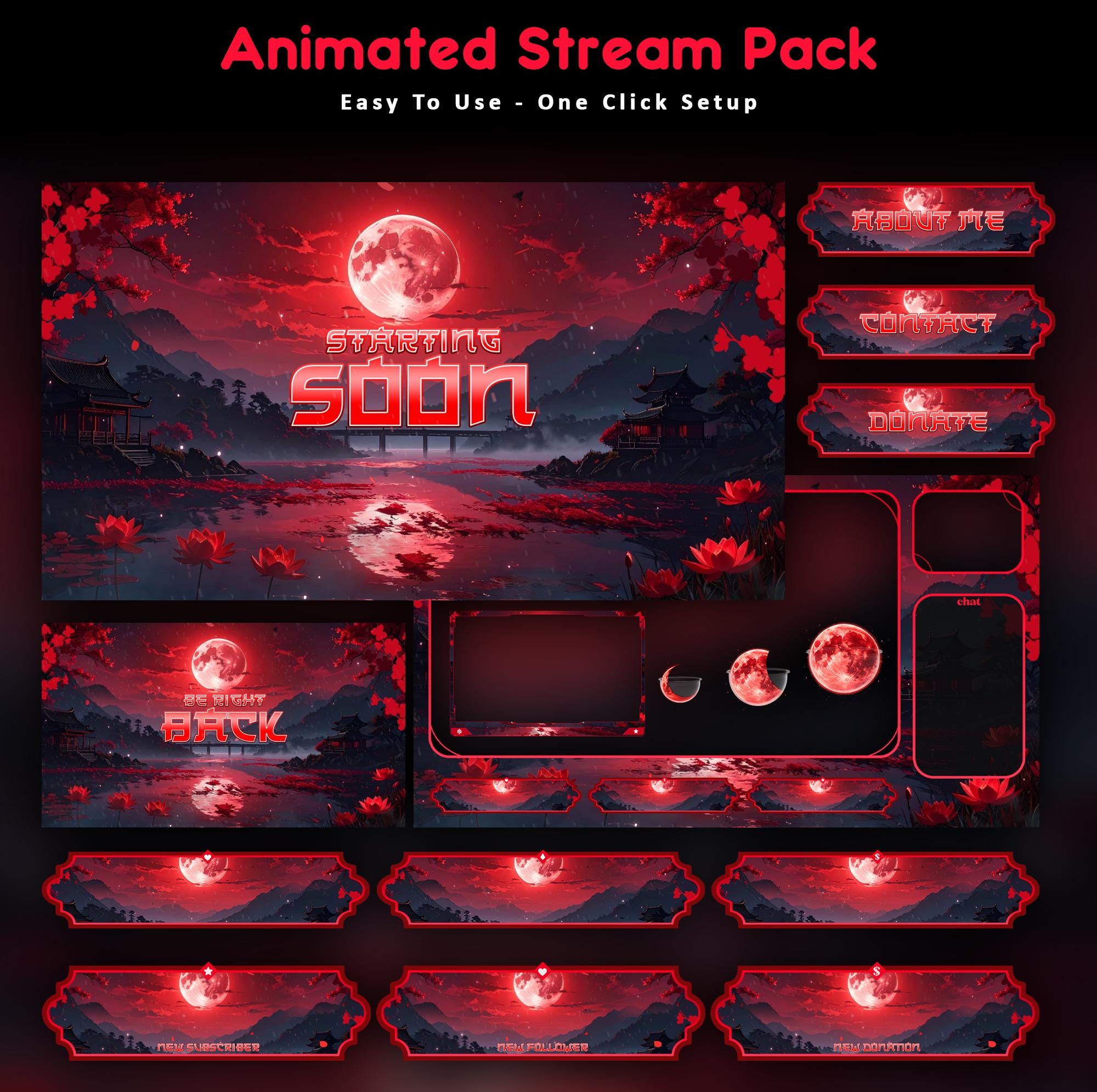
No - and be suspicious of anyone selling you a "Kick-specific" version of the same files. What you might want is a second OBS scene collection if you simulcast with platform-specific alerts, but the art itself is one purchase, both platforms. Grab a phoenix pack or a Japanese samurai world once and stream it anywhere.
Watch It in Action
Real animated packs from the VectorKingStudio channel - see the motion before you decide.
Animated Dragon Stream Overlay - Twitch, Kick & YouTube
Inferno Wolf Purple Animated Stream Overlay Pack
FAQ
Yes, without modification. Overlays render in OBS before the video reaches any platform, so the same 1920×1080 files work on Twitch, Kick and YouTube.
Gear up
Packs From This Guide
Ready to make your stream feel like a place?
127 animated overlay worlds - real preview videos on every pack, instant download, OBS-ready.