OverlayCraft Atelier
How to Set Up a BRB Screen (Step-by-Step)
A plain-language, step-by-step guide to make a Be Right Back screen - follow along and you'll be done in a few minutes.
The quick answer
To make a Be Right Back screen: Create a BRB scene in OBS, then work through the steps below. The whole thing takes a few minutes and needs no design software - if you can drag a file into OBS, you can do this.
Step-by-step
- Create a BRB scene in OBS.
- Add your animated BRB file as a looping Media Source.
- Keep your music or a low ambient loop running.
- Switch to it whenever you step away.
Make it match your brand
An animated BRB keeps viewers company during breaks - a frozen image makes them leave. A stream reads as professional when every piece agrees - the same fonts, the same palette, the same mood. If you're building your look from scratch, a complete animated overlay pack gives you matching screens, frames, alerts and panels in one download.
FAQ
No. This is a drag-and-drop process in OBS or your alert tool. Ready-made packs give you the art; you just place it.
Gear up
Packs From This Guide
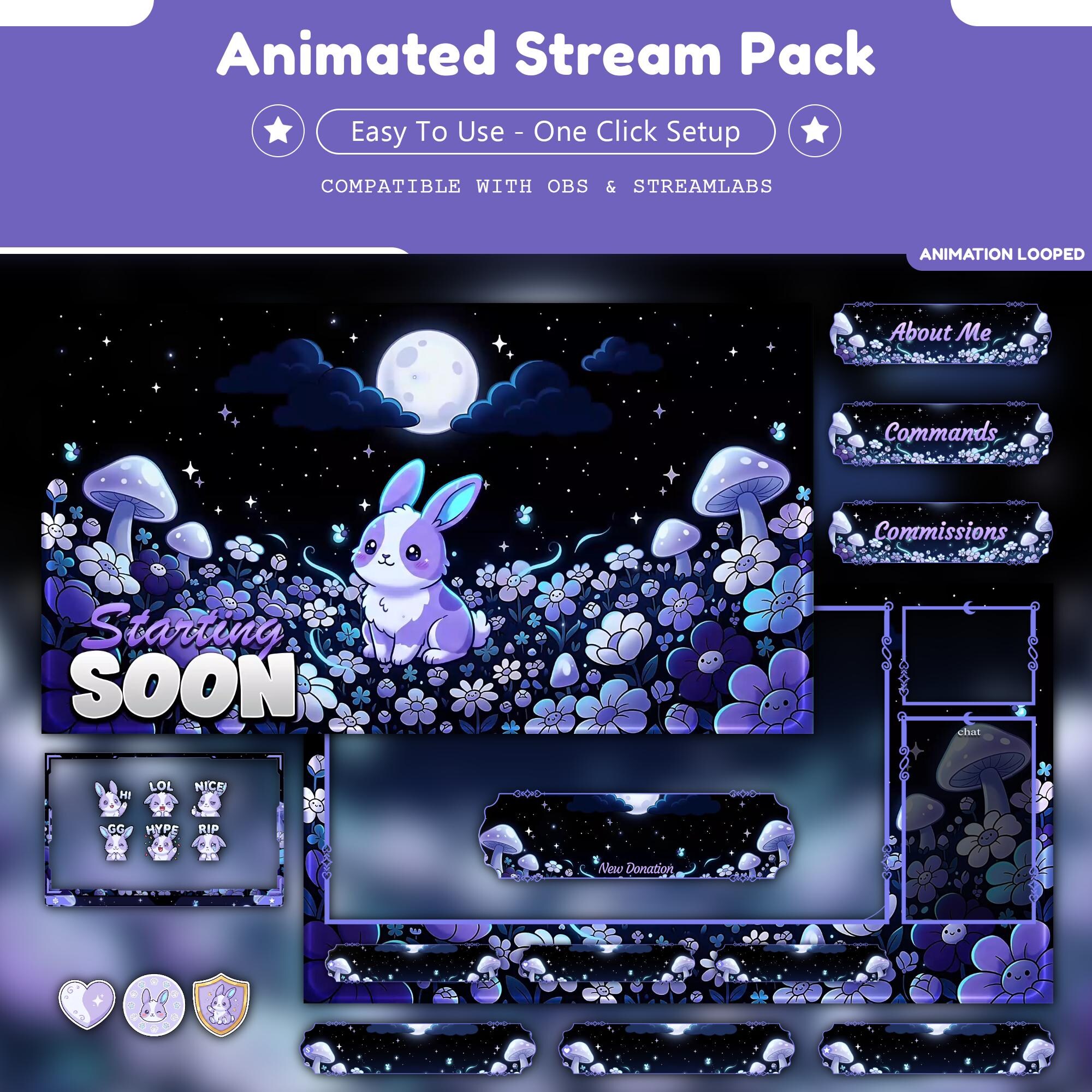
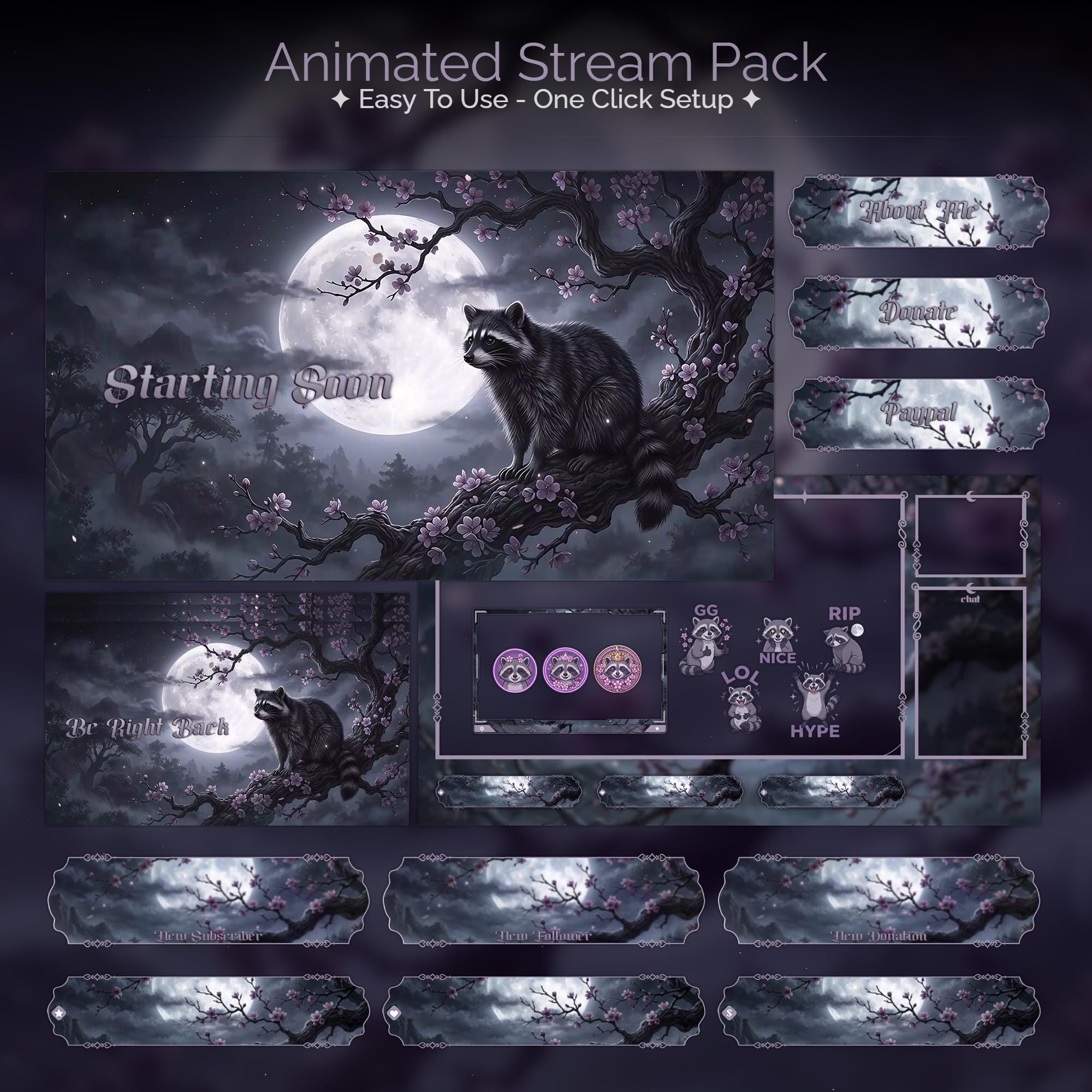
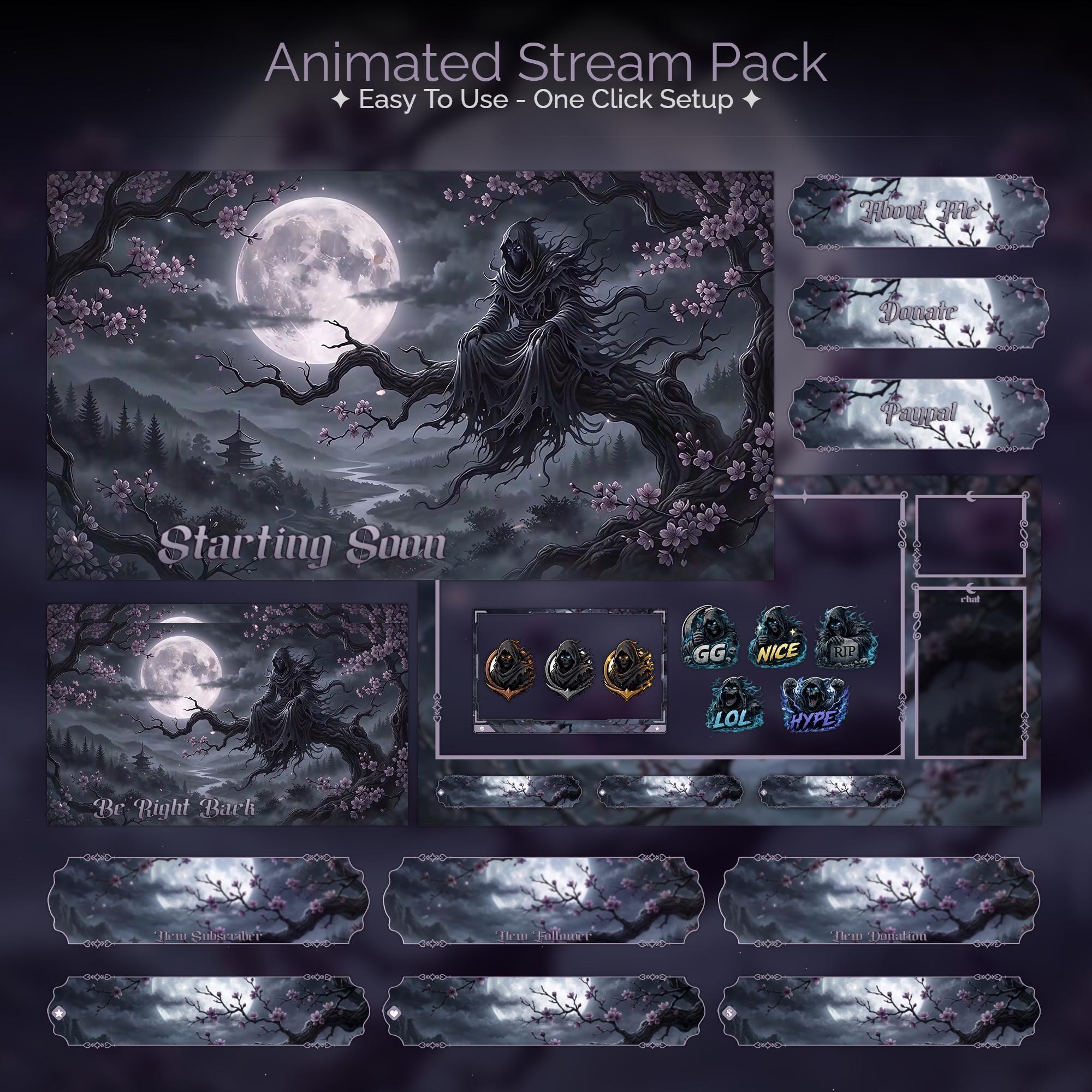
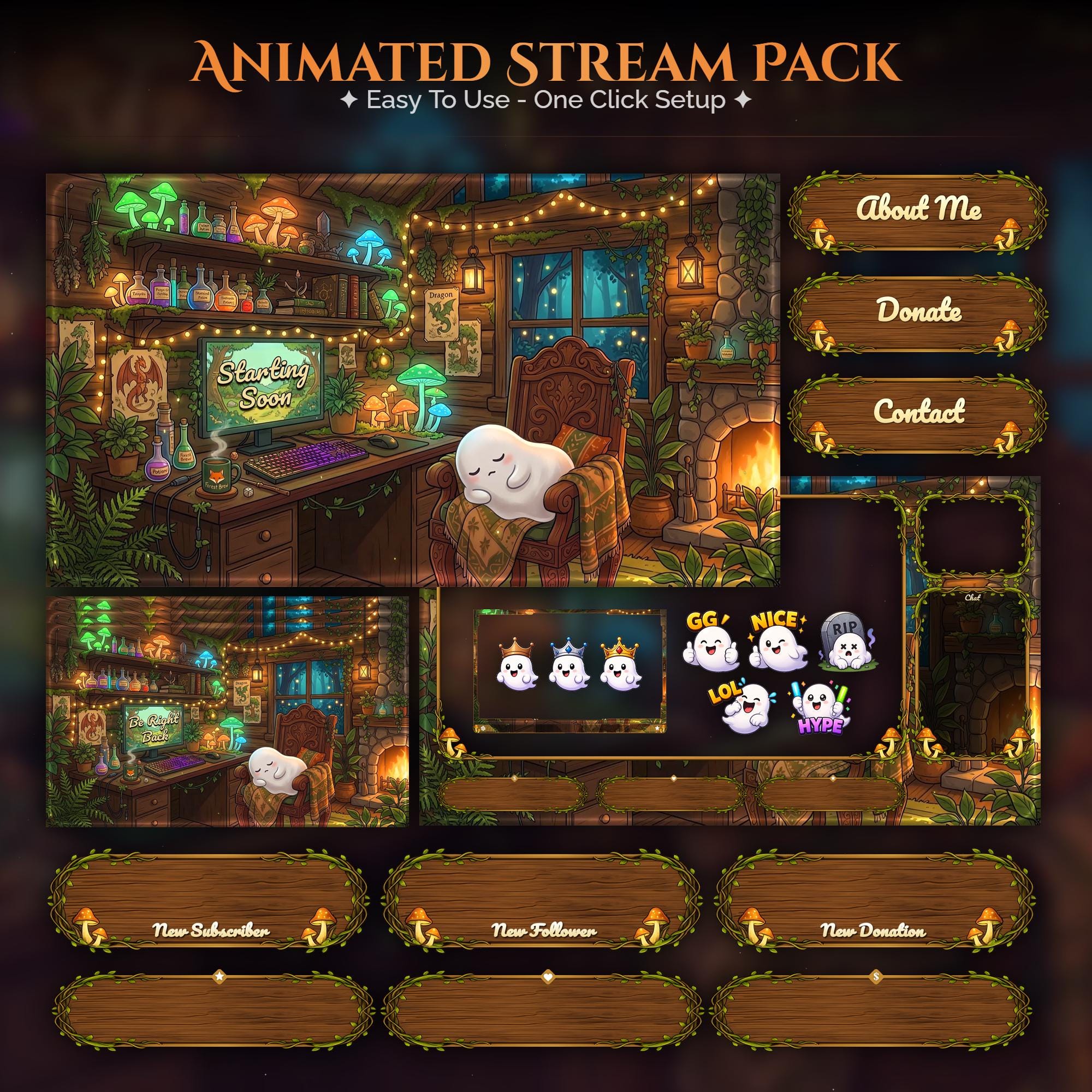
Ready to make your stream feel like a place?
127 animated overlay worlds - real preview videos on every pack, instant download, OBS-ready.