May 31, 2026 · OverlayCraft Atelier
OBS vs Streamlabs: Which Should You Use?
Both run the same overlays. OBS Studio is lighter and free; Streamlabs Desktop bundles alerts and themes but uses more resources. If you want maximum performance, OBS; if you want everything in one app, Streamlabs.
The short version
Both run the same overlays. OBS Studio is lighter and free; Streamlabs Desktop bundles alerts and themes but uses more resources. If you want maximum performance, OBS; if you want everything in one app, Streamlabs.
What actually matters for your channel
The overlay you buy works in both - the choice is about the software, not the art. The practical move for most streamers: start with a premium animated overlay pack, keep your branding consistent, and upgrade to custom work once your channel has an identity worth building around.
What to look for either way
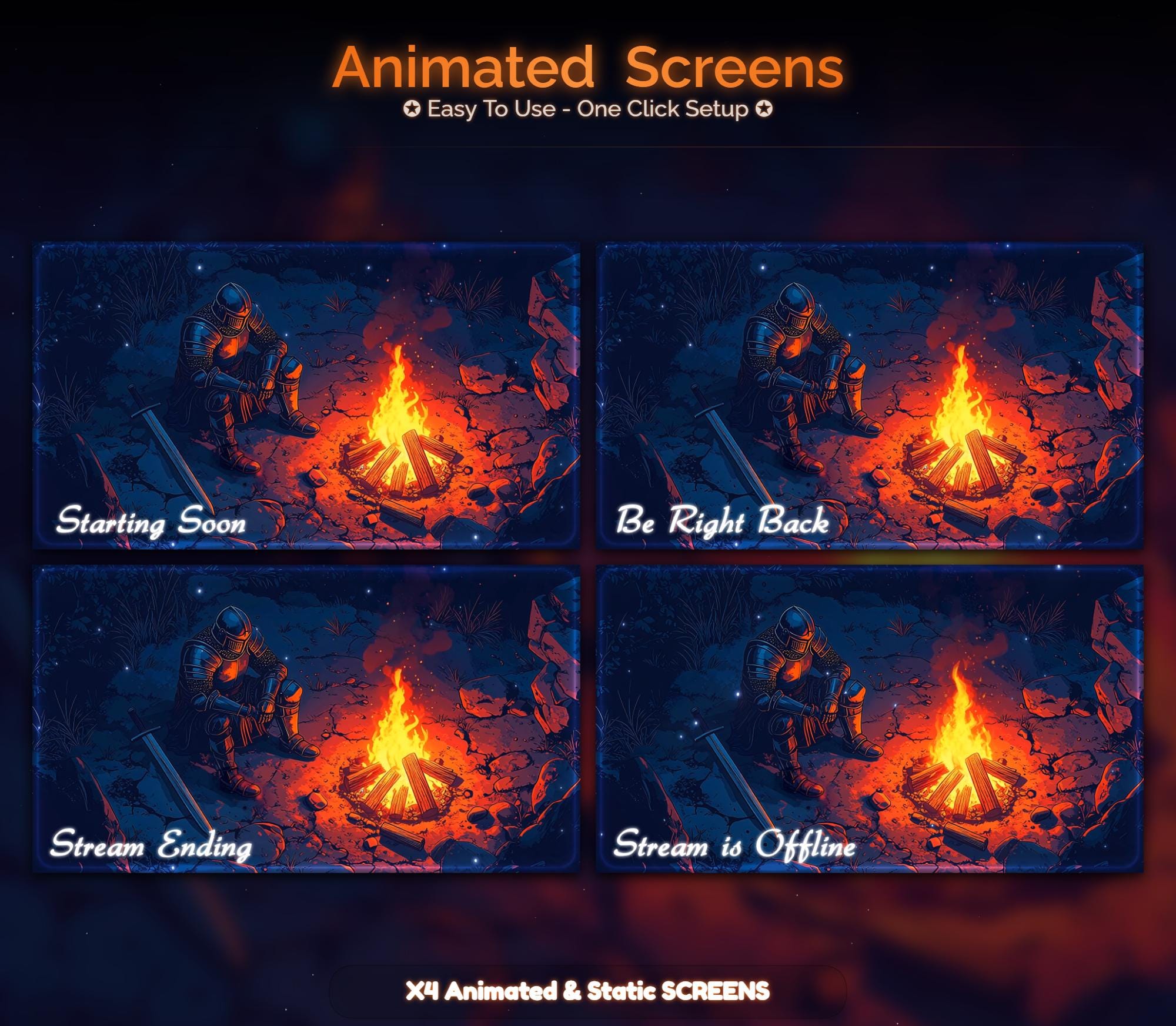
- Animated waiting screens (Starting Soon, BRB) - that's where motion earns its keep
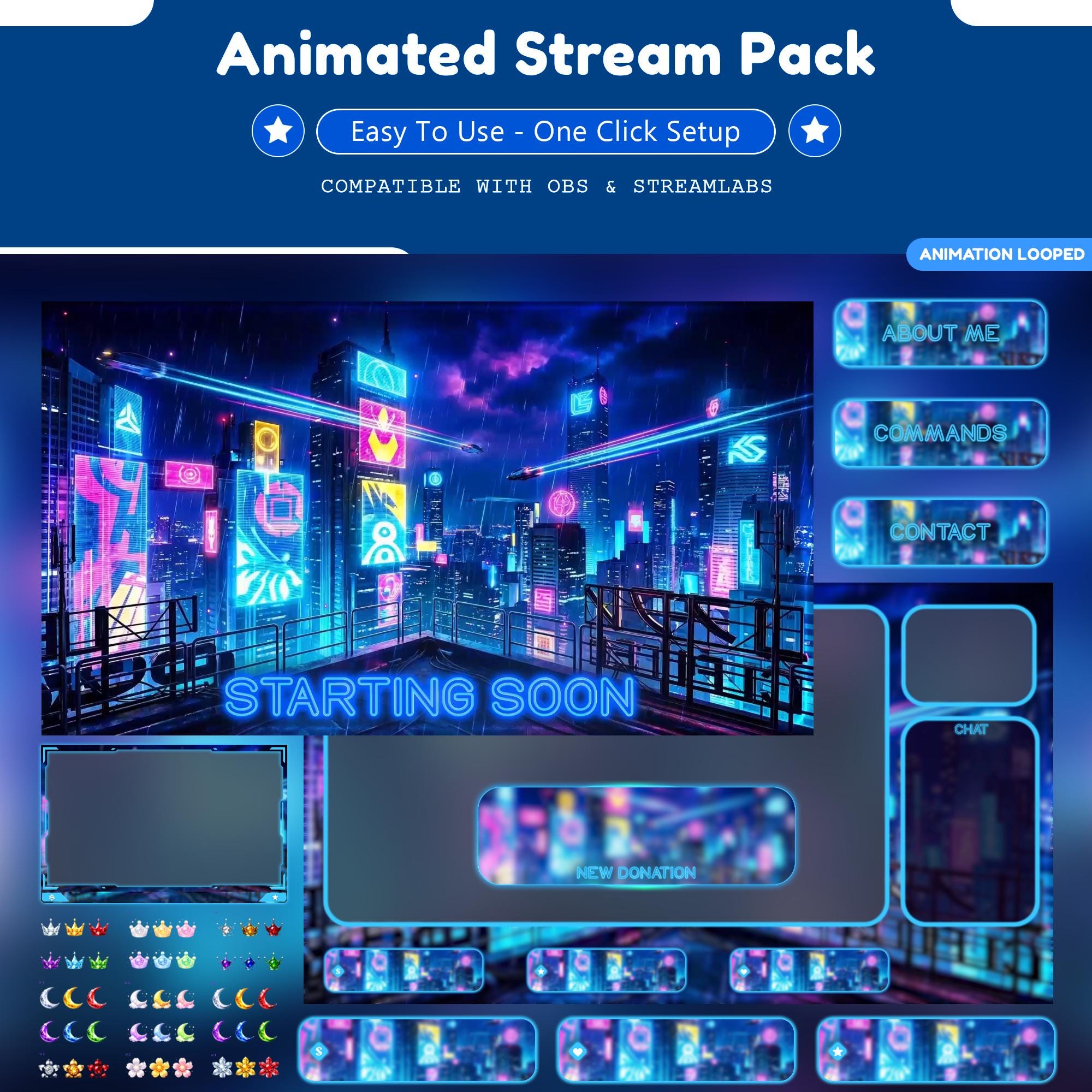
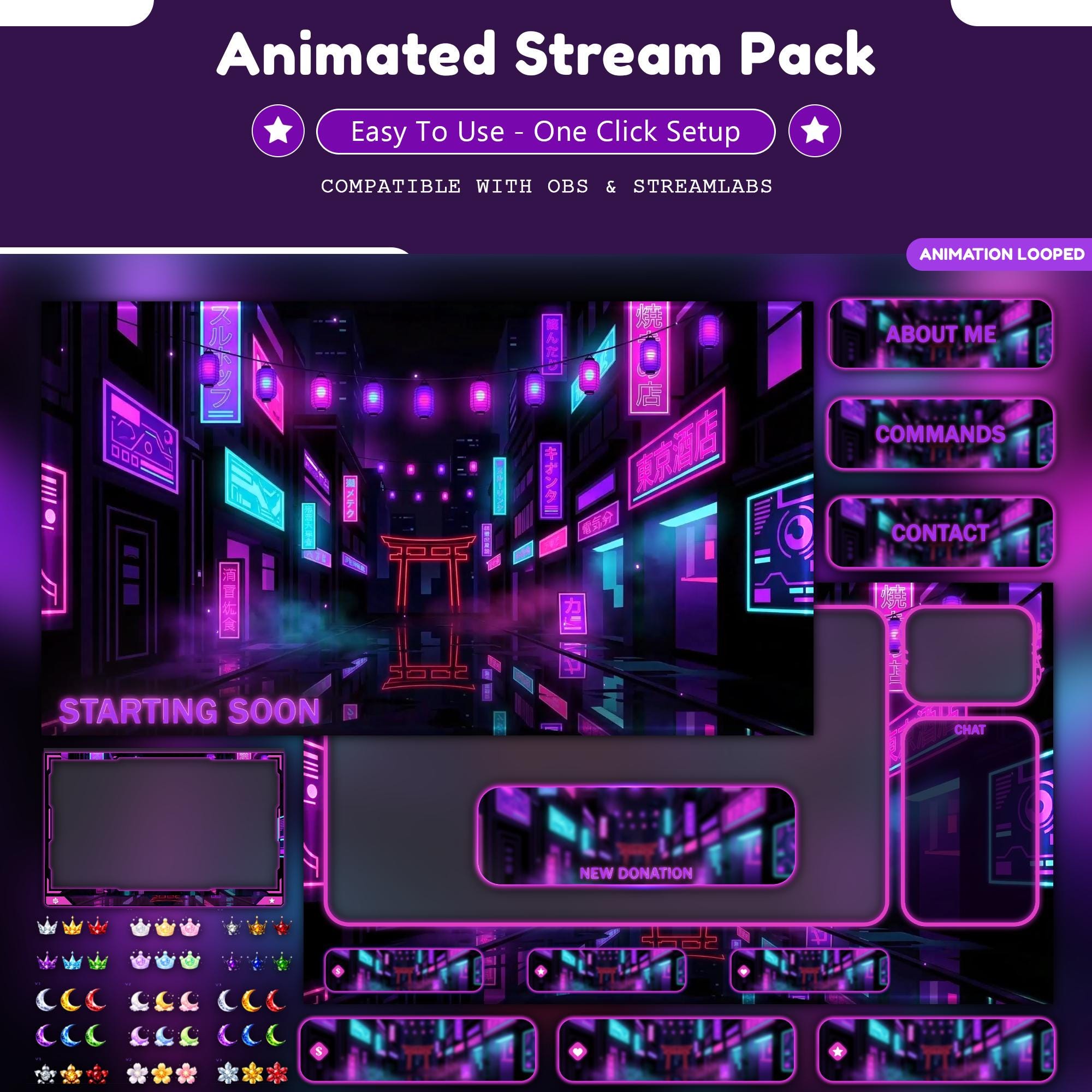
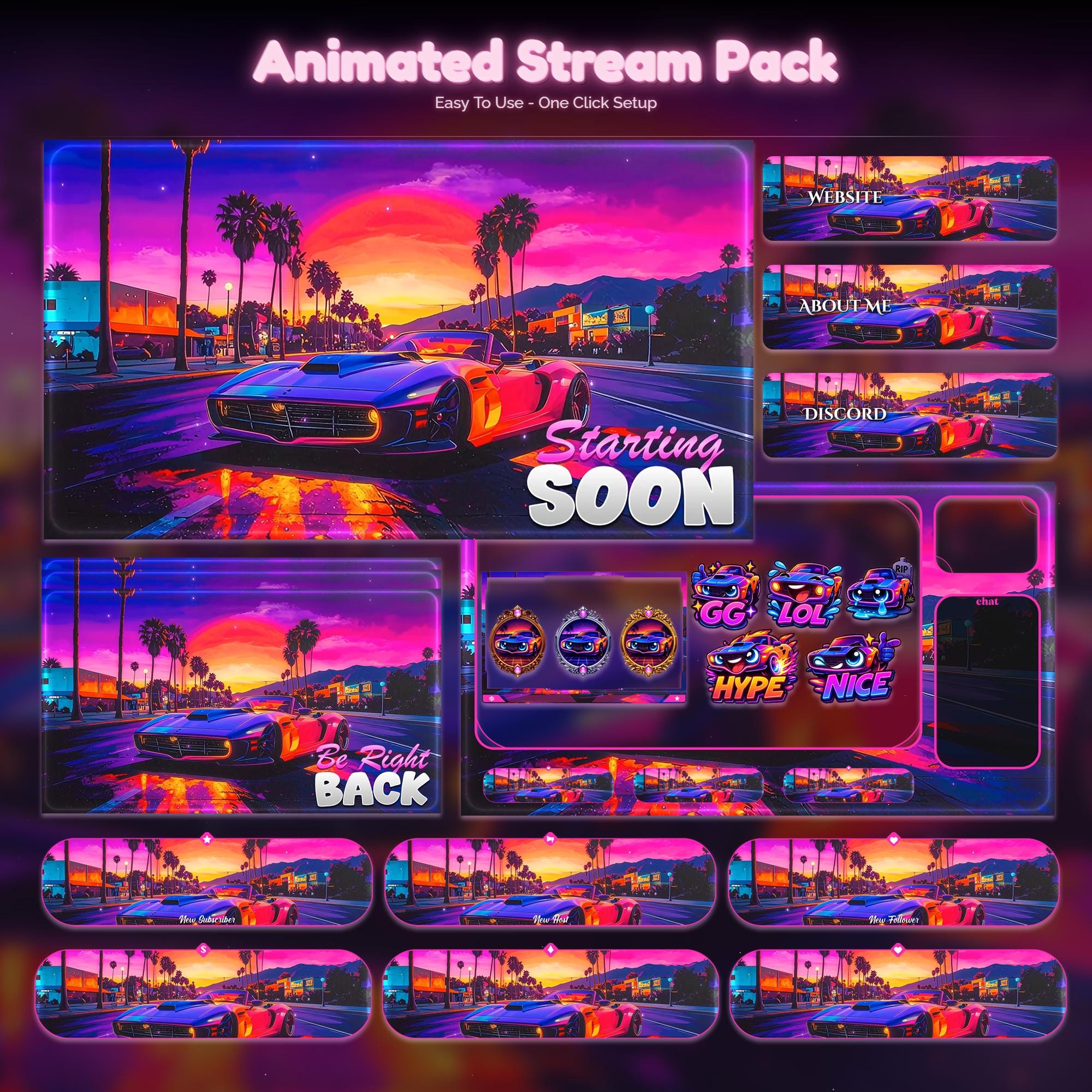
- A matched set: screens, webcam frame, alerts and panels in one style
- 1920x1080 files that downscale cleanly to any streaming resolution
- Real preview videos so you can judge the motion before you buy
FAQ
Most streamers do well with a premium pack ($5-$30). Free works for week one; custom ($100+) is worth it once your channel has an identity to build around.
Gear up
Packs From This Guide
Ready to make your stream feel like a place?
127 animated overlay worlds - real preview videos on every pack, instant download, OBS-ready.