OverlayCraft Atelier
Animated vs Static Stream Overlays: Which Actually Keeps Viewers?
The screens where viewers decide to stay - starting soon, BRB, raid landings - are exactly the screens where motion earns its keep. And the one place animation can genuinely hurt you.
The honest answer
Animated overlays win where viewers are waiting, static overlays are fine where viewers are watching. The distinction matters more than any aesthetic argument.
When your gameplay is on screen, the game is the show - a static frame does its job. But on a Starting Soon screen, a BRB, or the moment a raid of 40 strangers lands on your channel, there is nothing else to look at. A frozen image says "nothing is happening here." A scene with drifting petals, flickering candlelight or a breathing character says "the stream is alive, stay put."
Why motion holds attention in the waiting moments
Human eyes are wired to track movement - it's the cheapest attention signal that exists. A subtle loop gives an idle viewer's eyes something to rest on, which makes the wait feel shorter than a static screen does. That's the whole mechanism. It doesn't need to be dramatic; it needs to not be dead.
The practical difference shows up in the first 90 seconds of a stream. Viewers who arrive early sit on your Starting Soon screen. If it feels like a place - rain on a window, a cat asleep by a fire - waiting is comfortable. Browse the animated overlay collection and you'll see every pack ships a preview video so you can judge the motion before you buy.
When animation backfires
- Motion behind your face: a busy animated background directly behind your camera fights your own facial expressions for attention. Keep heavy motion on waiting screens, subtle motion in-game.
- Strobe-speed loops: fast flashing loops read as cheap and are genuinely hostile to photosensitive viewers. Slow is premium; fast is noise.
- Visible loop seams: a 3-second loop that visibly jumps every 3 seconds is worse than static. Good packs hide the seam with long, layered loops.
The hybrid setup most partners actually run
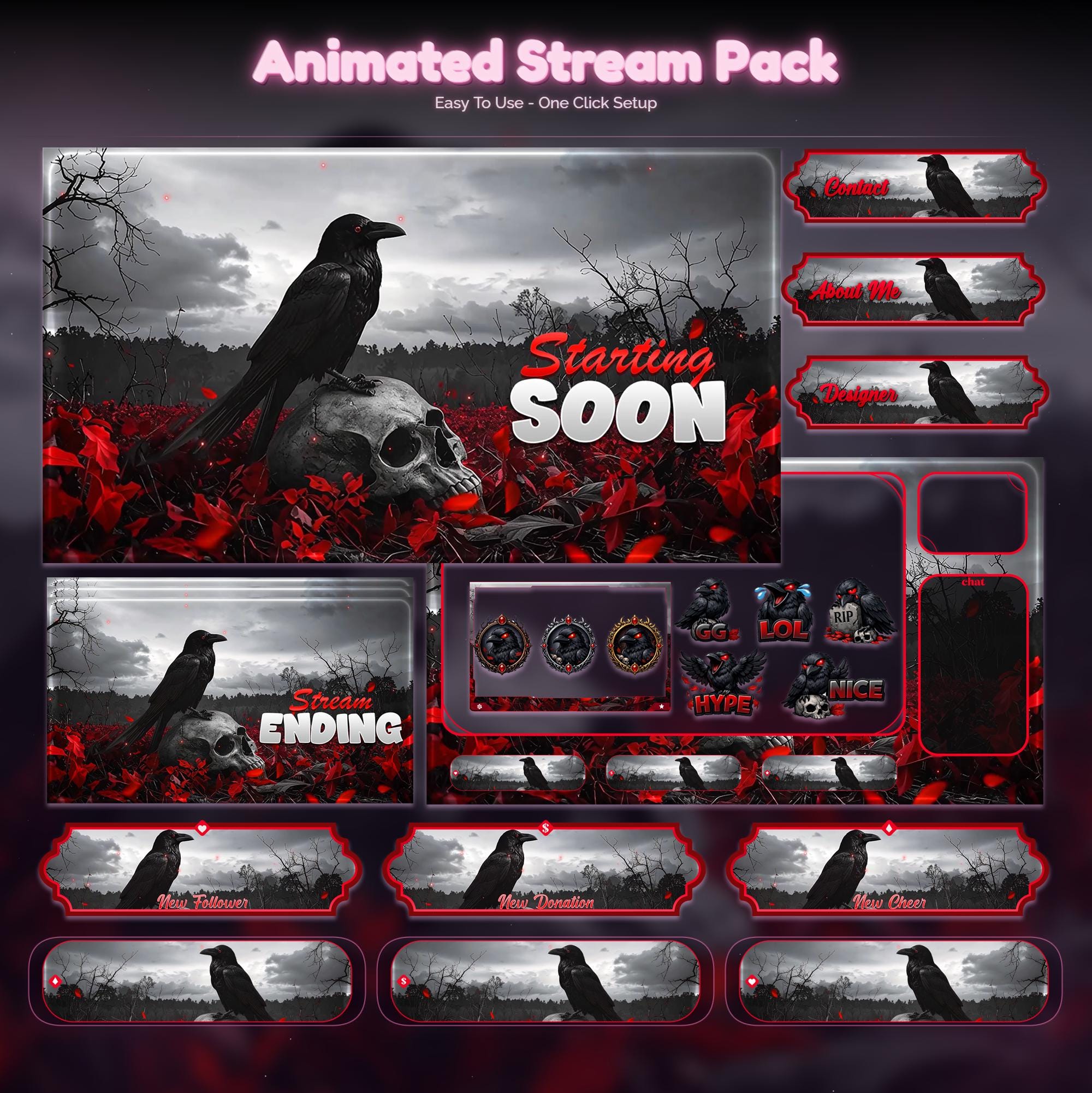
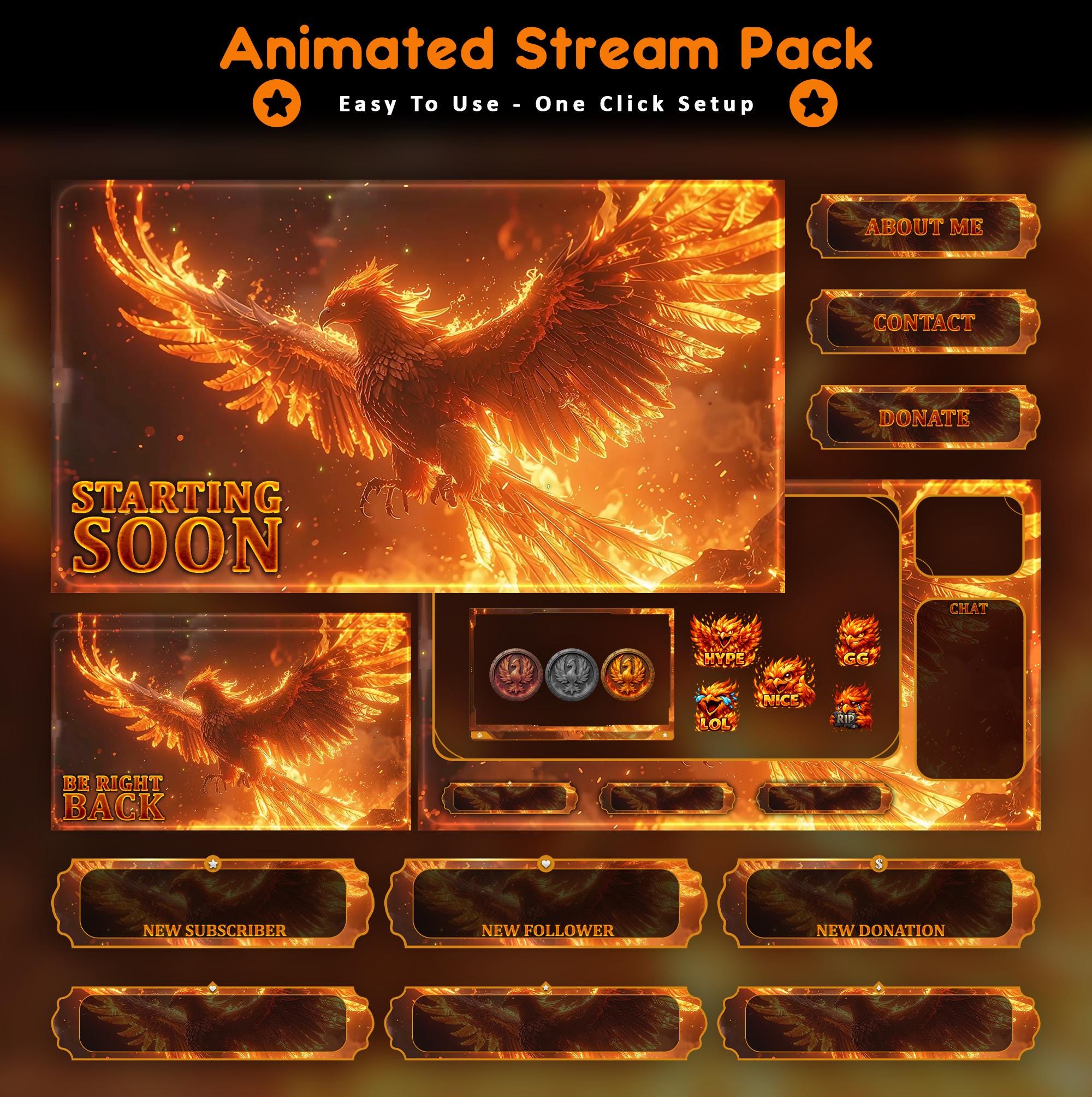
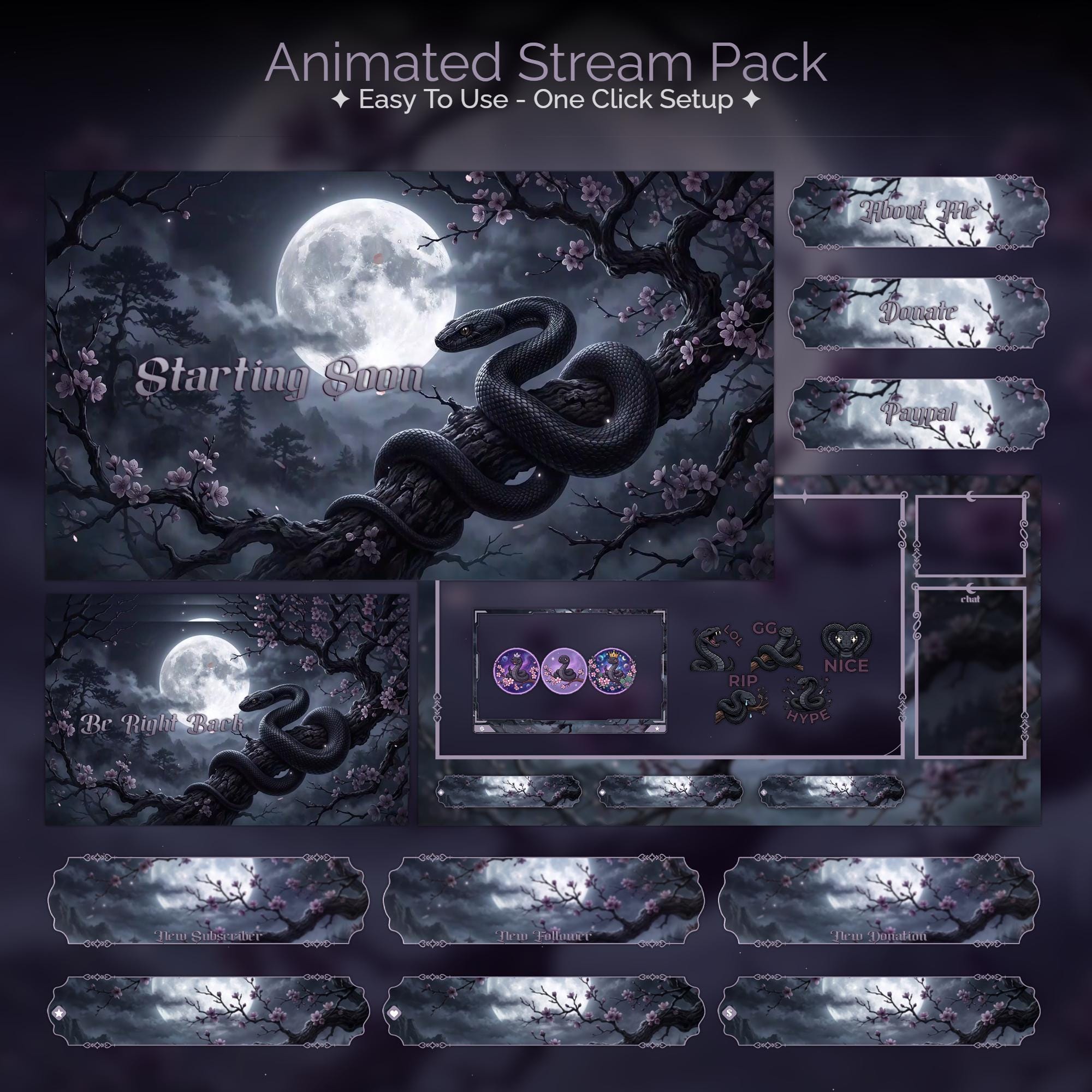
Animated: Starting Soon, BRB, Stream Ending, Offline, alerts. Static or near-static: in-game overlay and webcam frame, with at most a gentle glow. That's the layout every pack ships by default - from the atmospheric gothic worlds to the comeback-energy phoenix packs, full animation on every waiting screen, restraint where your content lives.
Performance: the objection that stopped being true
A looping video source costs almost nothing in OBS - it's decoded once and replayed, far lighter than a browser source polling a webpage. On any machine built in the last six or seven years, the difference between static and animated screens is invisible in your performance stats. The "animated overlays cause dropped frames" advice dates from a different hardware era.
Watch It in Action
Real animated packs from the VectorKingStudio channel - see the motion before you decide.
Animated Crimson Dragon Stream Package - motion demo
Animated Sakura Wolf Stream Overlay - the loop up close
FAQ
No. A looping MP4/WebM media source is one of the lightest things OBS renders. If your setup streams your game fine, it streams animated screens fine.
Gear up
Packs From This Guide
Ready to make your stream feel like a place?
127 animated overlay worlds - real preview videos on every pack, instant download, OBS-ready.