OverlayCraft Atelier
Kick overlay: Full Setup Guide
Everything you need to get your overlay live on Kick - setup, quirks, and how the platform differs from Twitch.
Getting your overlay onto Kick
Kick receives whatever OBS outputs, exactly like Twitch. The same 1920x1080 pack works - the differences are alerts (third-party tools) and where the mobile chat sits.
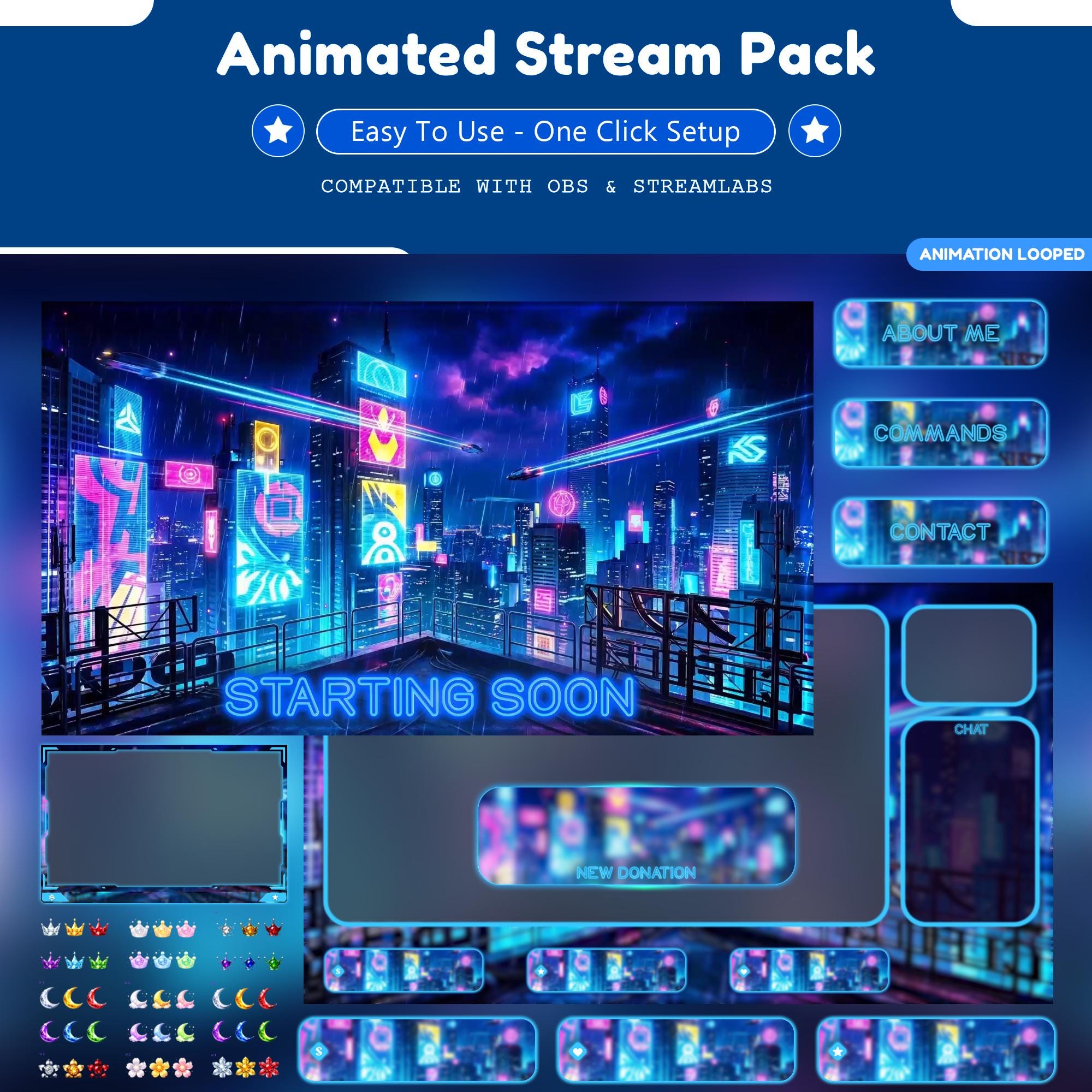
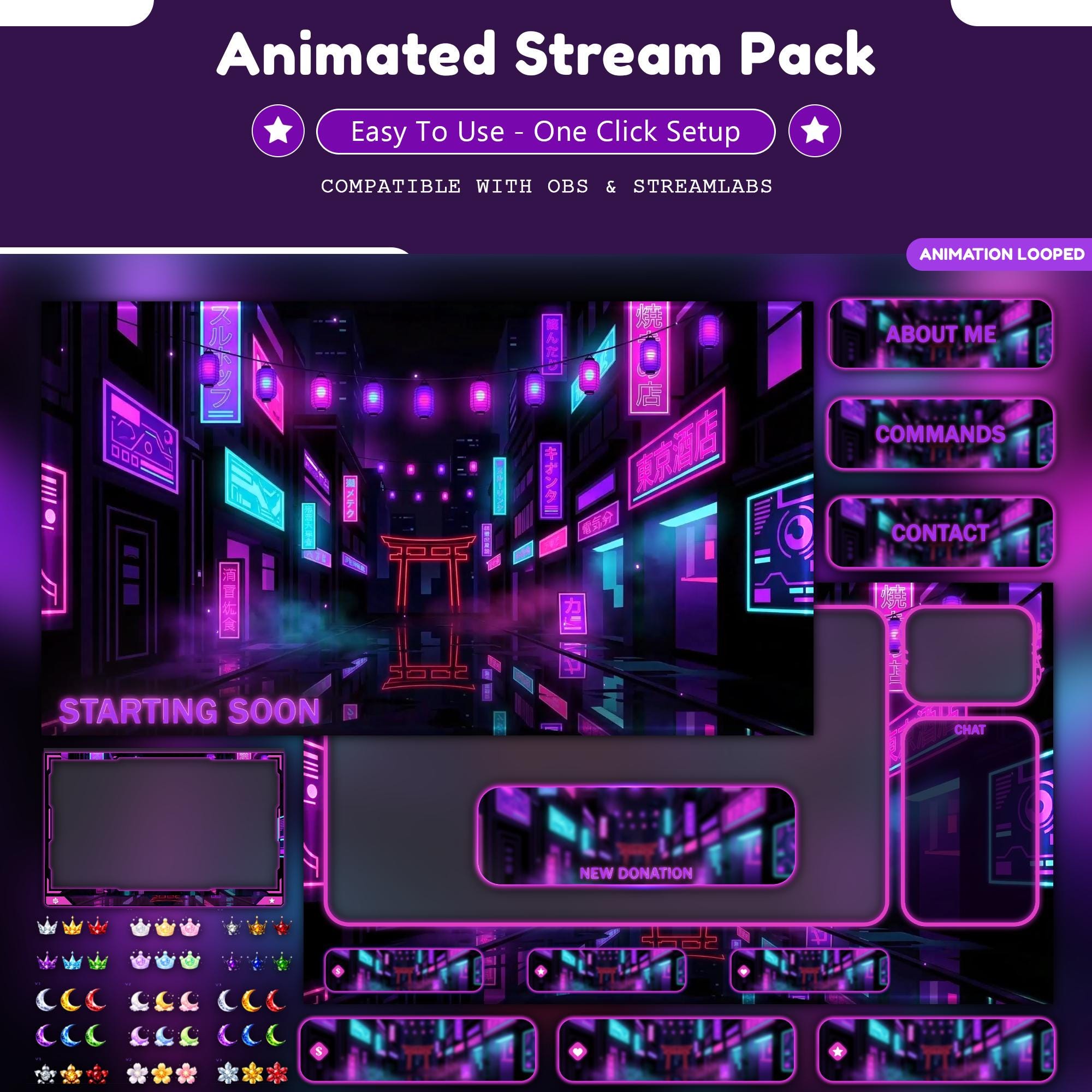
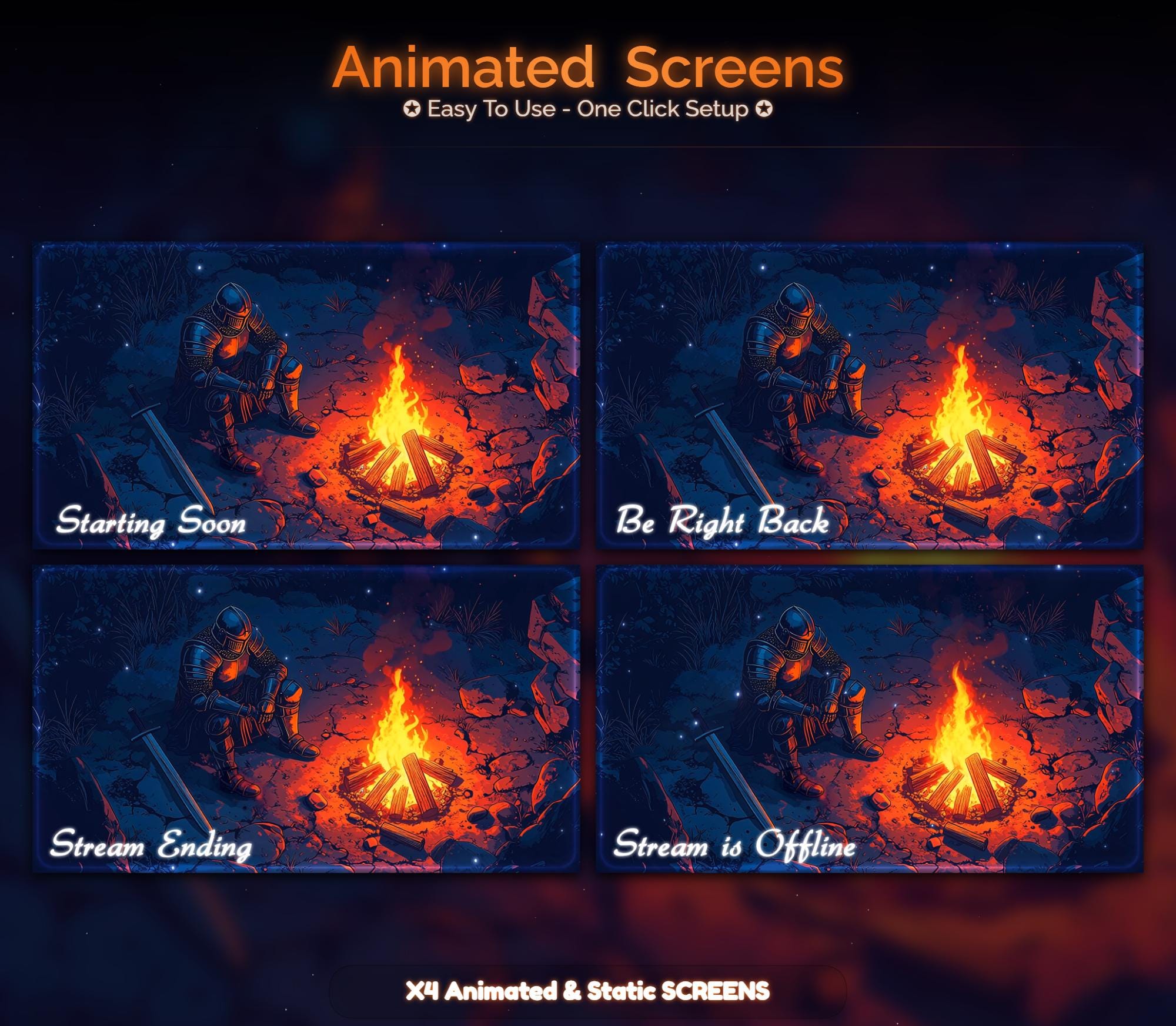
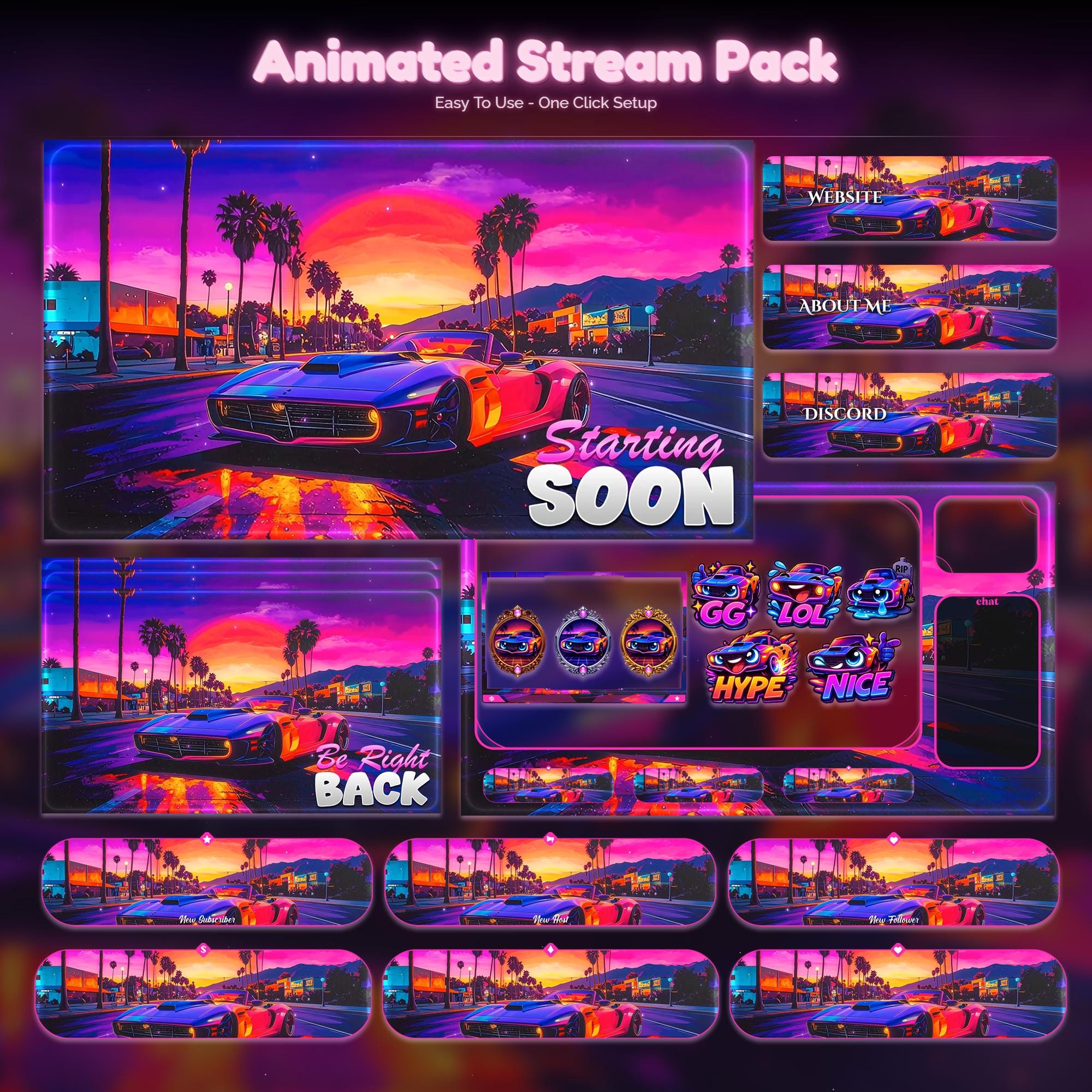
Whatever platform you stream to, the overlay itself lives in OBS. Browse animated packs and pick a world that fits your channel - the file works the same everywhere.
What's different on Kick
- Kick's player is 16:9, identical to Twitch's canvas
- Alerts run through third-party tools that give you a browser-source URL
- Chat overlaps different parts of the screen on mobile - preview before you commit
Do you need a Kick-specific overlay?
No. Be suspicious of anyone selling a "Kick-only" version of the same files. One 1920x1080 pack covers Twitch, YouTube and Kick - buy once, stream anywhere.
FAQ
Yes, without modification. Overlays render in OBS before the video reaches Kick, so the same files work.
Gear up
Packs From This Guide
Ready to make your stream feel like a place?
127 animated overlay worlds - real preview videos on every pack, instant download, OBS-ready.