OverlayCraft Atelier
Cute & Kawaii Overlays for Streamers
Pastel palettes, soft sparkles and adorable mascots - here's how a kawaii overlay works, who it suits, and packs ready to drop into OBS.
The idea
A great kawaii overlay is about one thing done well: pastel palettes, soft sparkles and adorable mascots. The goal is to make your whole channel feel warm and huggable from the first second. When every screen agrees on that idea, your channel reads as intentional - and intentional is what keeps a new viewer watching.
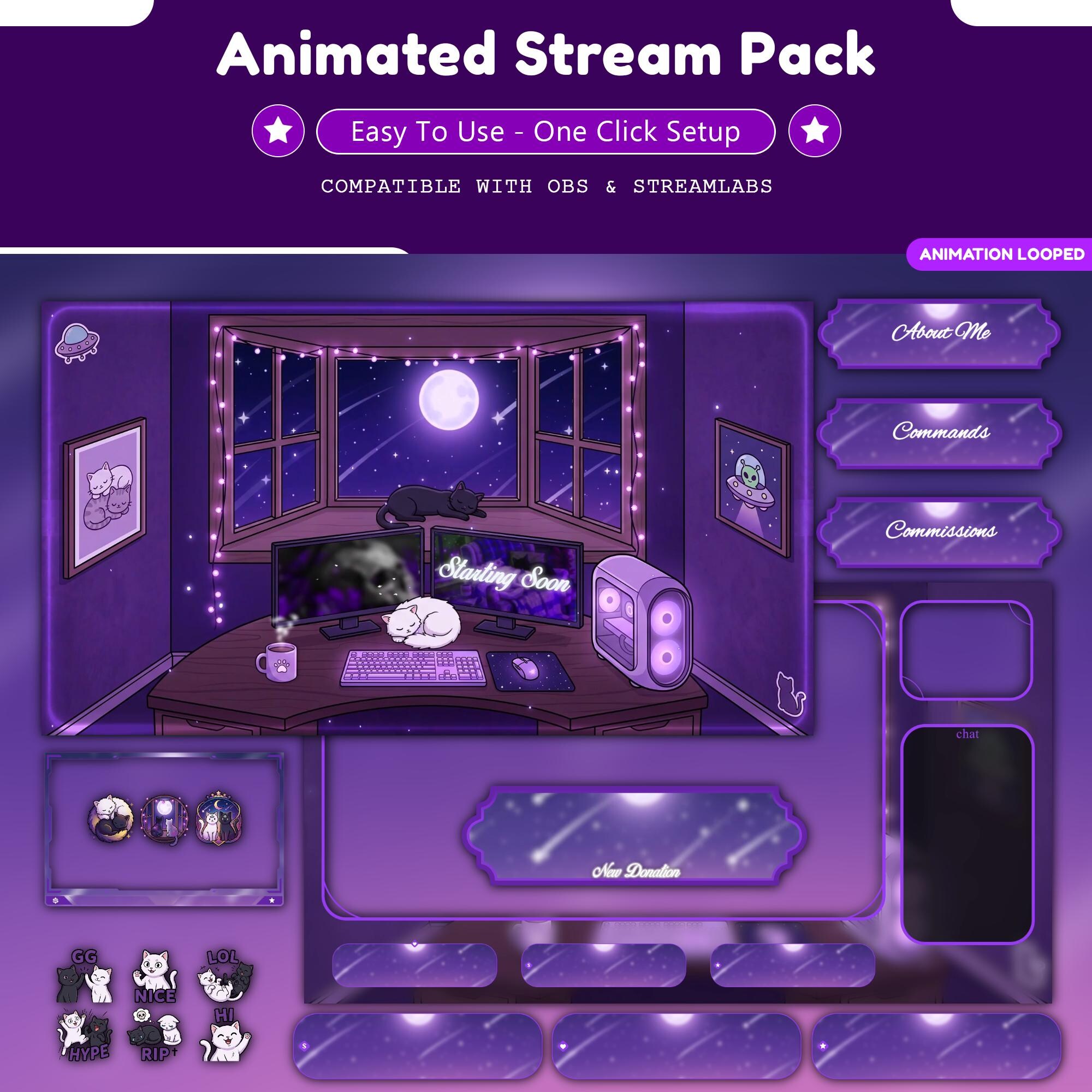
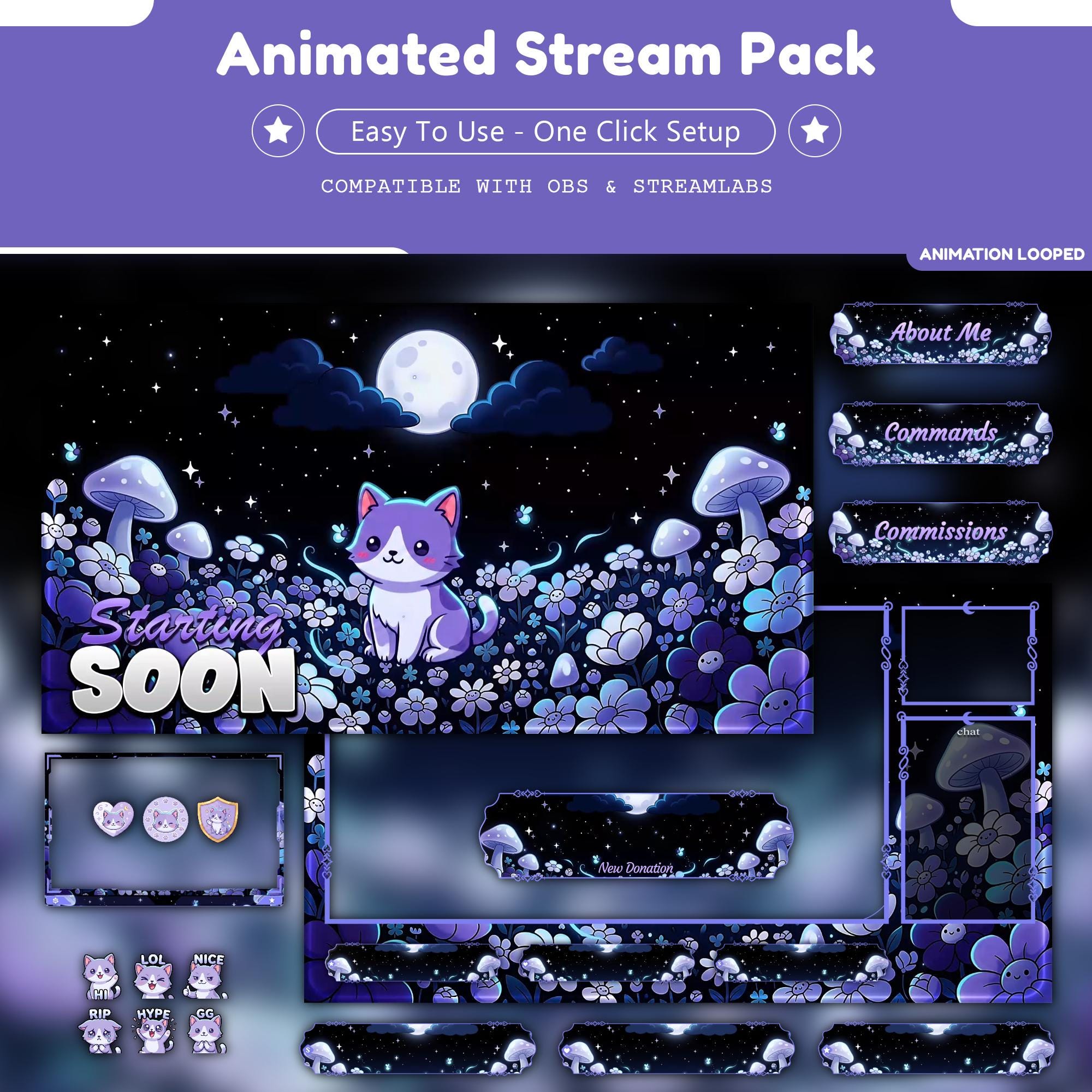
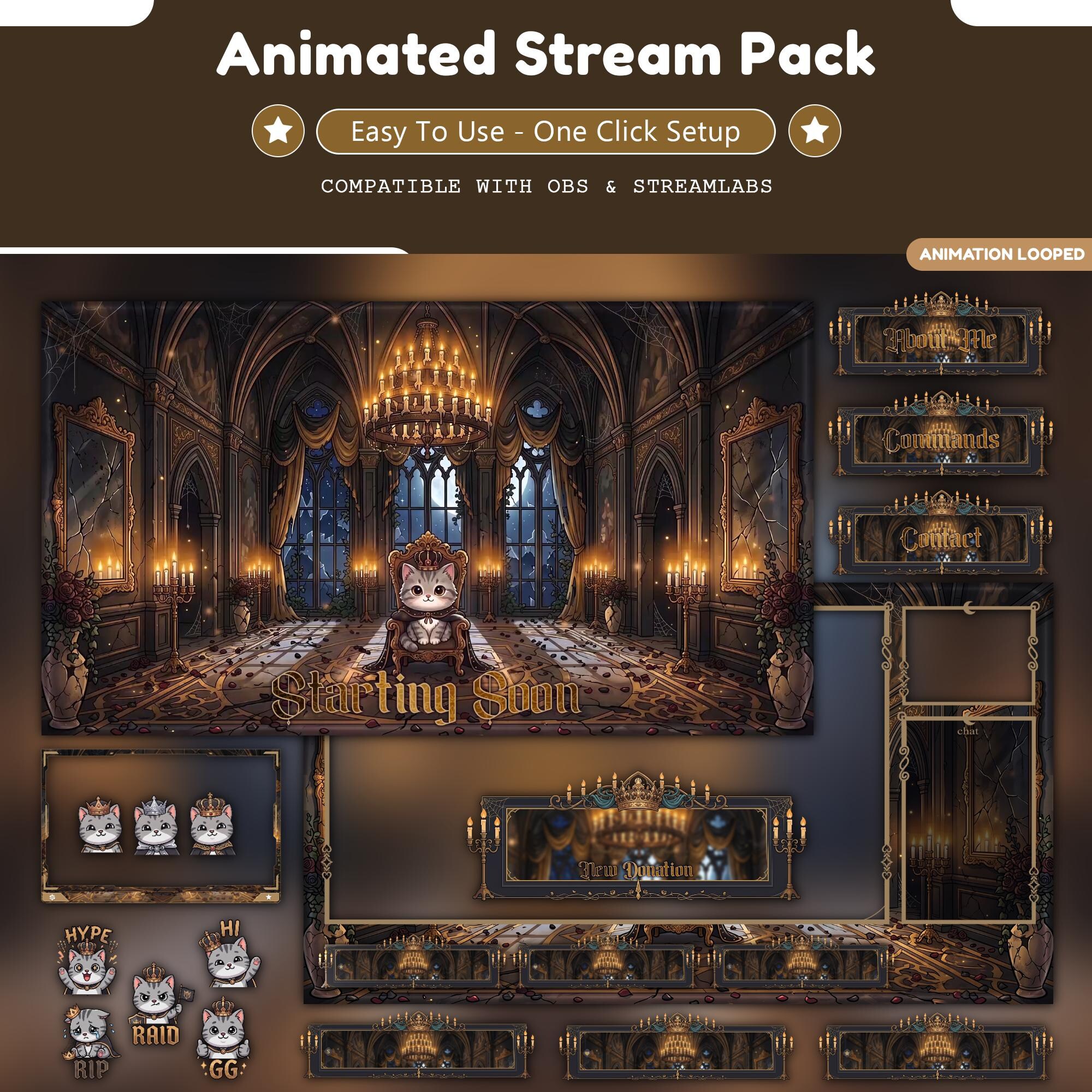
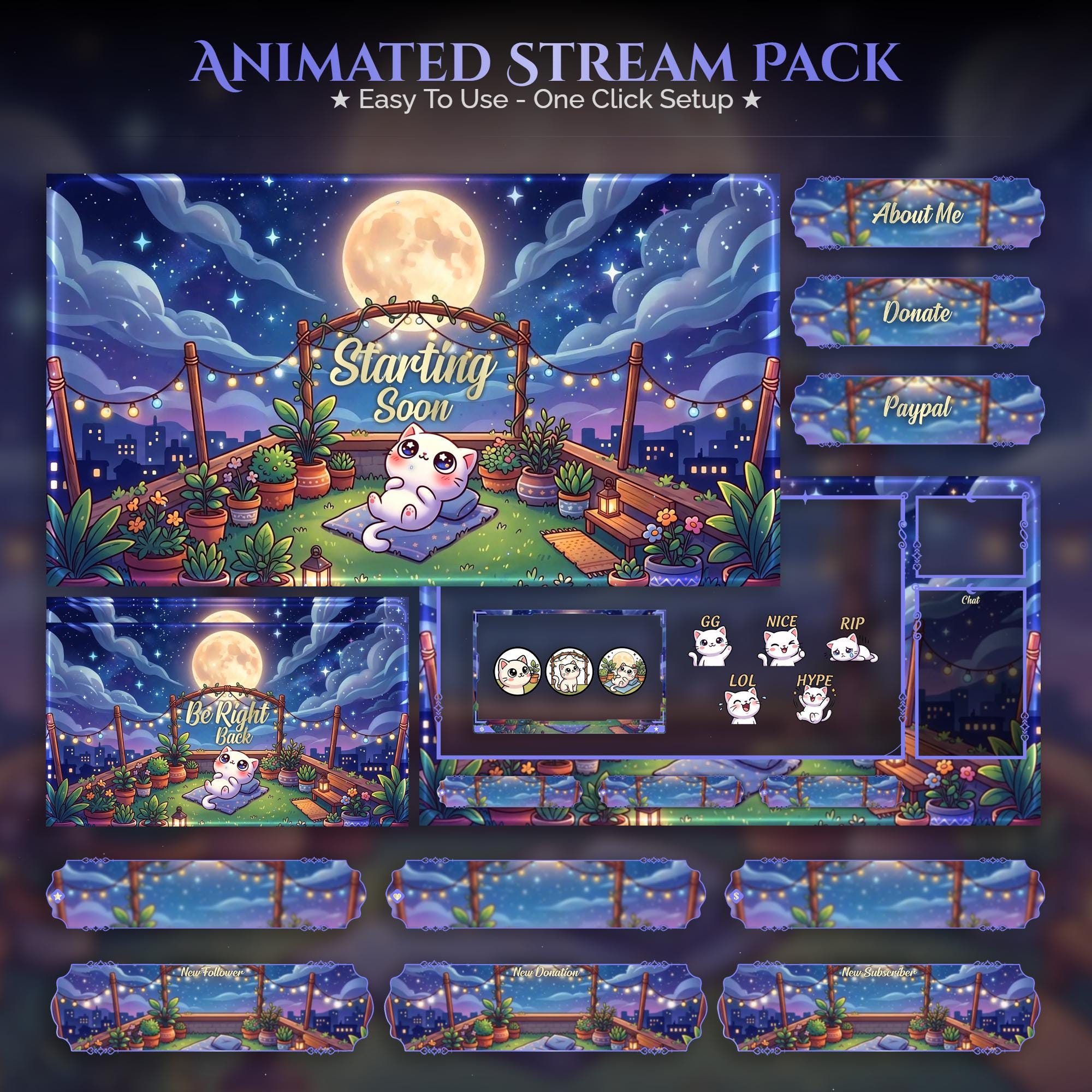
Browse the cat collection and picture your content inside each frame. The best pick is the one that matches your personality, not just a trend.
Who it suits and how to use it
- Match the style to your content and your energy, not just a color you like
- Keep heavy motion on waiting screens; stay subtle in-game
- Use matching alerts and panels so nothing looks bolted on
- Reads clearly at small sizes on mobile, where most discovery happens
Setting it up
Setup is minutes: drop each animated screen into OBS as a looping Media Source, add your webcam frame above the camera, and upload the alerts to your alert tool. Full walkthrough: how to add an overlay to OBS.
FAQ
A matched set of stream graphics - screens, webcam frame, alerts and panels - built around pastel palettes, soft sparkles and adorable mascots, giving your whole channel one coherent look.
Gear up
Packs From This Guide
Ready to make your stream feel like a place?
127 animated overlay worlds - real preview videos on every pack, instant download, OBS-ready.