June 22, 2026 · OverlayCraft Atelier
How to Brand Your Twitch Channel (Step-by-Step)
A plain-language, step-by-step guide to brand your channel - follow along and you'll be done in a few minutes.
The quick answer
To brand your channel: Pick one aesthetic and apply it everywhere - overlay, panels, emotes, offline banner, then work through the steps below. The whole thing takes a few minutes and needs no design software - if you can drag a file into OBS, you can do this.
Step-by-step
- Pick one aesthetic and apply it everywhere - overlay, panels, emotes, offline banner.
- Use the same handle across Twitch, YouTube, TikTok and X.
- Keep fonts and colors consistent across every graphic.
- Add a matched emote and sub badge set.
Make it match your brand
Consistency is what turns a stream into a brand viewers recognize. A stream reads as professional when every piece agrees - the same fonts, the same palette, the same mood. If you're building your look from scratch, a complete animated overlay pack gives you matching screens, frames, alerts and panels in one download.
FAQ
No. This is a drag-and-drop process in OBS or your alert tool. Ready-made packs give you the art; you just place it.
Gear up
Packs From This Guide
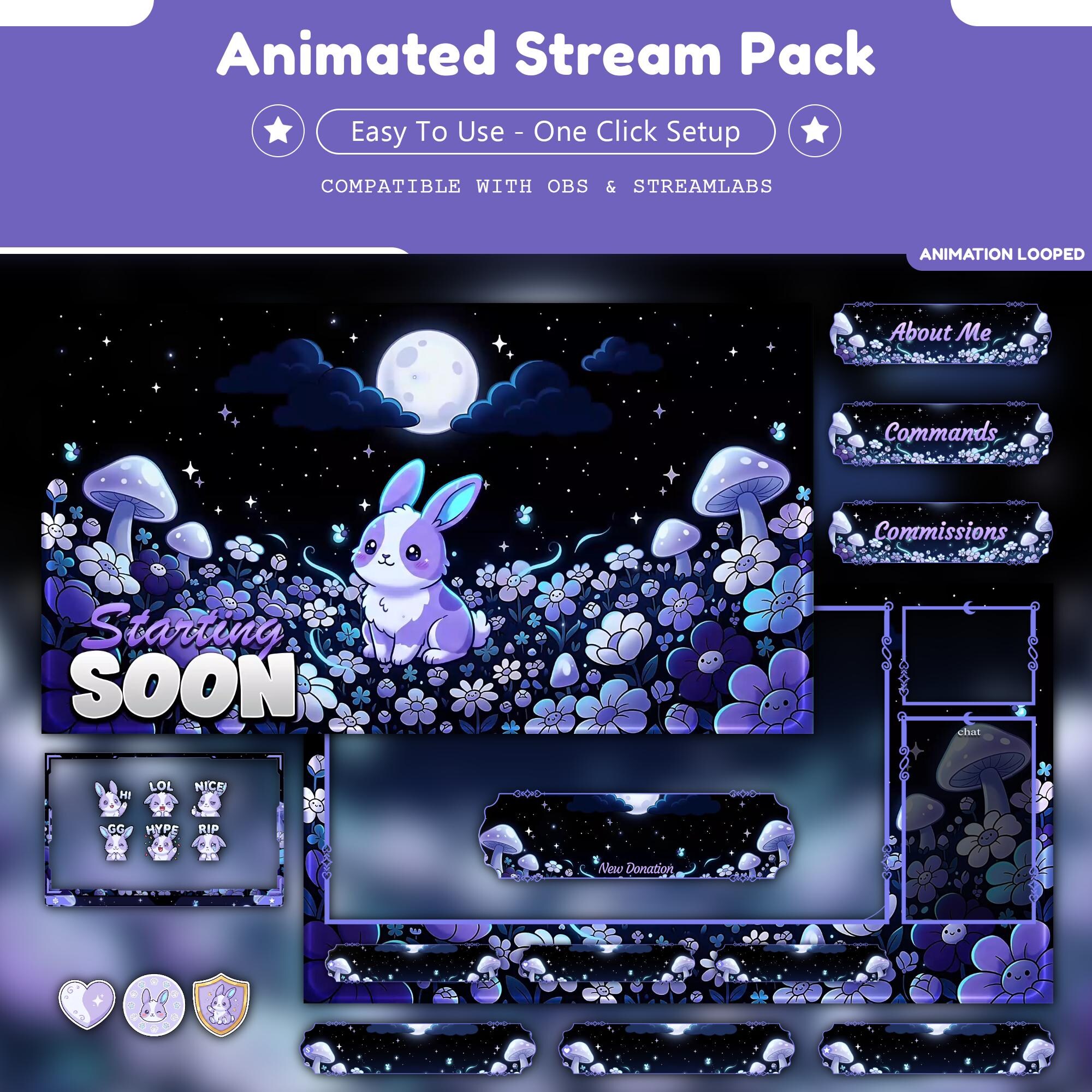
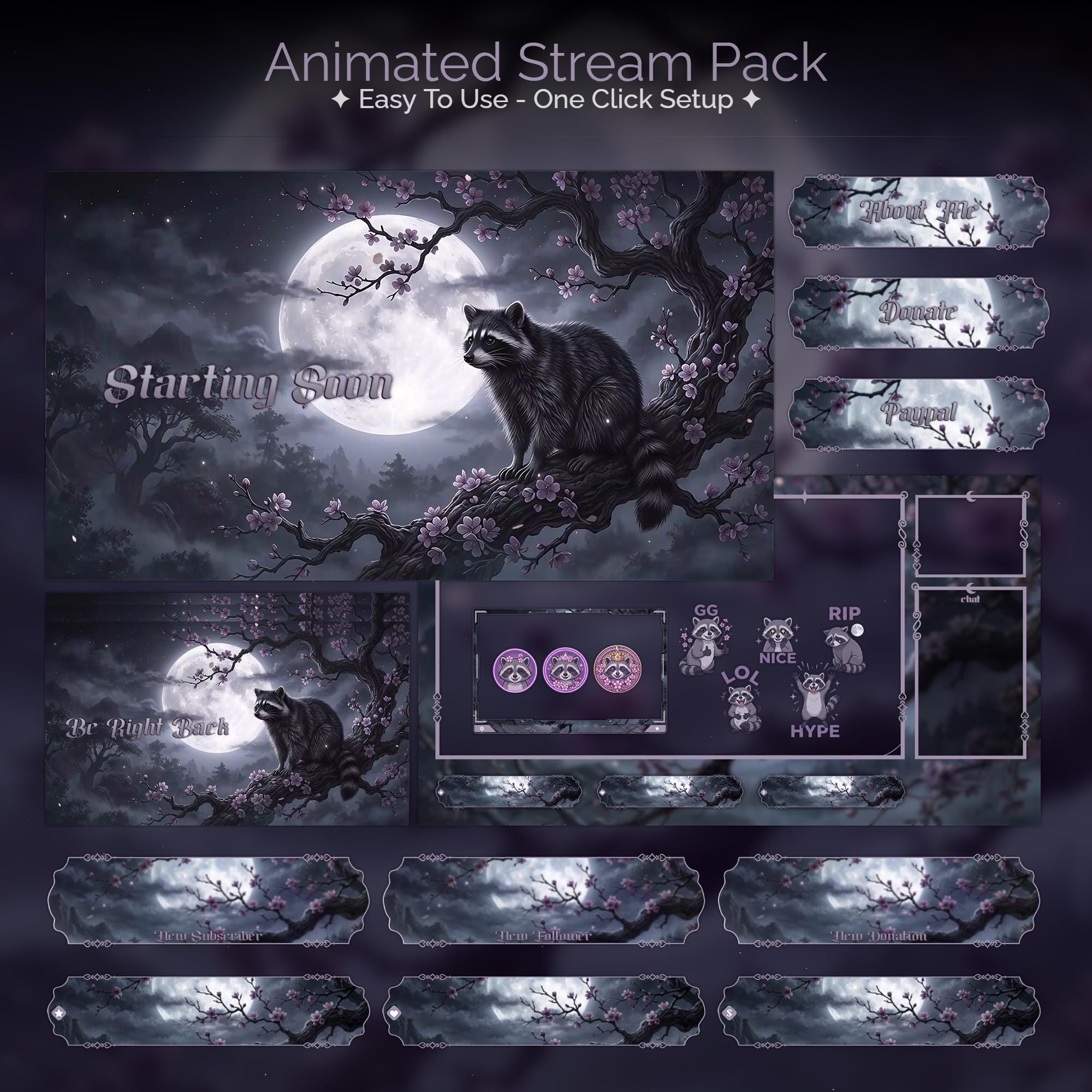
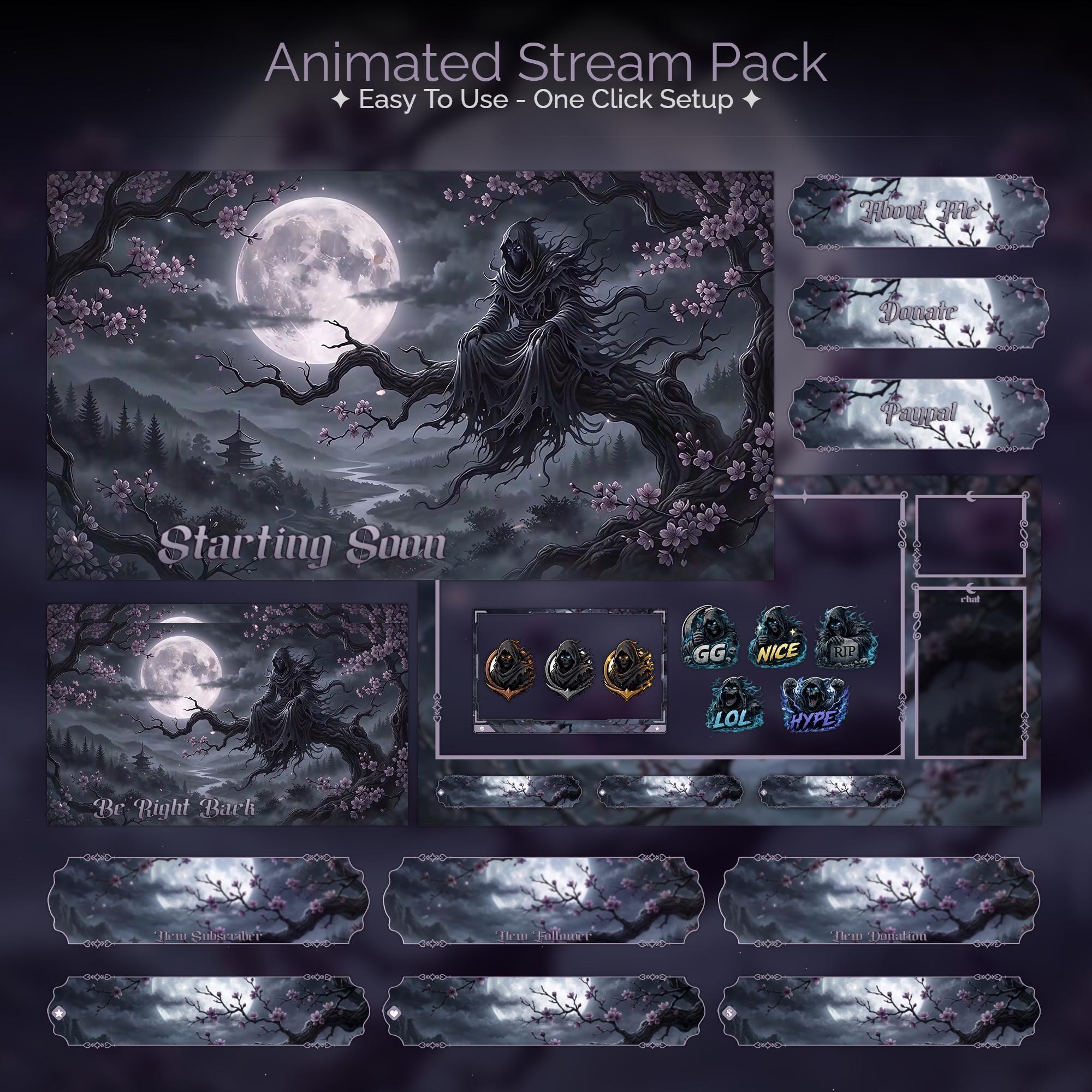
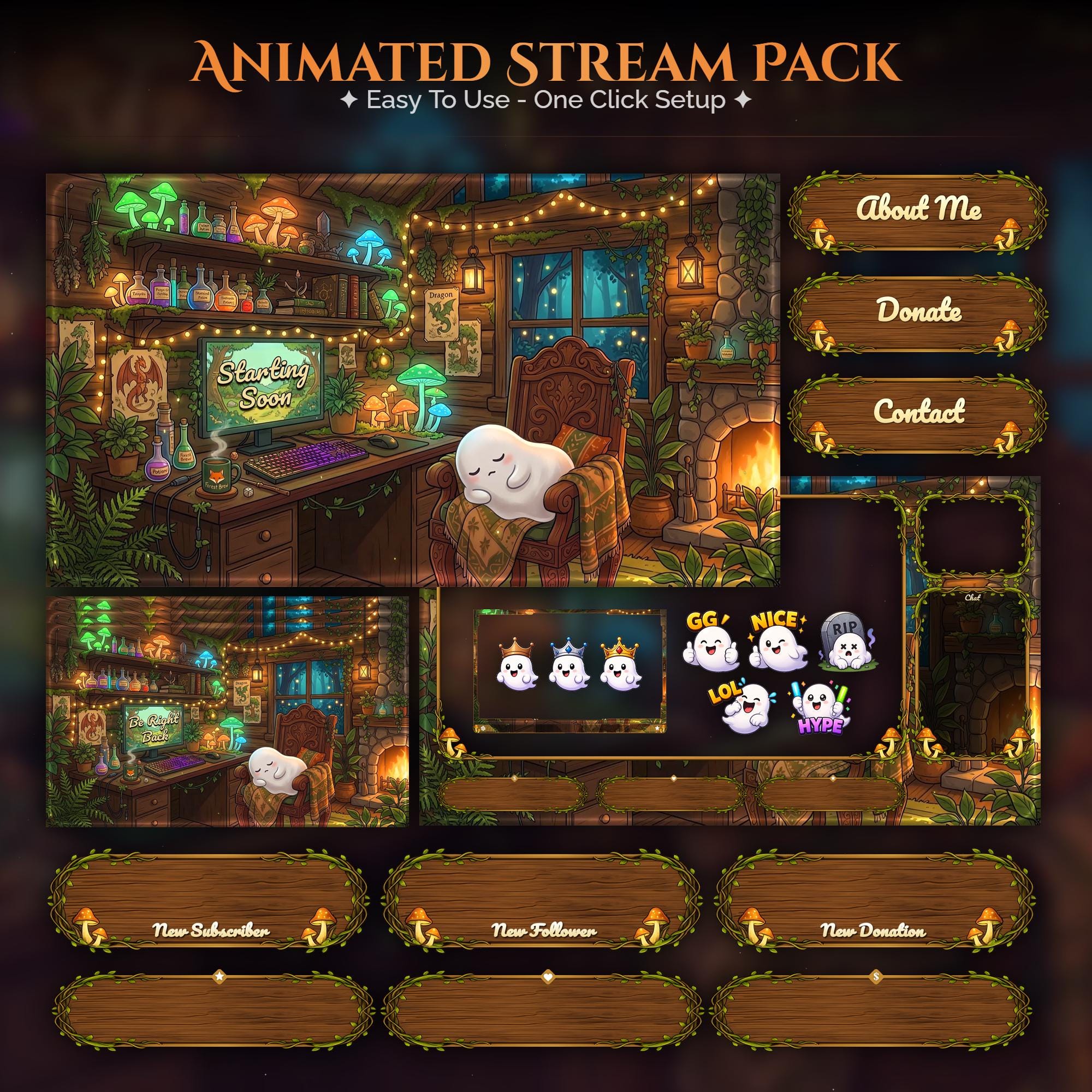
Ready to make your stream feel like a place?
127 animated overlay worlds - real preview videos on every pack, instant download, OBS-ready.