OverlayCraft Atelier
Best Kawaii Twitch Overlays: A Streamer's Guide
Pastel pinks, soft sparkles and adorable mascots - here's how to choose a kawaii overlay that fits your channel, and animated kawaii packs ready to go live.
What makes a great kawaii overlay
A kawaii overlay lives or dies on atmosphere. The best ones lean into pastel pinks, soft sparkles and adorable mascots instead of slapping a kawaii sticker on a generic template. When it's done right, every screen - Starting Soon, BRB, Ending, Offline - feels like it belongs to the same world, and pastel sparkles that trail your alerts sells the whole thing.
Motion matters more than most people expect. A frozen kawaii image says "nothing is happening here"; a slow, deliberate loop says "the stream is alive, stay put." That's why the Kawaii collection ships every screen animated, with matching webcam frames, alerts and panels.
Who kawaii overlays suit
Kawaii overlays are a natural fit for VTubers and cute-aesthetic channels. If your content and your visuals agree, a new viewer reads your channel as intentional within the first few seconds - and that's the window where they decide whether to stay.
- Matches the mood of your content, not just a color you like
- Reads clearly at small sizes on mobile, where most discovery happens
- Leaves room for the Twitch UI (chat, controls) so nothing important gets covered
What's inside a kawaii stream package
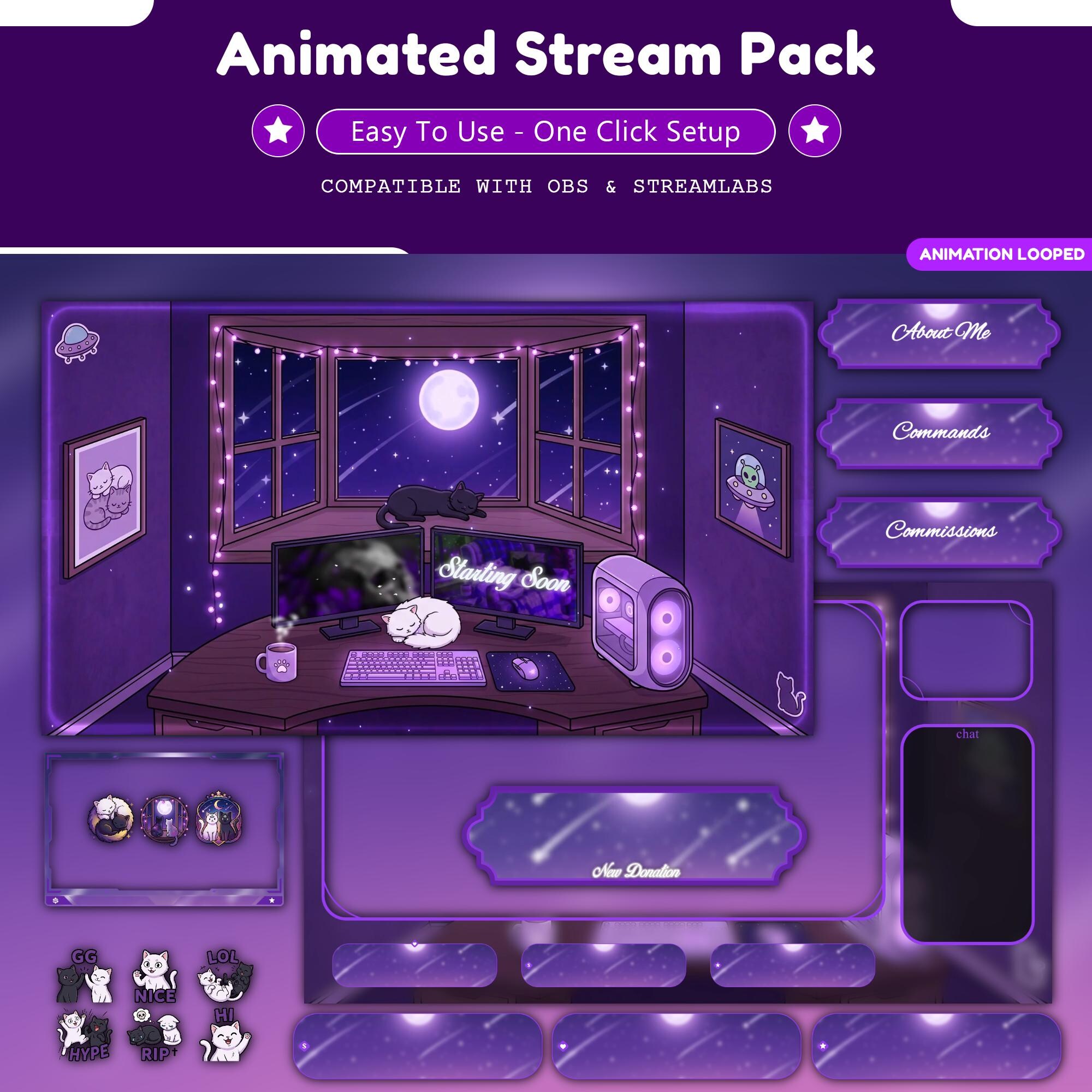
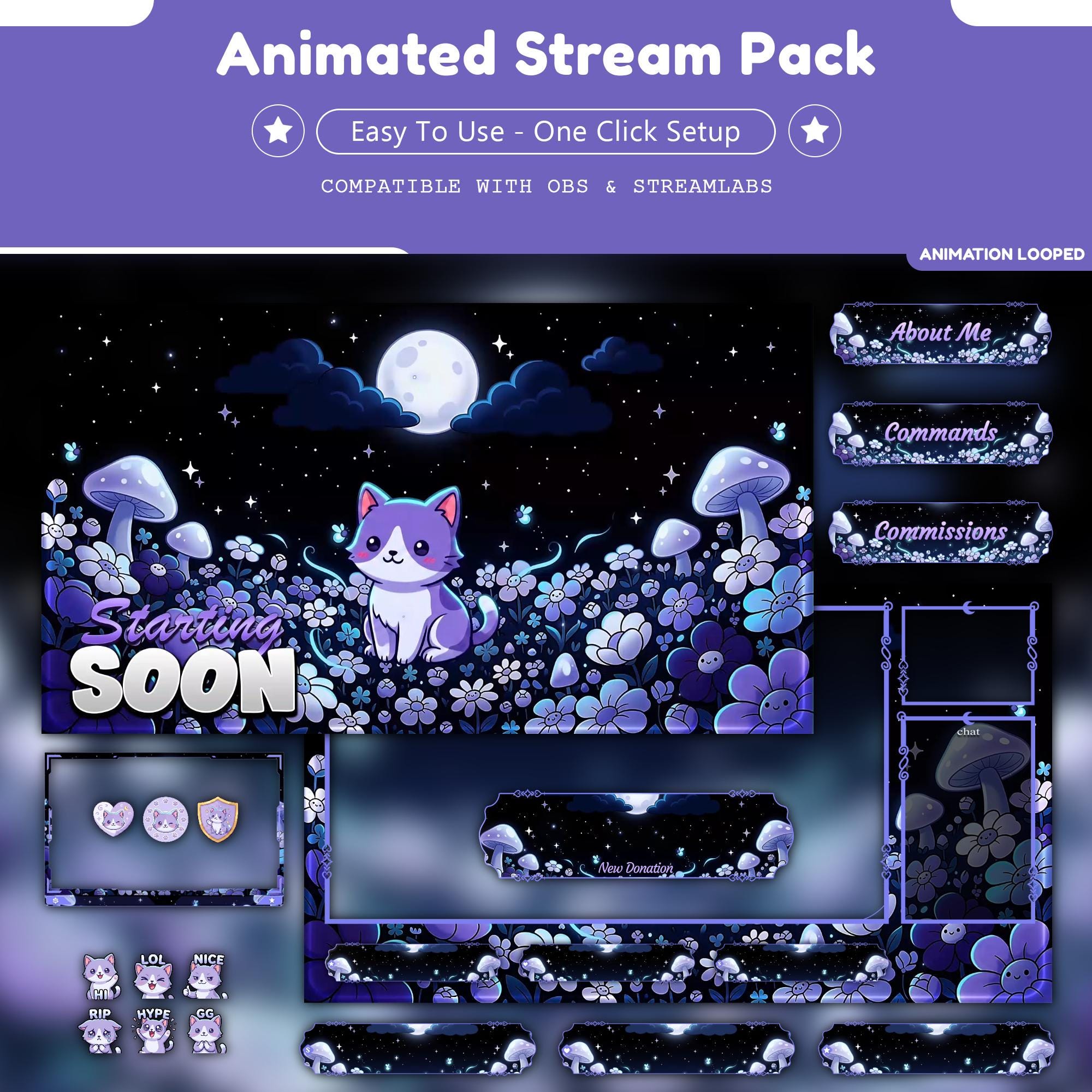
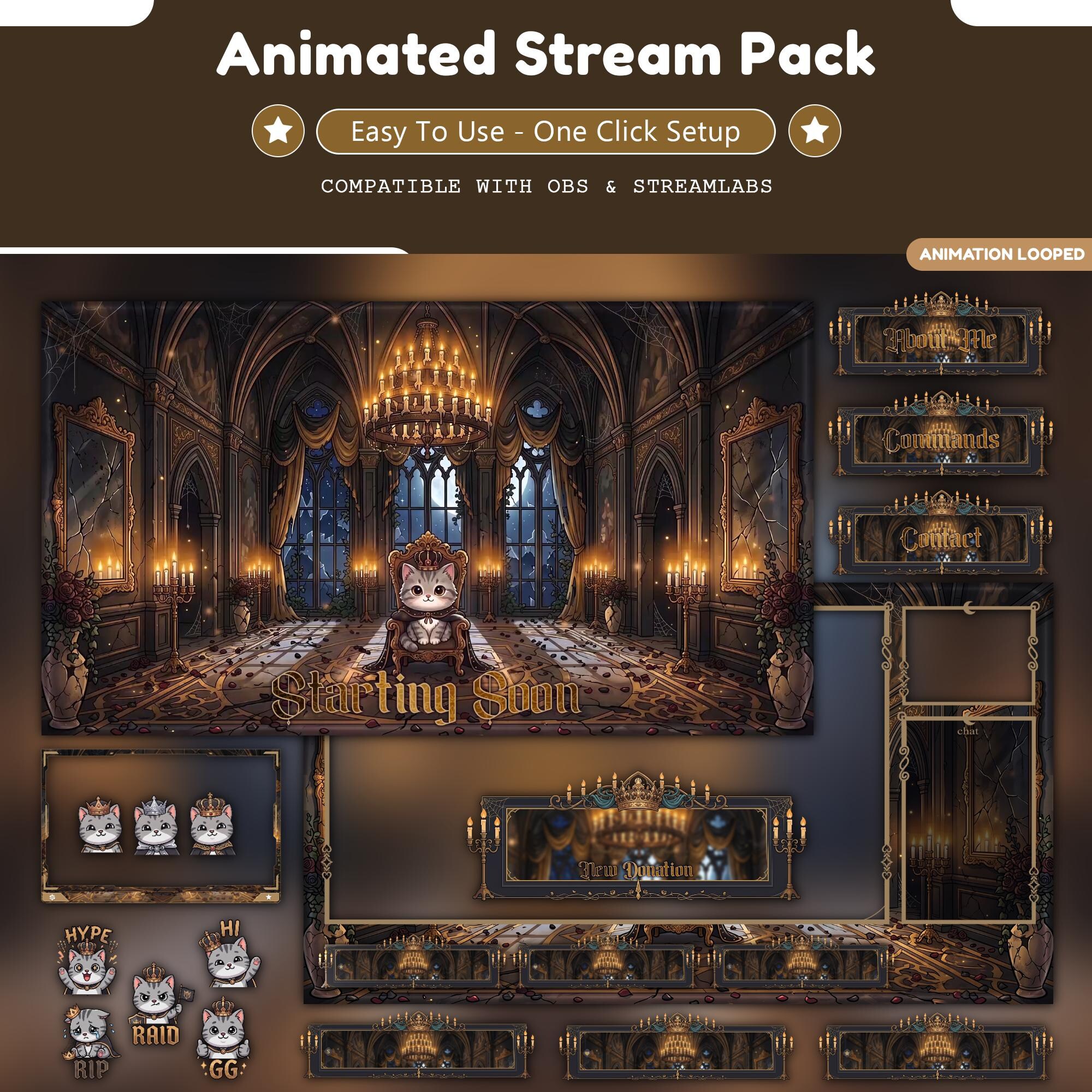
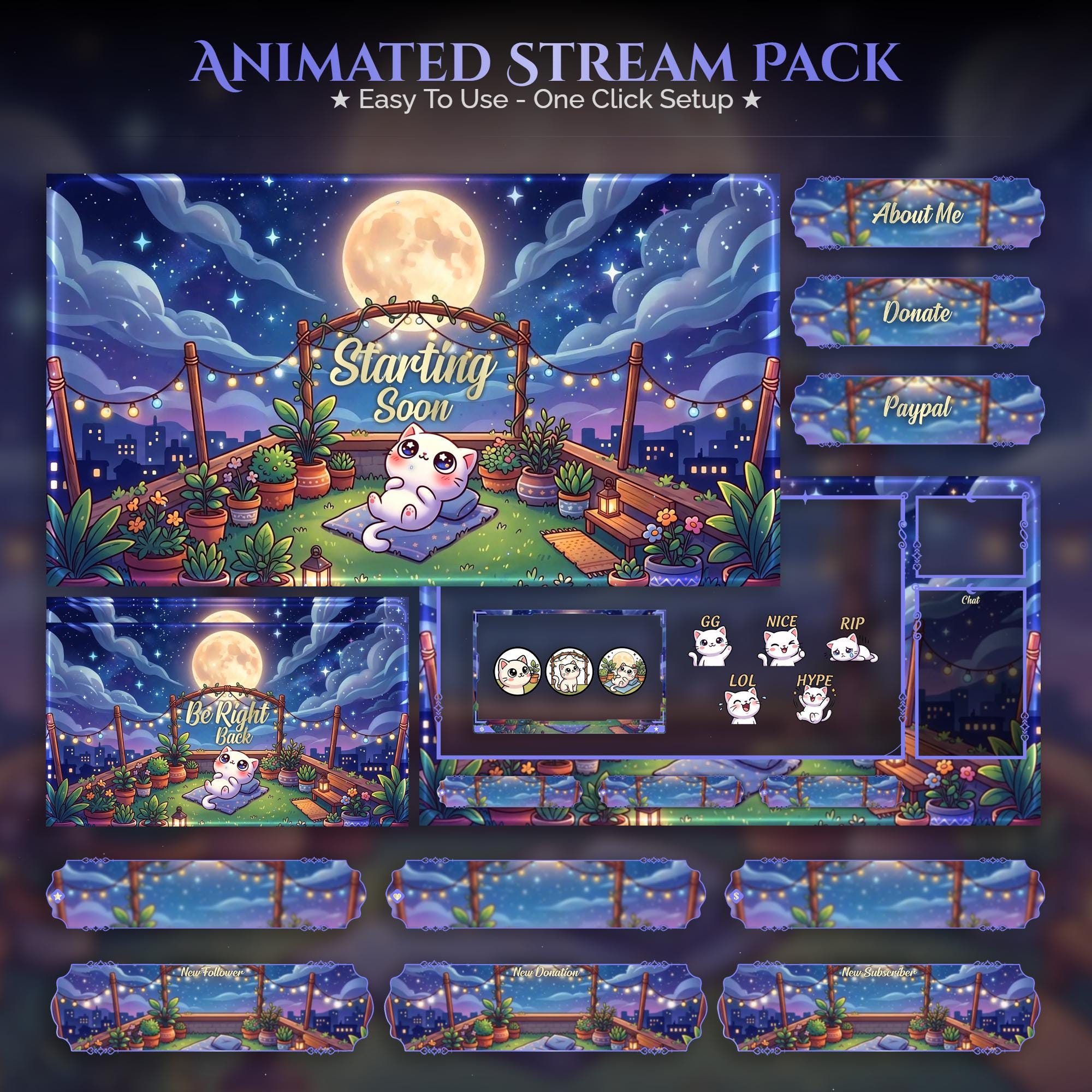
A complete kawaii pack is more than a background. Expect animated Starting Soon, Be Right Back, Stream Ending and Offline screens, a webcam frame, an in-game overlay, animated alerts for follows, subs and raids, and info panels - all in one matched art style. That consistency is what separates a "channel" from a "stream with a picture behind it."
Setting up your kawaii overlay in OBS
Setup takes minutes. Drop each animated screen into OBS as a Media Source with Loop enabled, add your webcam frame as an Image source above the camera, and upload the alerts to your alert tool. Our full walkthrough covers every click: how to add an overlay to OBS.
FAQ
It's a matched set of stream graphics in a kawaii theme - Starting Soon, BRB, Ending and Offline screens plus a webcam frame, alerts and panels - that gives your whole channel one coherent kawaii look.
Gear up
Packs From This Guide
Ready to make your stream feel like a place?
127 animated overlay worlds - real preview videos on every pack, instant download, OBS-ready.