OverlayCraft Atelier
Aesthetic Overlays: Build a Channel People Screenshot
Cohesive palettes, dreamy motion and a scene worth staring at - here's how a aesthetic overlay works, who it suits, and packs ready to drop into OBS.
The idea
A great aesthetic overlay is about one thing done well: cohesive palettes, dreamy motion and a scene worth staring at. The goal is to give viewers a channel so pretty they want to screenshot and share it. When every screen agrees on that idea, your channel reads as intentional - and intentional is what keeps a new viewer watching.
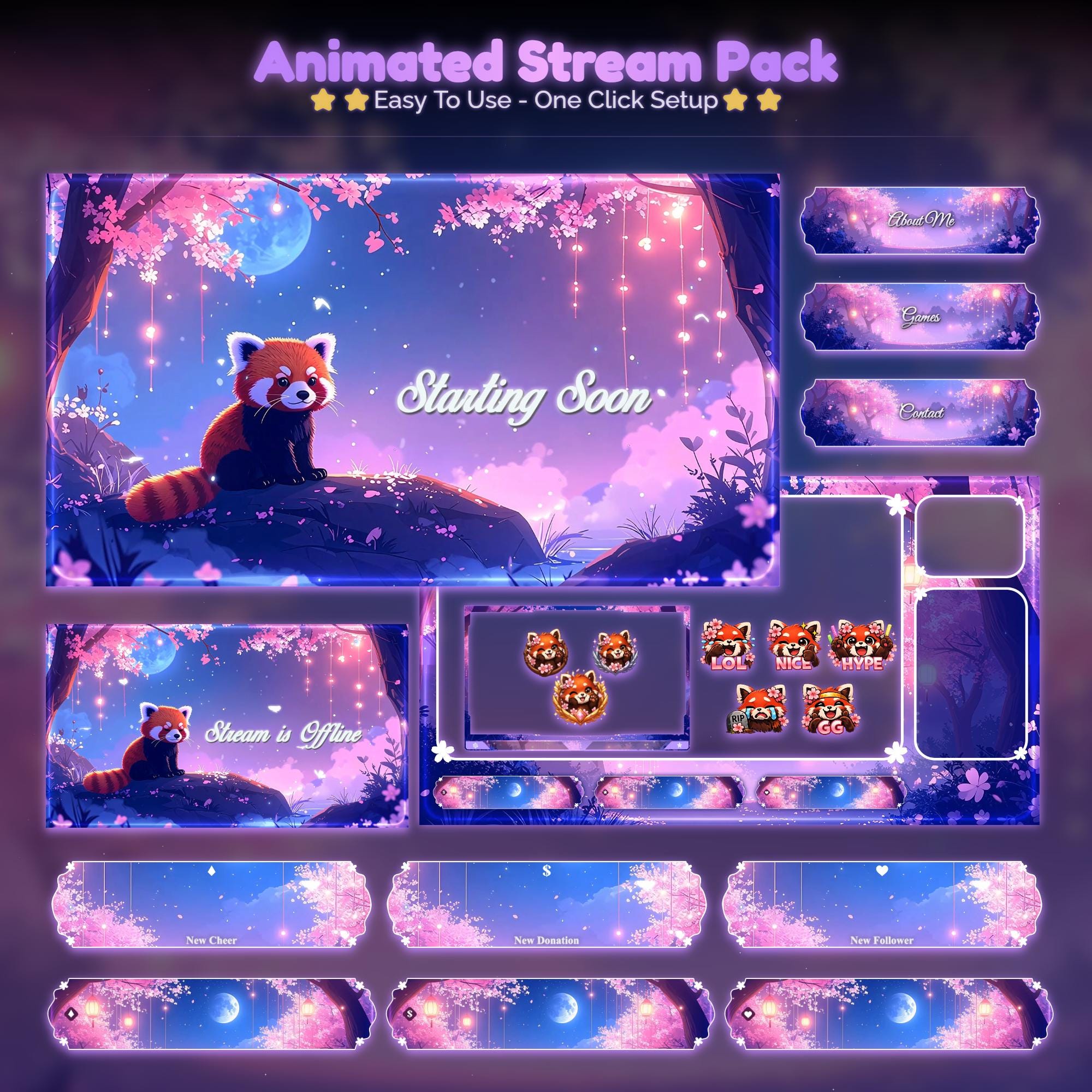
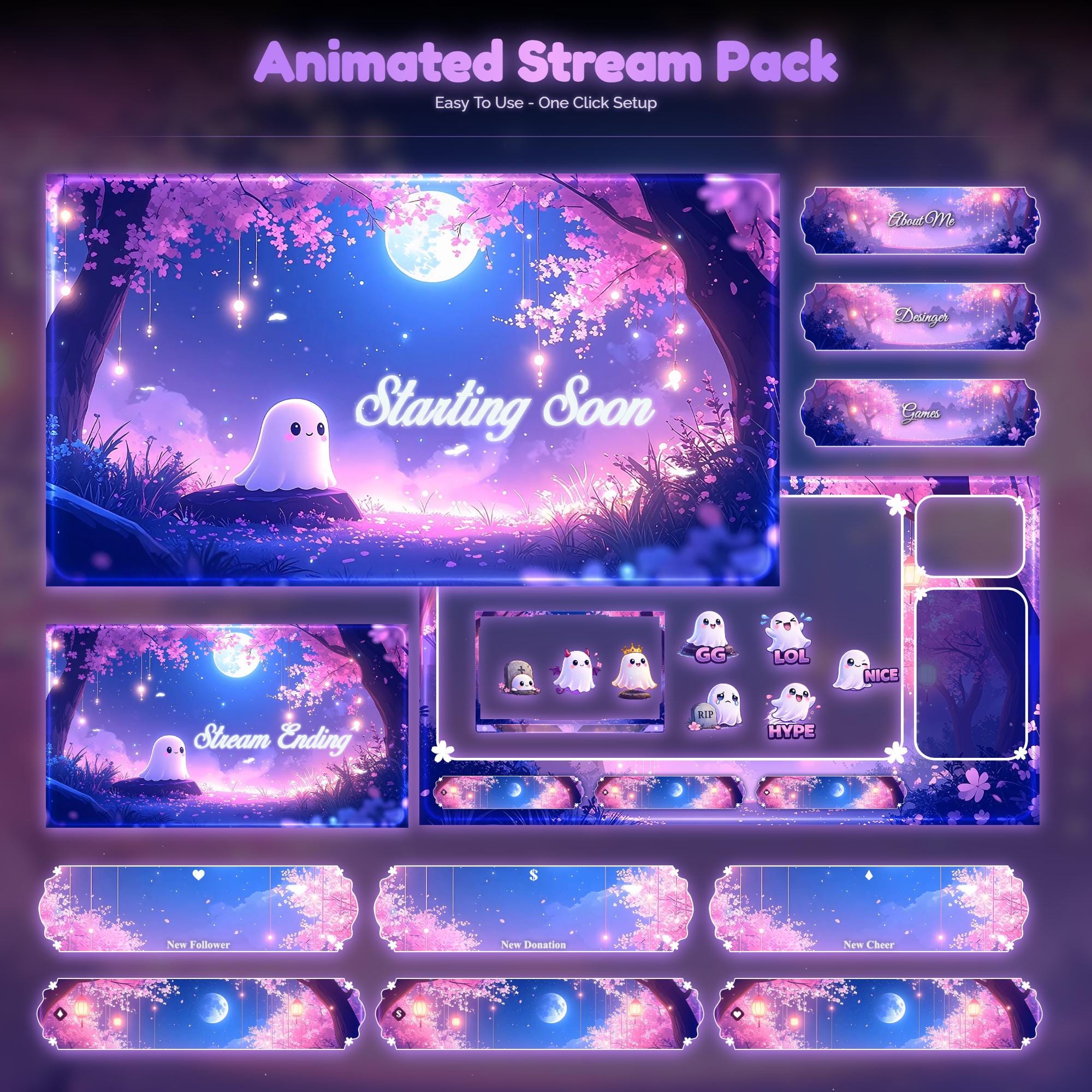
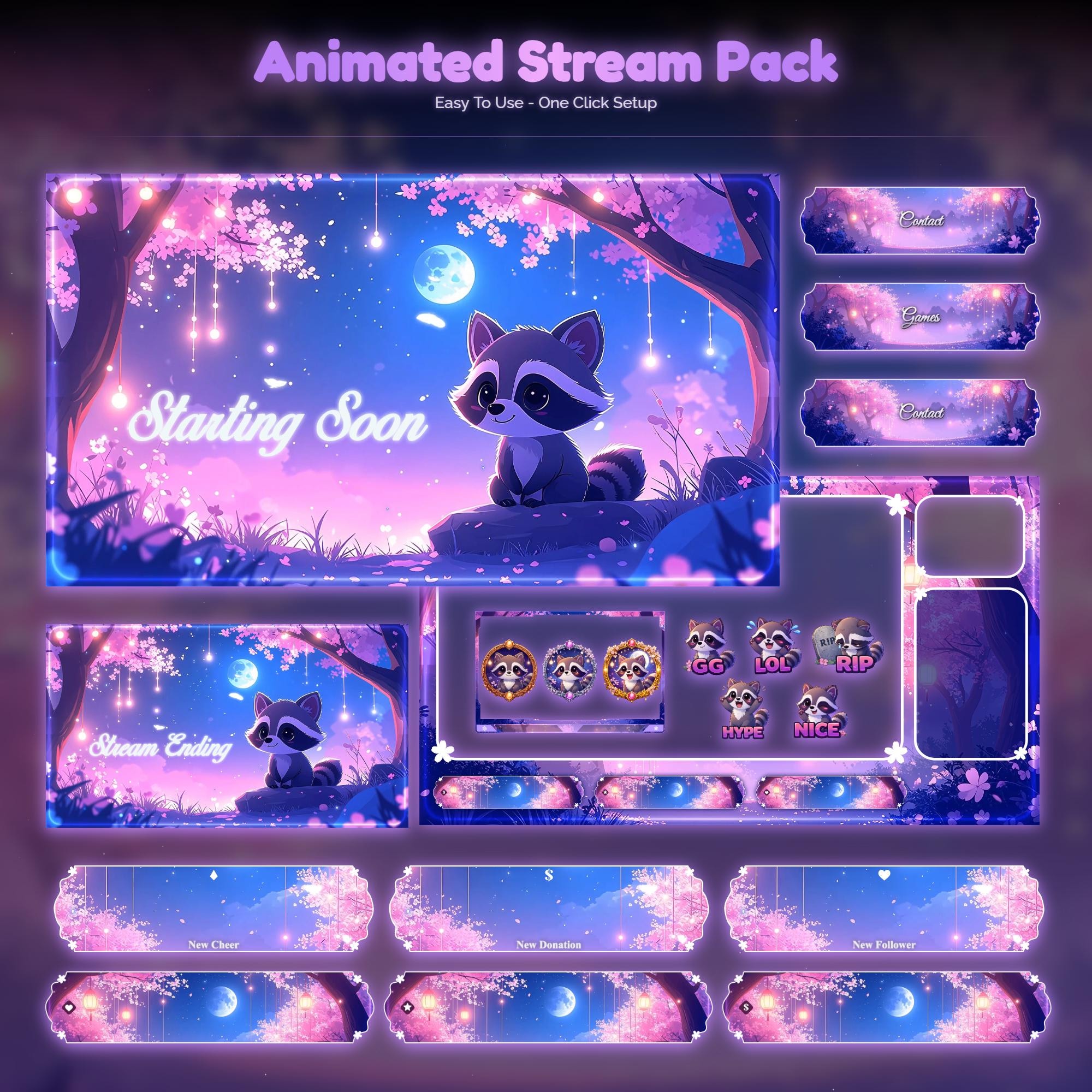
Browse the sakura collection and picture your content inside each frame. The best pick is the one that matches your personality, not just a trend.
Who it suits and how to use it
- Match the style to your content and your energy, not just a color you like
- Keep heavy motion on waiting screens; stay subtle in-game
- Use matching alerts and panels so nothing looks bolted on
- Reads clearly at small sizes on mobile, where most discovery happens
Setting it up
Setup is minutes: drop each animated screen into OBS as a looping Media Source, add your webcam frame above the camera, and upload the alerts to your alert tool. Full walkthrough: how to add an overlay to OBS.
FAQ
A matched set of stream graphics - screens, webcam frame, alerts and panels - built around cohesive palettes, dreamy motion and a scene worth staring at, giving your whole channel one coherent look.
Gear up
Packs From This Guide
Ready to make your stream feel like a place?
127 animated overlay worlds - real preview videos on every pack, instant download, OBS-ready.