OverlayCraft Atelier
VTuber vs Facecam: Which Should You Use?
Both work; they just ask different things of your overlay. A facecam borrows your real room for a setting; a VTuber floats in whatever you put behind them - so the overlay matters more.
Why this matters for VTubers
Both work; they just ask different things of your overlay. A facecam borrows your real room for a setting; a VTuber floats in whatever you put behind them - so the overlay matters more.
Because a VTuber floats in whatever you put behind them, the overlay isn't optional set-dressing - it's the physical world your character inhabits. Browse the anime collection and Japanese worlds and imagine your model standing in each one.
How to do it well
- Facecam: a webcam frame and a tidy background do most of the work.
- VTuber: the overlay is the world, so pick one that matches your model's lore.
- Either way, keep the person/model the hero of the scene.
- Consistency across scenes sells the whole look.
Layer order that works
- Alerts - top
- Foreground overlay elements (frames, drifting petals)
- Your model capture
- The animated scene / background overlay
- Game capture (if playing) - bottom
FAQ
Scene-based worlds with expressive but slow motion - anime, sakura, gothic and cozy. The overlay becomes your character's environment, so match it to their lore.
Gear up
Packs From This Guide
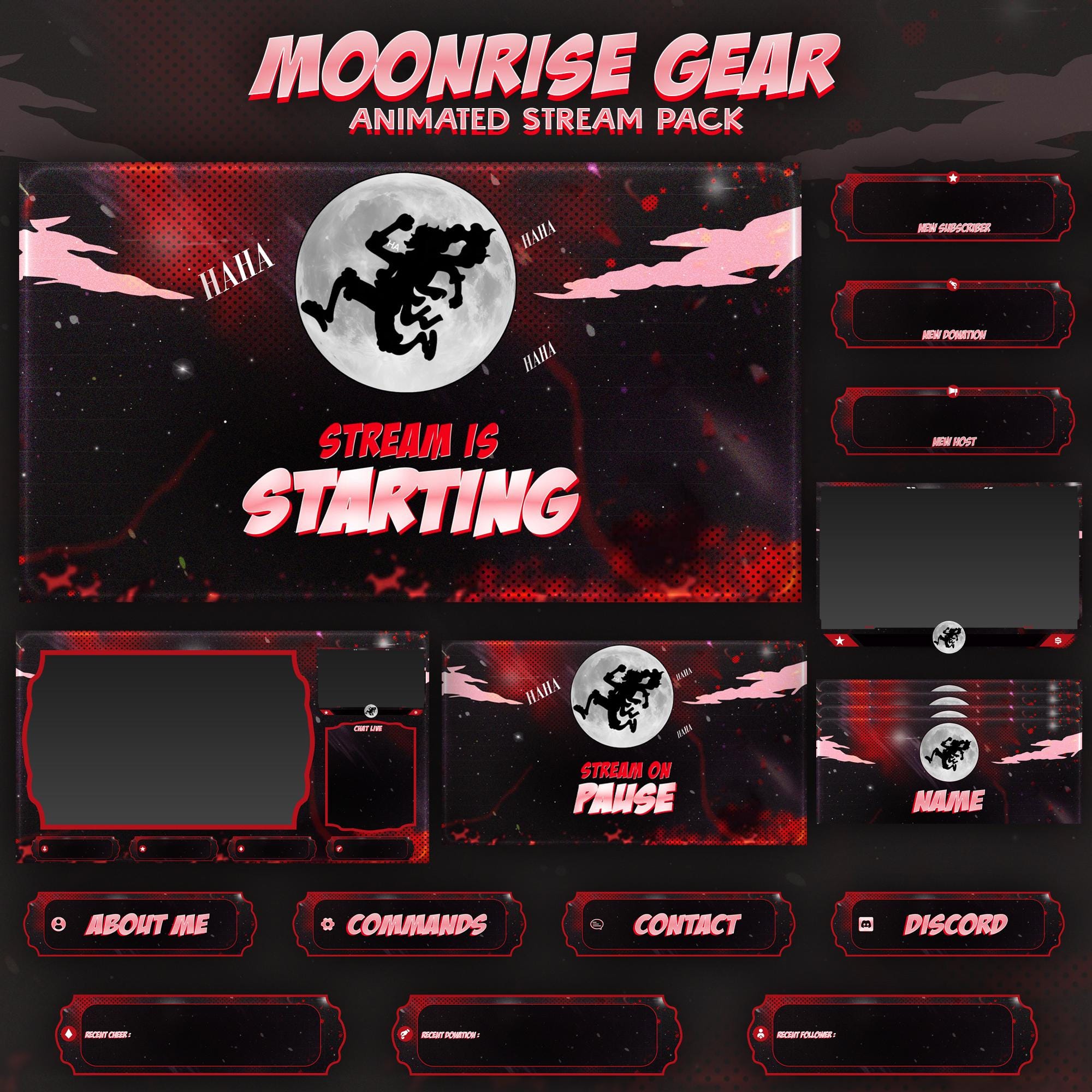
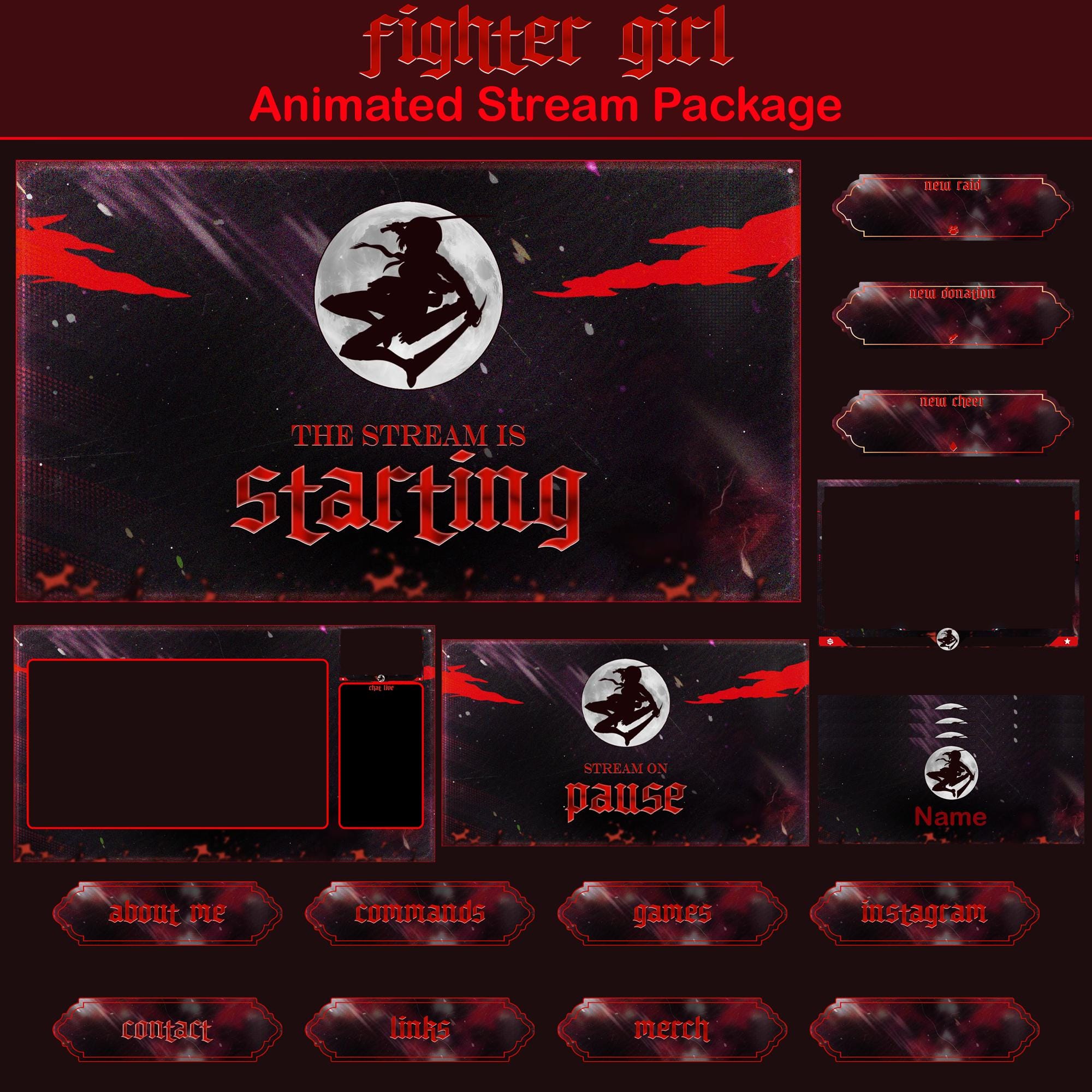
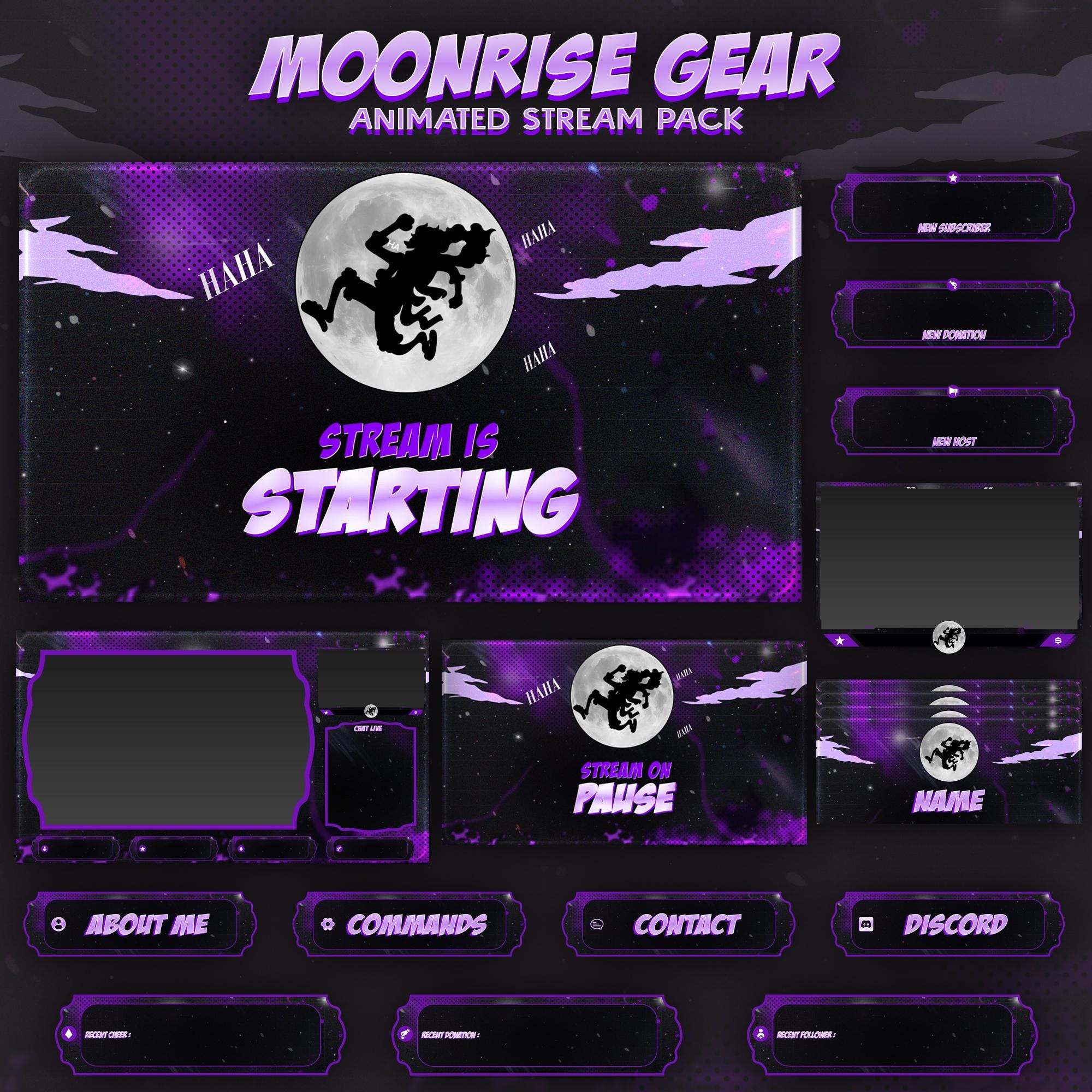
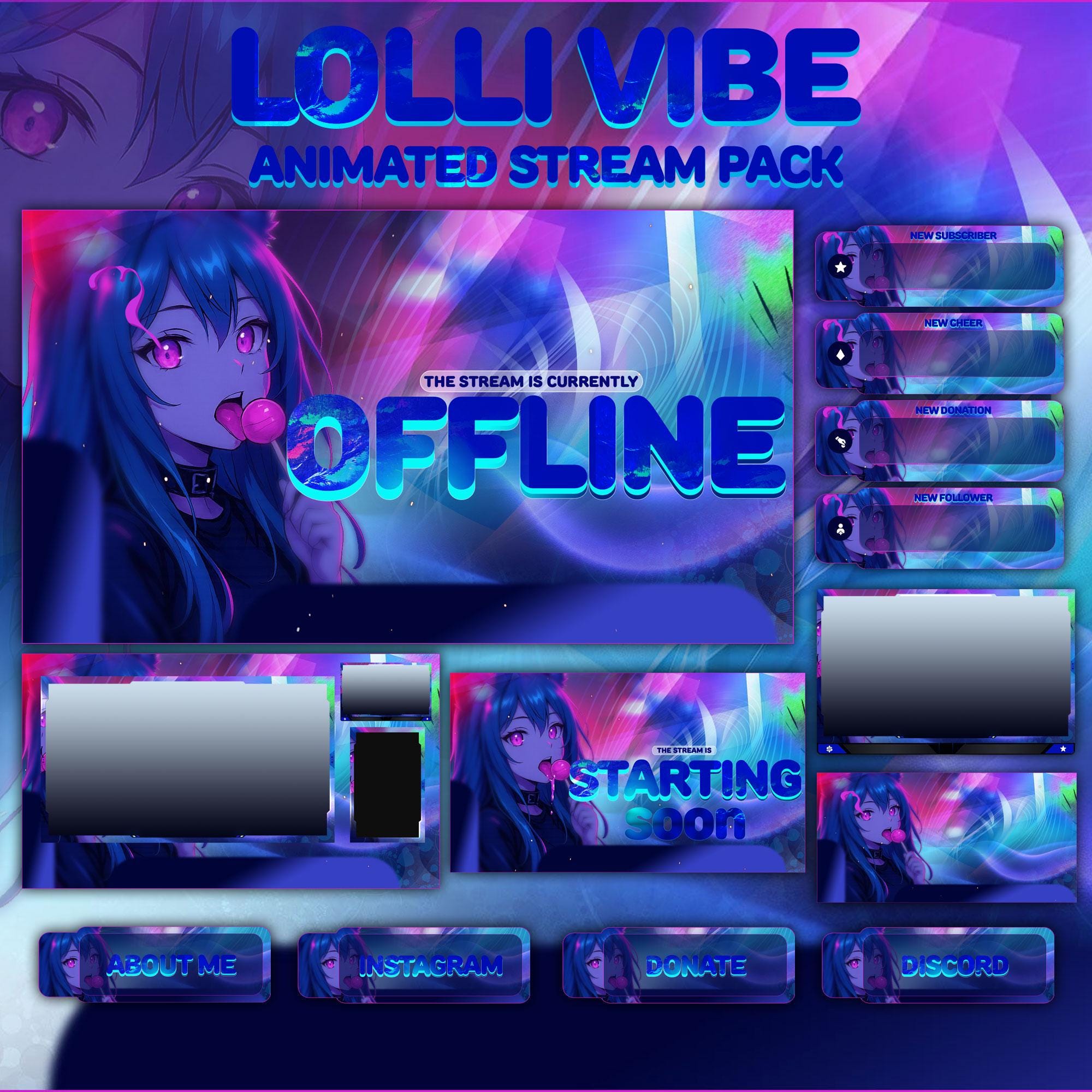
Ready to make your stream feel like a place?
127 animated overlay worlds - real preview videos on every pack, instant download, OBS-ready.