OverlayCraft Atelier
VTuber Overlays: How to Frame Your Model Like a Pro
Your model is the centerpiece - the overlay is the stage. Layer order, transparency, and the scene-mood trick that makes a 2D model feel like it lives somewhere.
The VTuber layer stack
VTuber scenes have one extra layer regular streams don't: the model itself, usually captured from VTube Studio or similar via window capture or Spout. The order that works:
- Alerts - top
- Foreground overlay elements (frames, petals drifting in front)
- Your model capture
- The animated scene / background overlay
- Game capture (if you're playing) - bottom, often inside a framed window
Transparency: alpha beats chroma
Capture your model with a transparent background whenever your software supports it (Spout2 output or a transparency-capable window capture) instead of green-screening. Chroma key eats fine details - hair edges, translucent fabrics - that alpha capture keeps. Save the green screen for when you have no alternative, and if you must key, key against a color absent from your model.
Why scene mood matters more for VTubers
A flesh-and-blood streamer's room gives their stream a setting for free. A VTuber floats in whatever you put behind them - which means the overlay isn't decoration, it's the entire physical world your character inhabits. A sakura storm, a neon alley, a candle-lit gothic study: pick the world that matches your character's lore and the whole stream reads as intentional.
This is why atmosphere-heavy packs work so well for VTubers - the expressive motion language matches the model instead of fighting it. Browse the anime collection and the Japanese worlds and imagine your model standing in each one.
Practical settings that keep your model crisp
- Capture the model at its native resolution and scale down in OBS - never up.
- Keep heavy overlay motion away from the model's silhouette; put drifting elements to the sides or in far background.
- If your model idles subtly, pair it with a slow-loop scene - mismatched motion speeds (frantic background, calm model) feel wrong within seconds.
- Test your framing against chat overlays on mobile: models tend to stand right where mobile chat lives.
Watch It in Action
Real animated packs from the VectorKingStudio channel - see the motion before you decide.
Animated Sakura Wolf Stream Overlay - Twitch, Kick & VTuber
Animated Red Moon Samurai Stream Overlay - VTuber ready
FAQ
Scene-based packs with expressive but slow motion - anime, sakura, gothic and cozy worlds. The overlay becomes your character's environment, so pick one that matches their lore.
Gear up
Packs From This Guide
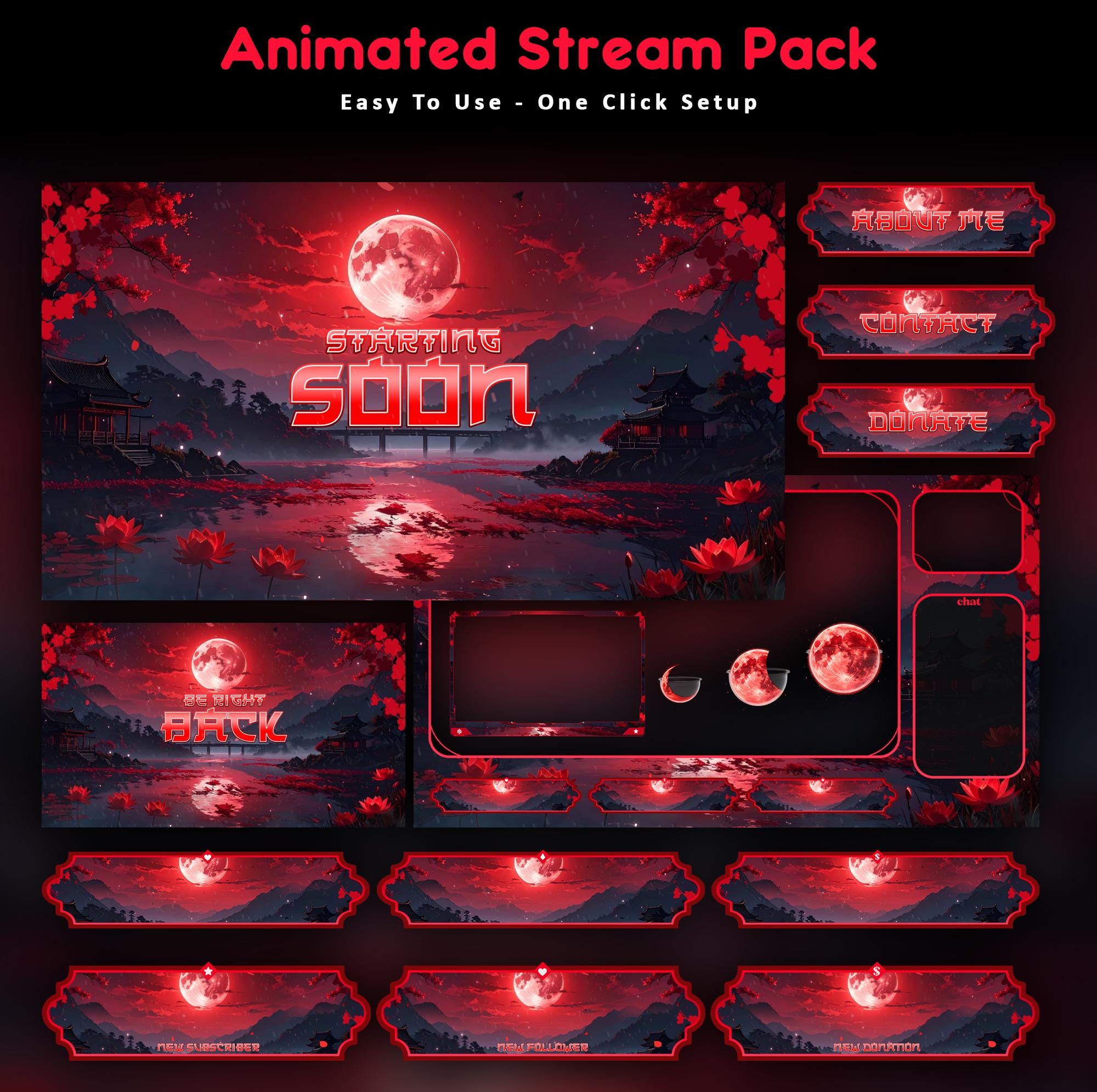
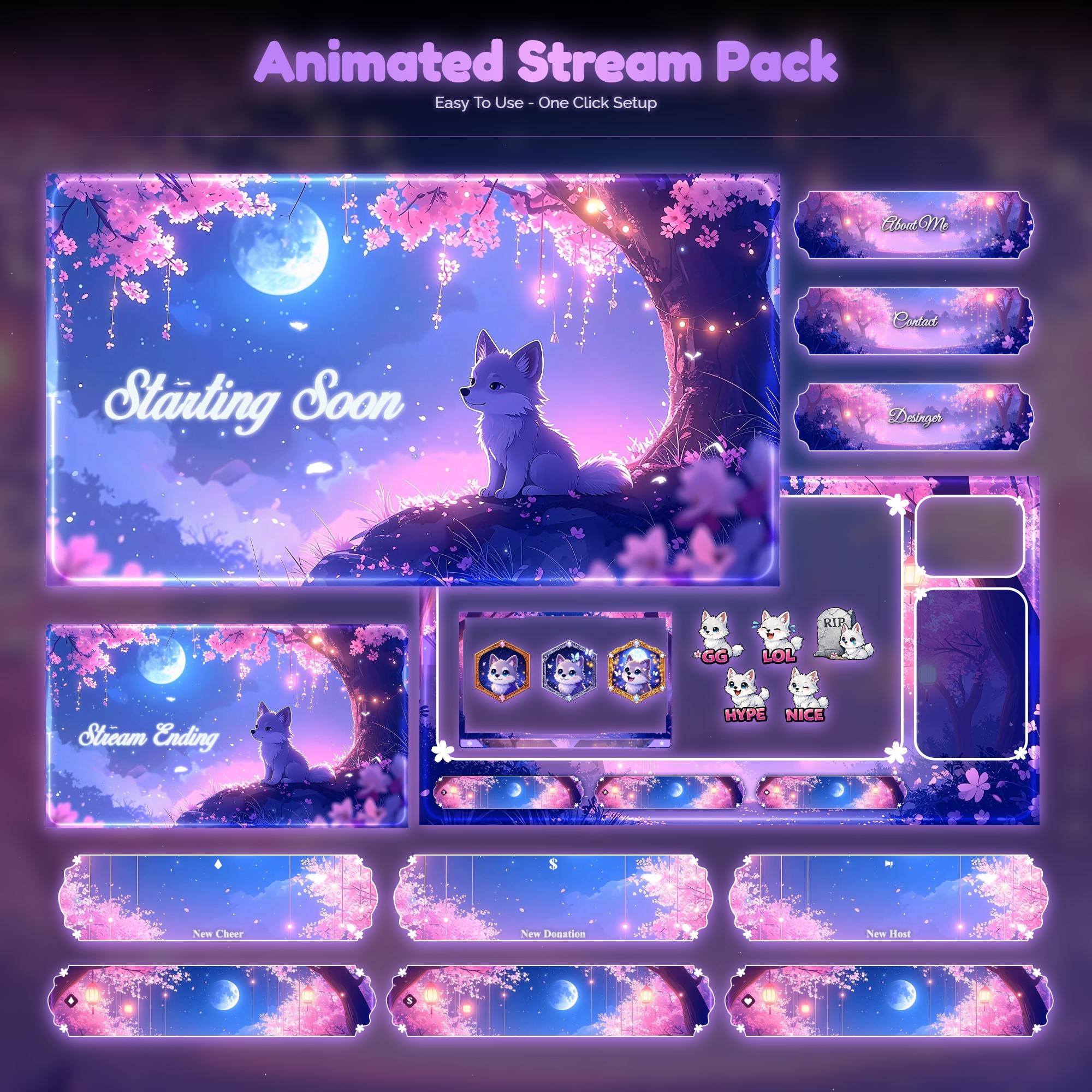
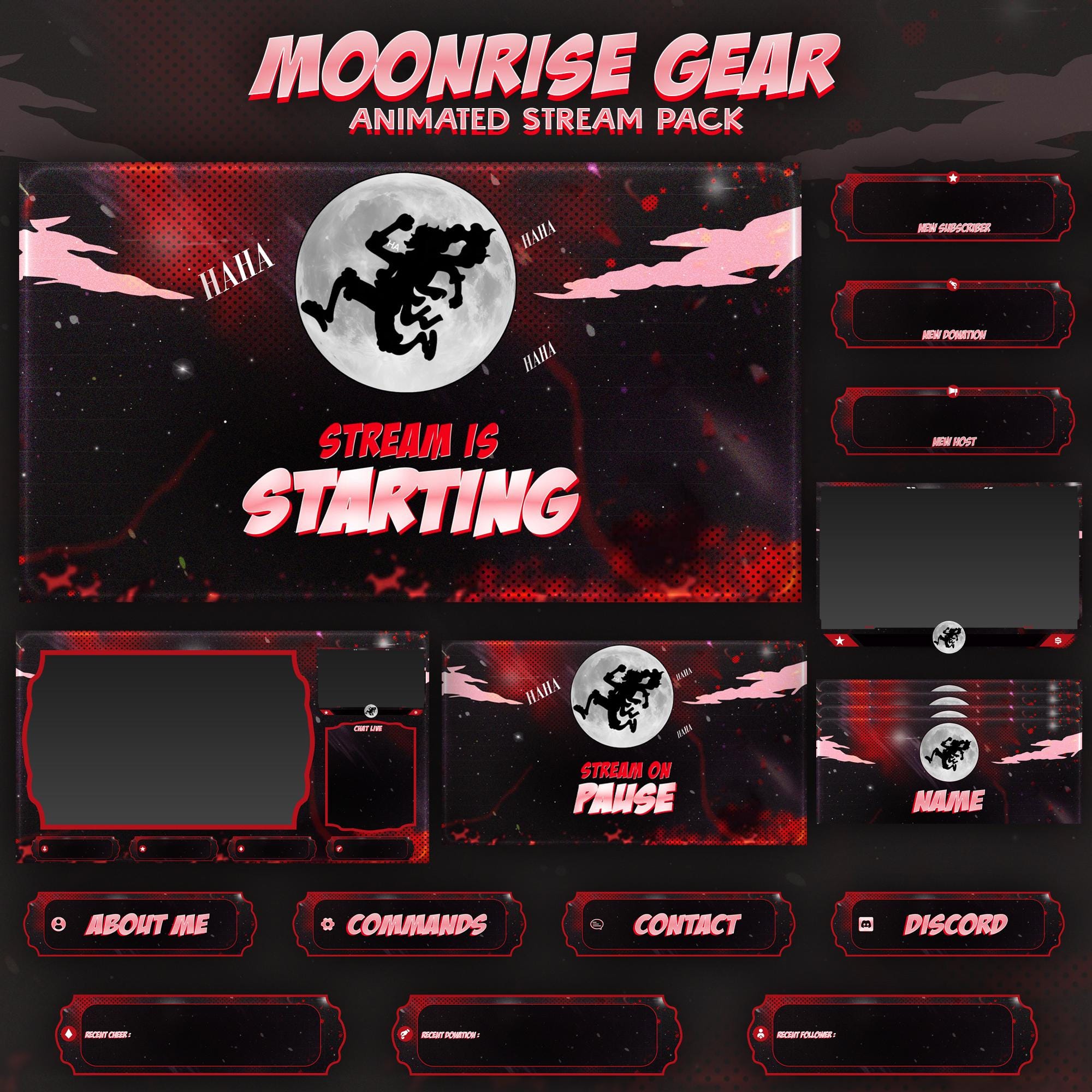
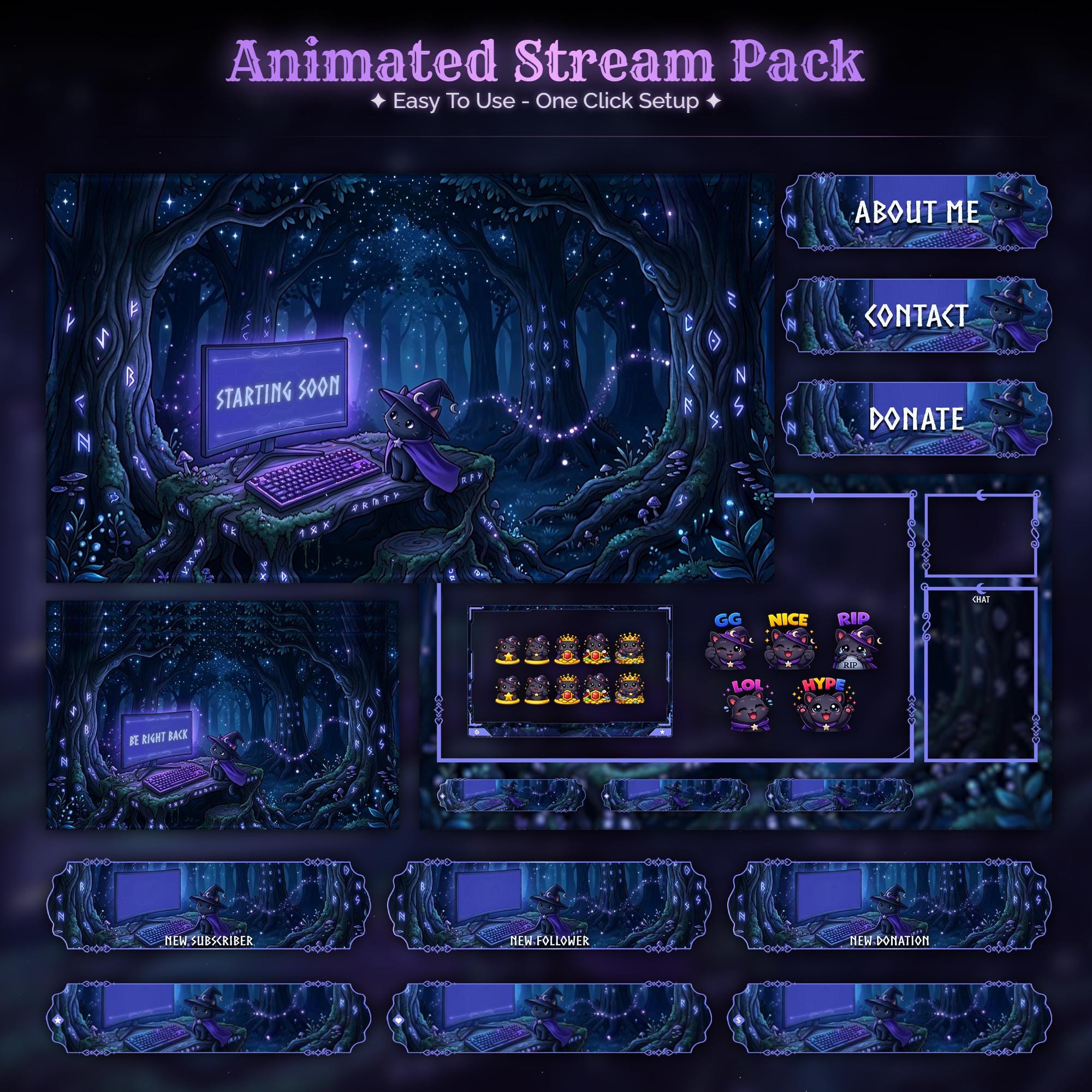
Ready to make your stream feel like a place?
127 animated overlay worlds - real preview videos on every pack, instant download, OBS-ready.