OverlayCraft Atelier
Spooky Season Stream Overlays: Dress Your Channel for the Season
Candlelight, cathedral shadows and things that move in the dark - everything you need to turn your channel gothic for October and horror marathons.
Why run a Spooky Season overlay
Seasonal overlays are everything you need to turn your channel gothic for October and horror marathons. Swap your look for the month, then switch your yearly set back - viewers notice the effort, and a channel that feels current to the calendar reads as active and cared-for.
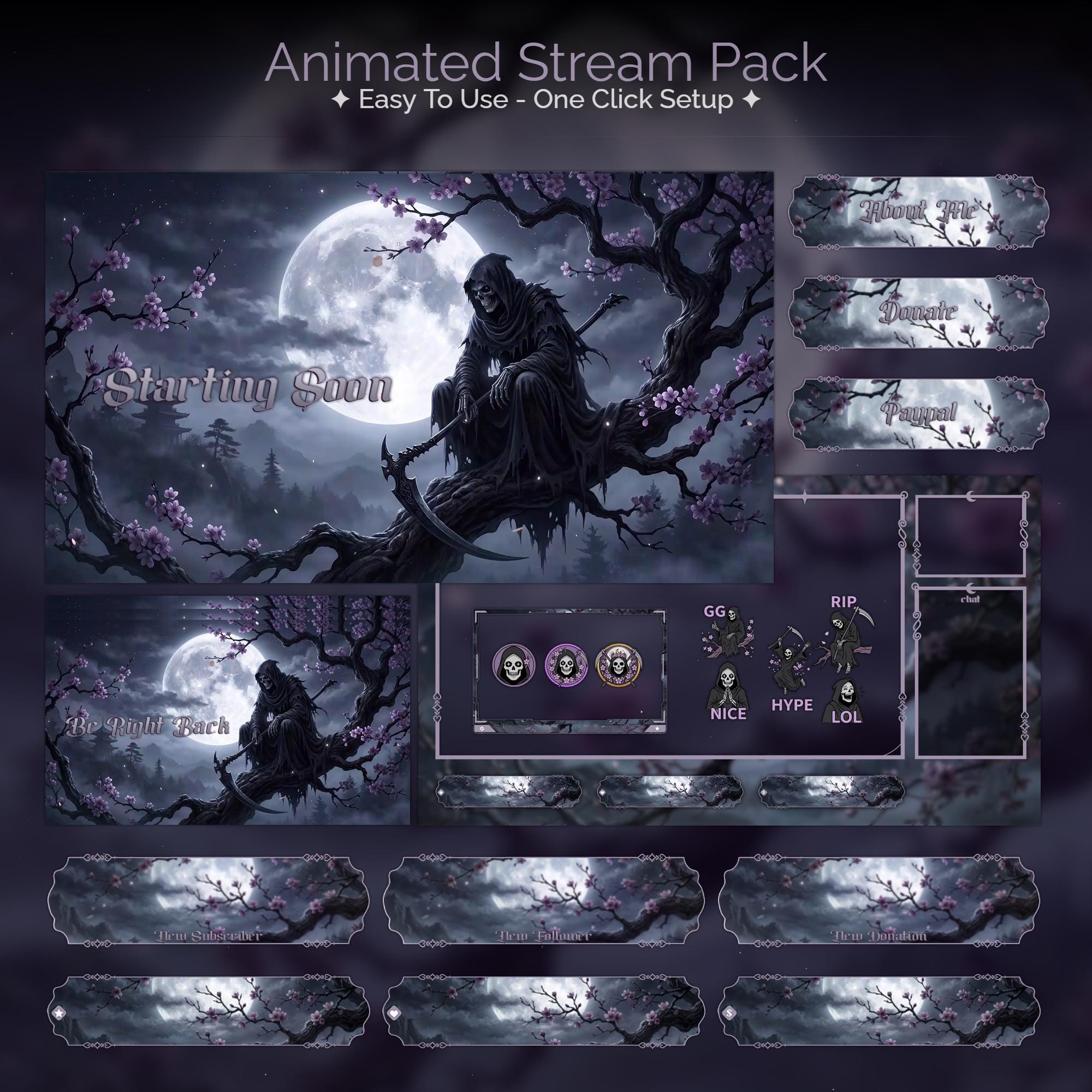
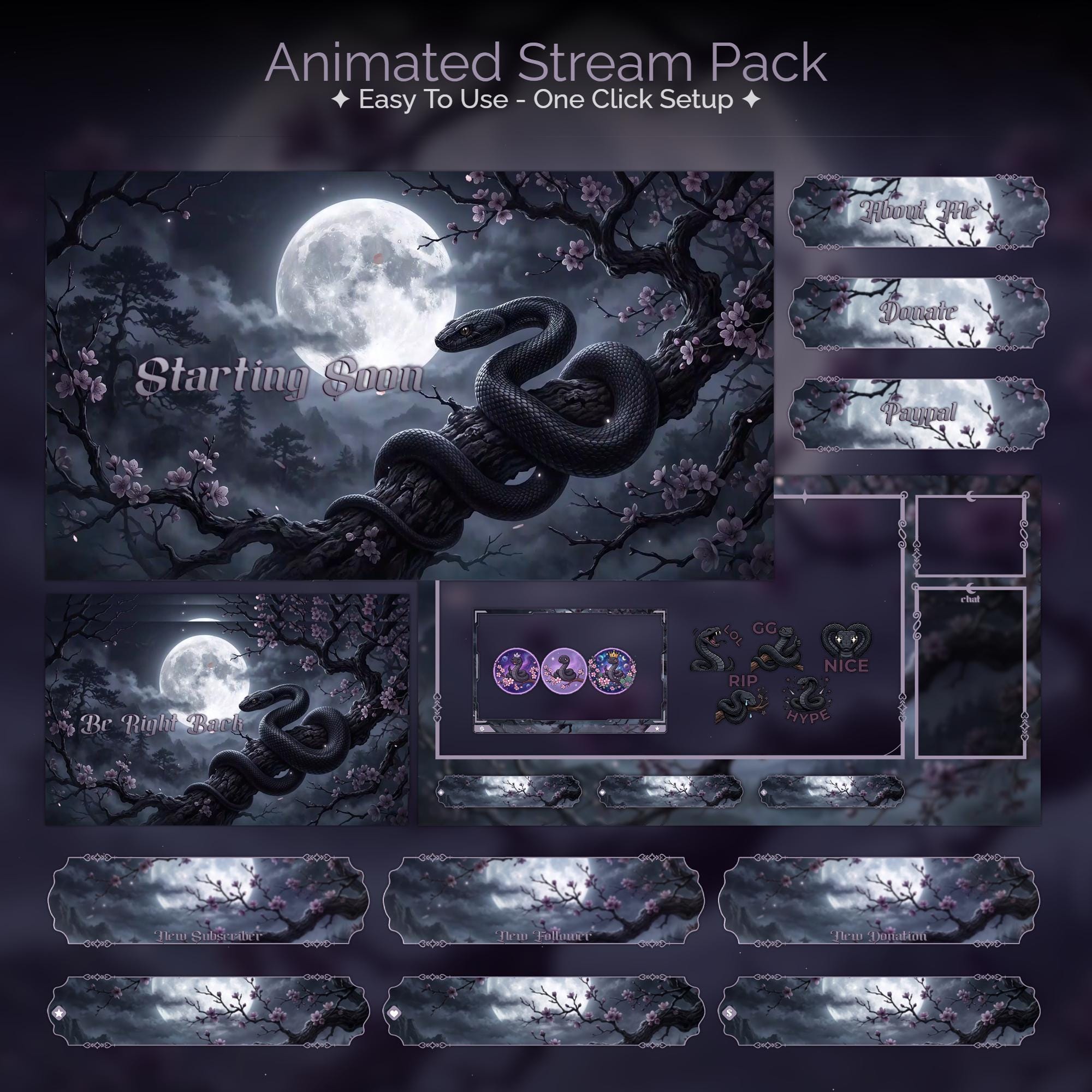
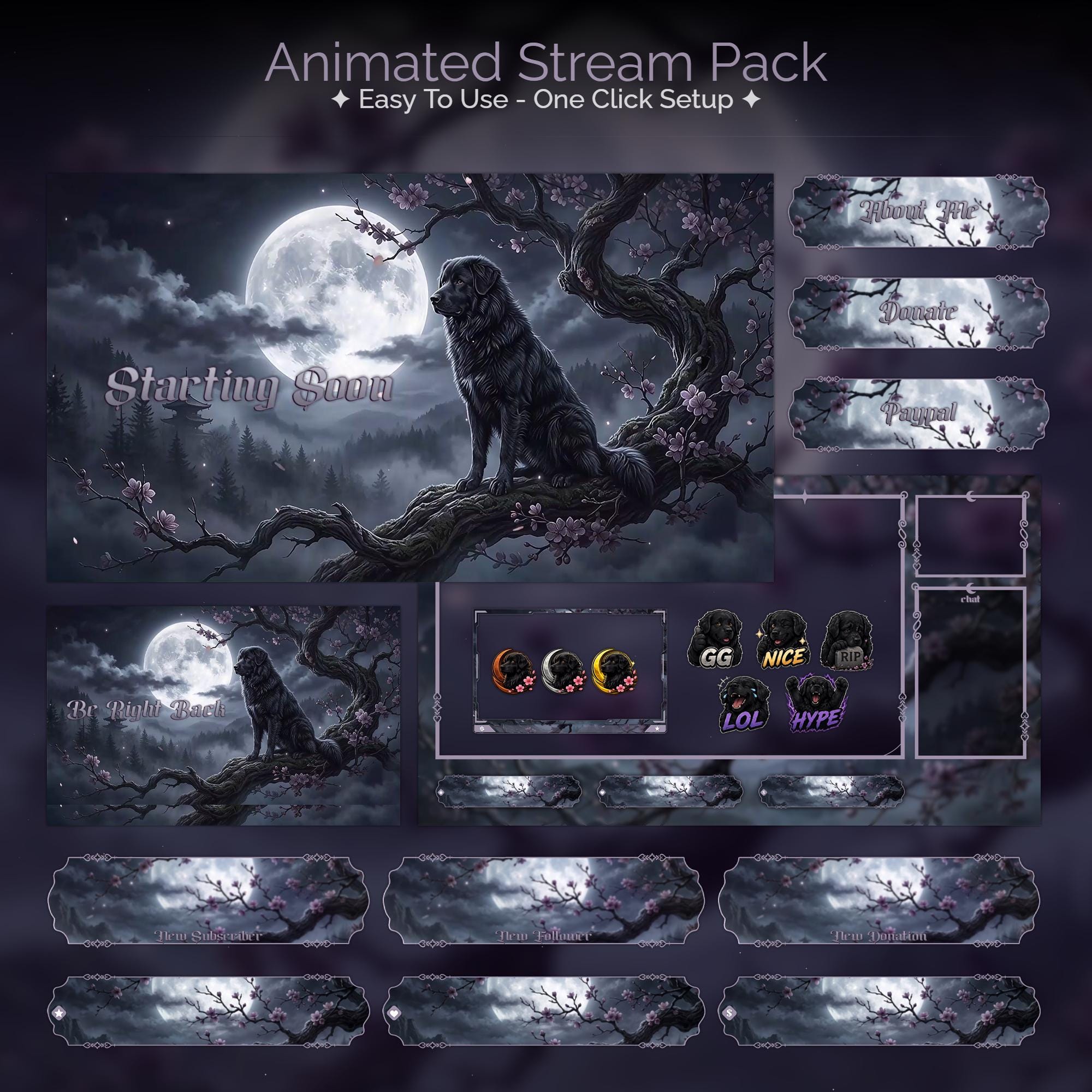
Each Spooky Season pack is still a complete kit: animated Starting Soon, BRB, Ending and Offline screens, a webcam frame, alerts and panels - all matched, all drop-in ready. Browse the seasonal and gothic collections.
What's in a Spooky Season pack
- Animated screens with candlelight, cathedral shadows and things that move in the dark
- A matching webcam frame and in-game overlay
- Seasonal animated alerts for follows, subs and raids
- Info panels in the same theme
Timing it right
Grab your seasonal look ahead of the season - Spooky Season streams look their best when the overlay is up before everyone else's. Setup is minutes: drop the screens into OBS as looping Media Sources and go live. Full walkthrough: how to add an overlay to OBS.
FAQ
A week or two before the season peaks. Early adopters look established while everyone else is still on their default look.
Gear up
Packs From This Guide
Ready to make your stream feel like a place?
127 animated overlay worlds - real preview videos on every pack, instant download, OBS-ready.