-75% OFF
Custom Twitch Overlay
Custom Twitch Overlay | Stream Package | Animated Custom Stream Overlays | Panels | Alerts | Screens | Emotes | Sub Badges4.9 · 193 shop reviews
$100.00$400.00
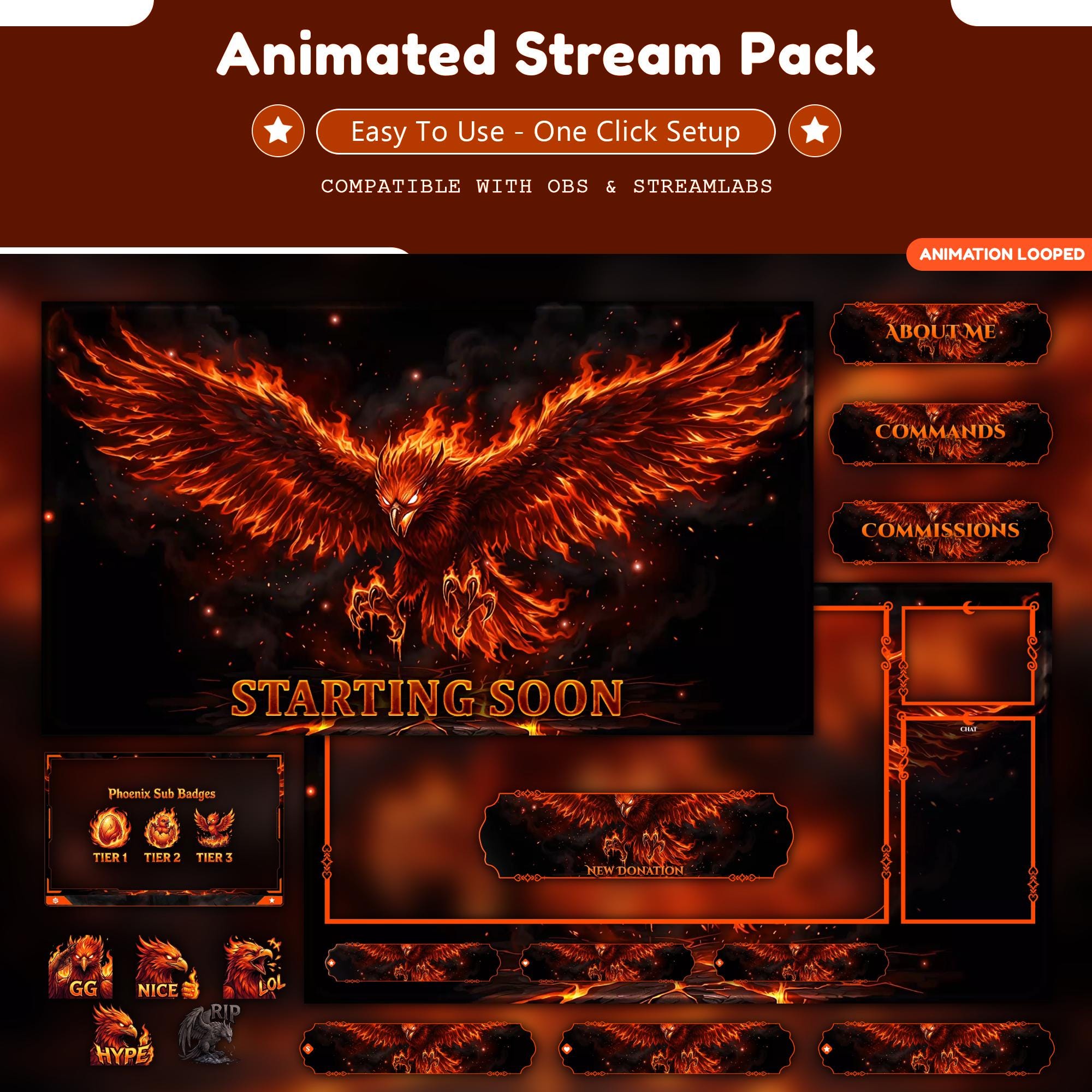
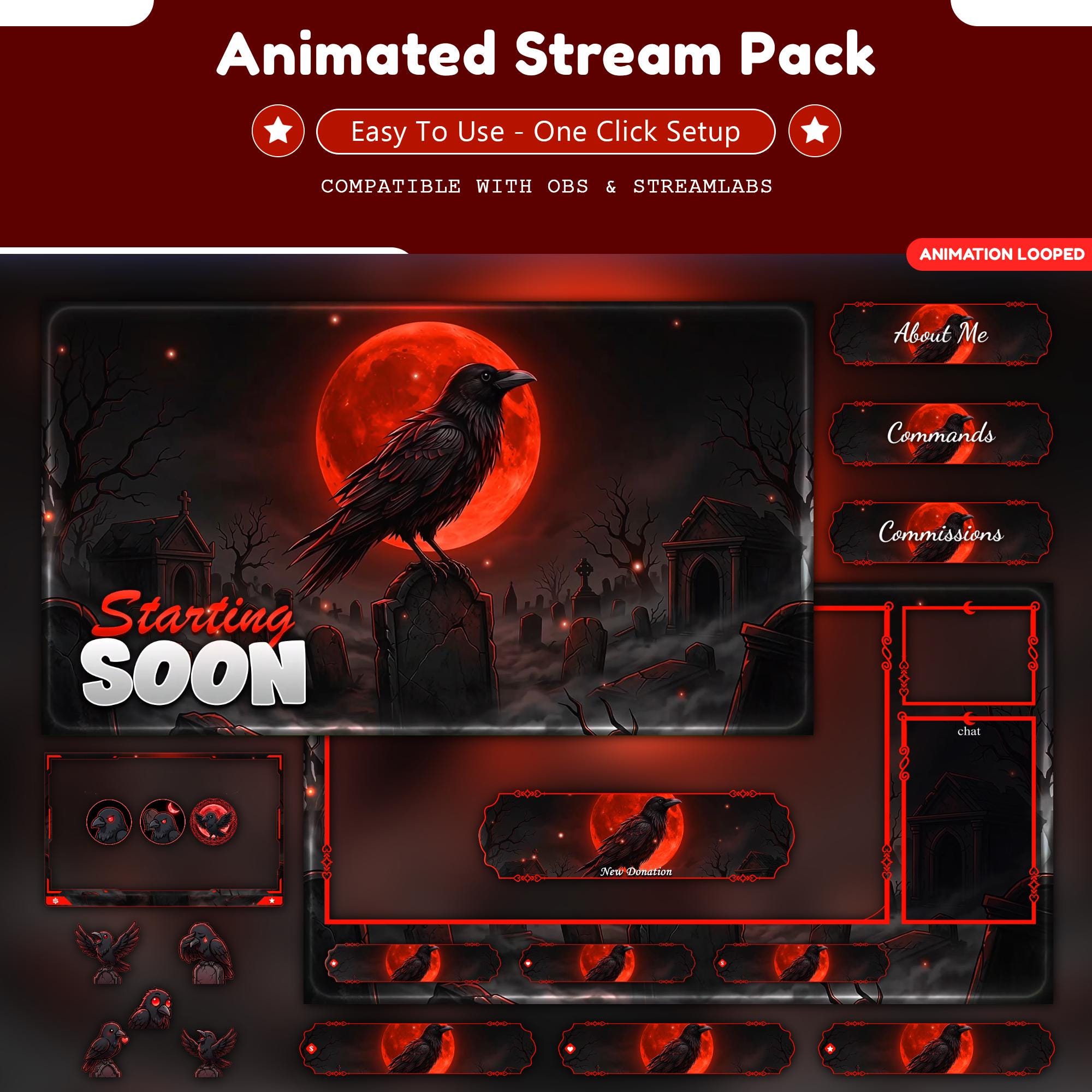
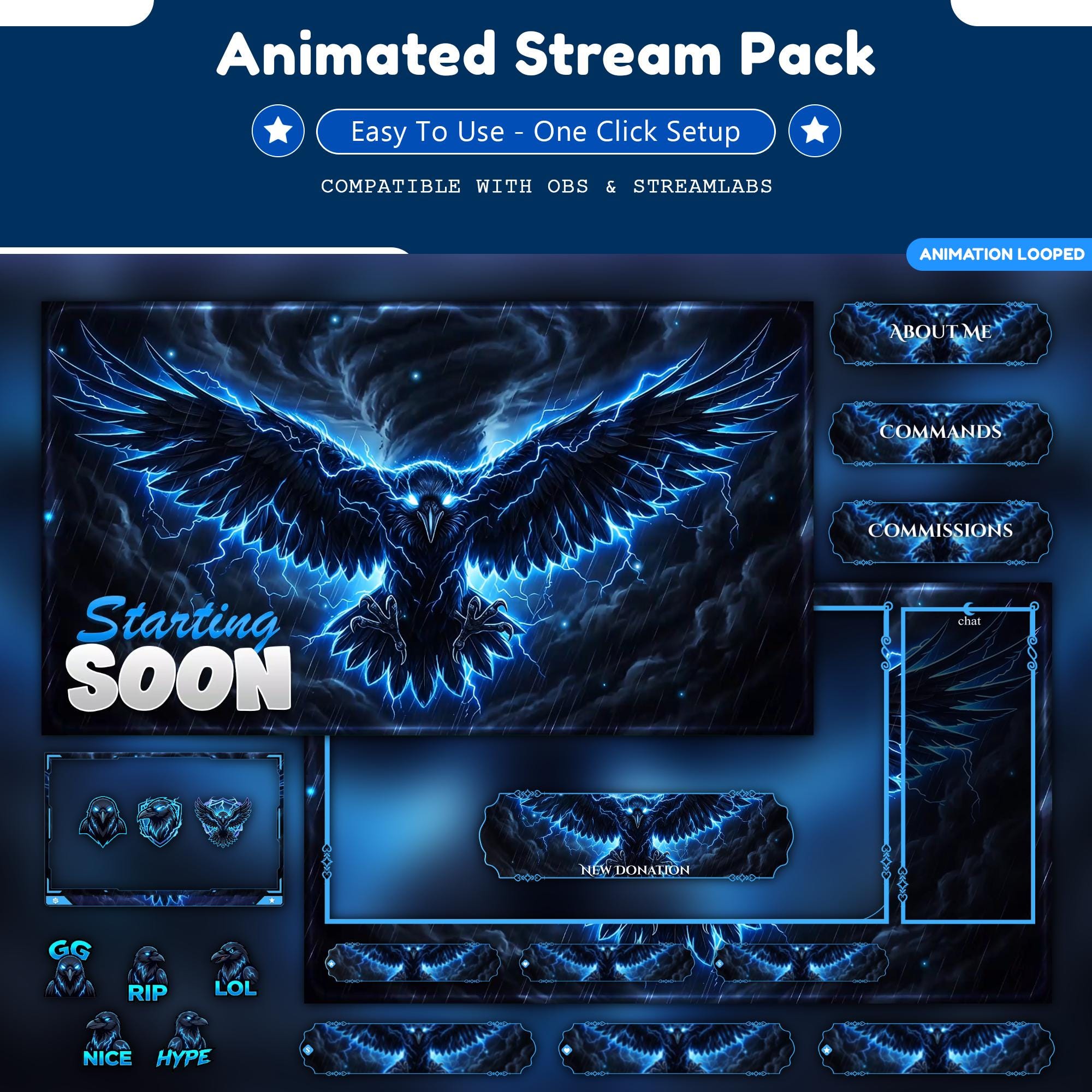
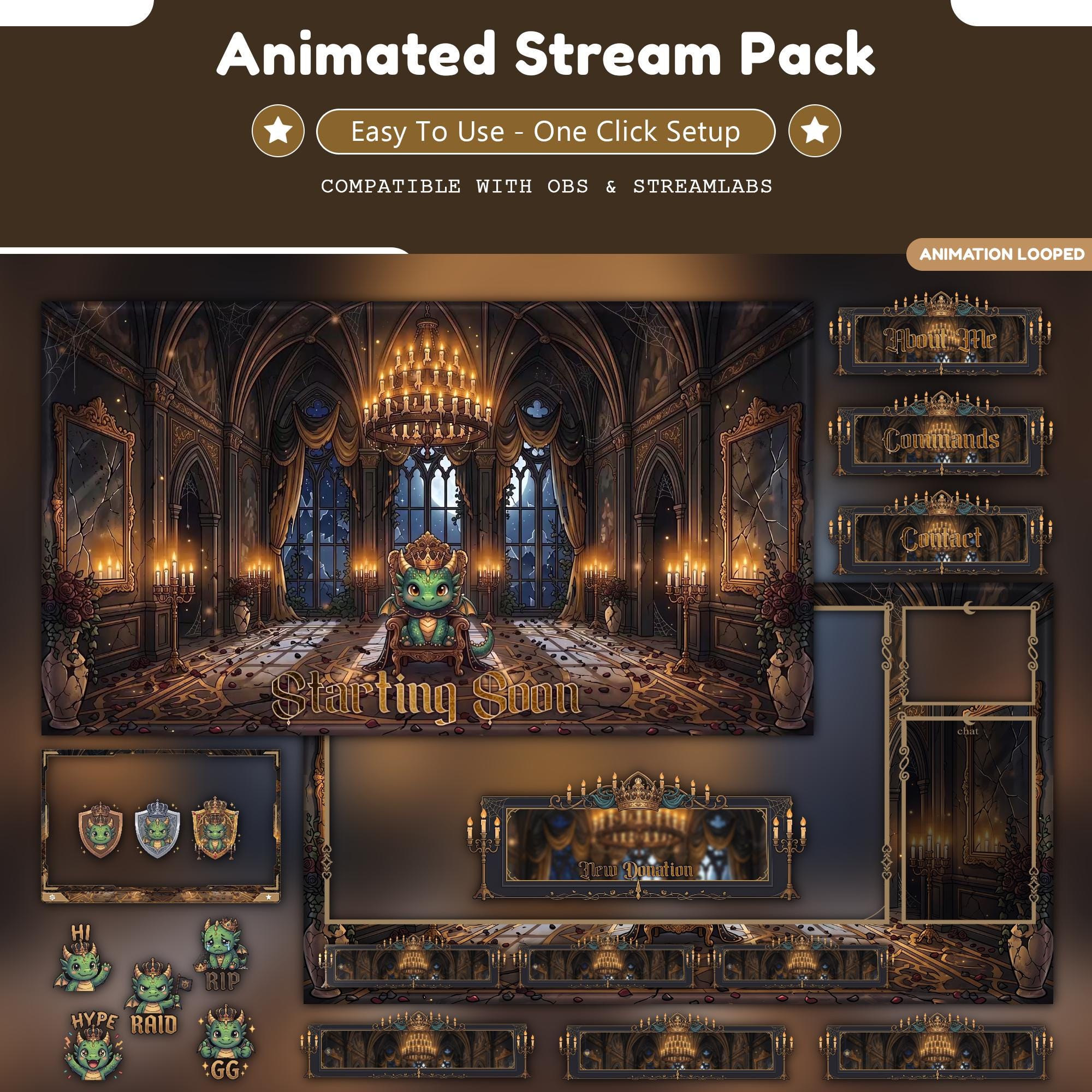
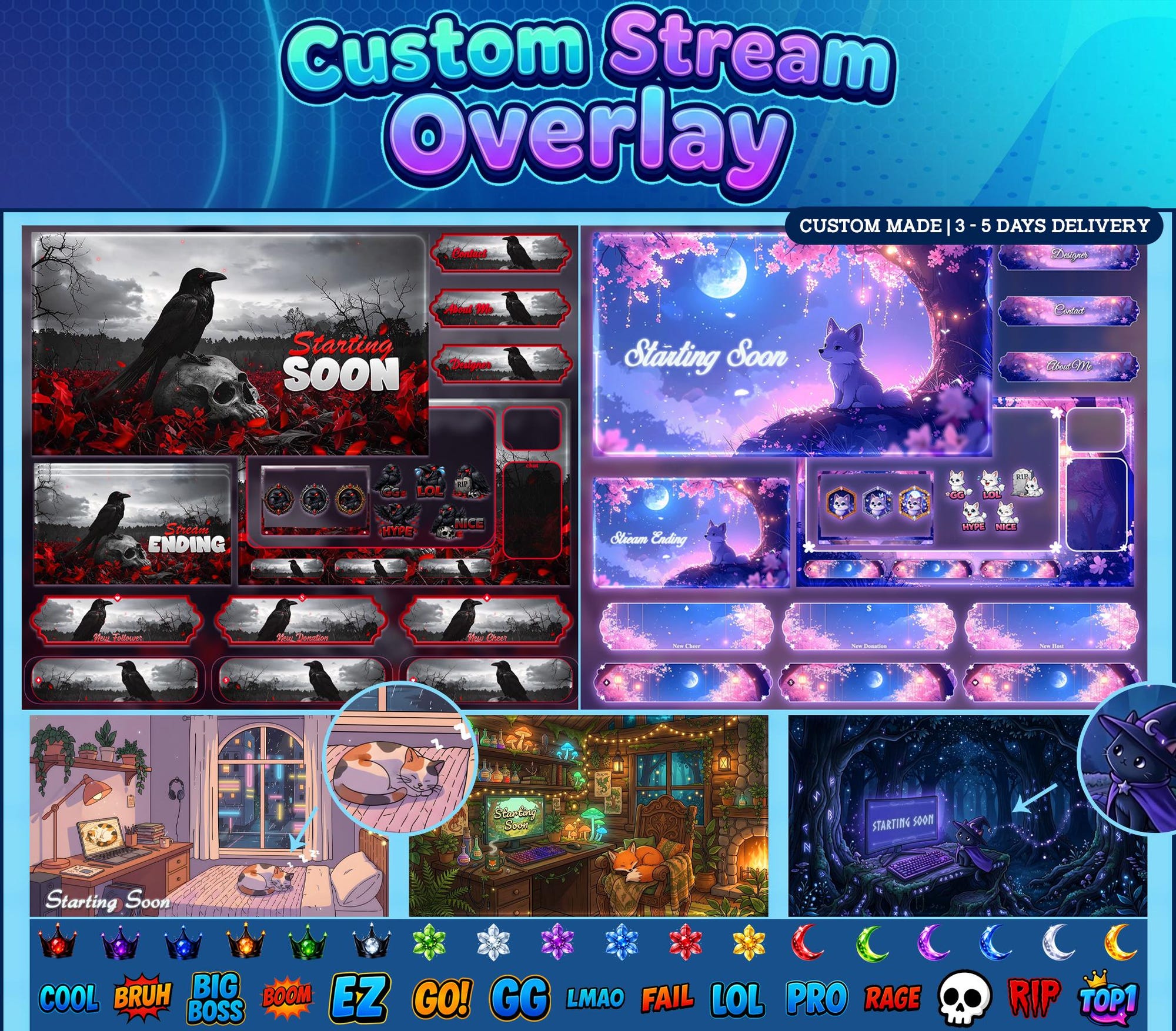
Custom Twitch Overlay - a complete matched stream identity: animated screens, facecam frames, game overlay, alerts and panels in one coherent look. Instant download, live in OBS in minutes.
Instant download OBS Studio Streamlabs Twitch YouTube Kick
What's Included
- Custom art direction from your brief
- All animated screens (Starting Soon, BRB, Ending, Offline)
- Custom facecam frames & game overlay
- Animated alerts & transitions
- Panels & banners
- Full Brand tier: emotes, sub badges, mascot logo
- Two revision rounds included
How to Install
- 1Unzip the pack - screens, frames, alerts and panels are sorted into folders.
- 2In OBS/Streamlabs: add a Media Source to your scene and select the animated file (loop enabled).
- 3Add your facecam frame as an Image source above your camera.
- 4Upload alerts to your alert tool (StreamElements/Streamlabs) and panels to your channel page.
- 5Go live. That's genuinely it.
Also known as
- Stream Twitch Overlay
- Twitch Overlay Stream
- Stream Overlay Stream
- Stream Overlay
- Stream Twitch
- Stream Overlay
- Twitch Overlay
- Twitch Overlays
- Stream Overlays
- Stream Twitch Pack
- Animated Stream Overlay
- Kick Stream Package
- Vtuber Overlay
Same world, different doors